How to Spot a Genuine Prebuilt Gaming PC Deal
Prebuilt gaming PC "sales" are easy to fake with inflated list prices. Here is how to verify a discount is real before you buy.
Main page for gaming pcs: Gaming PCs →
Prebuilt gaming PC "sales" are easy to fake with inflated list prices. Here is how to verify a discount is real before you buy.
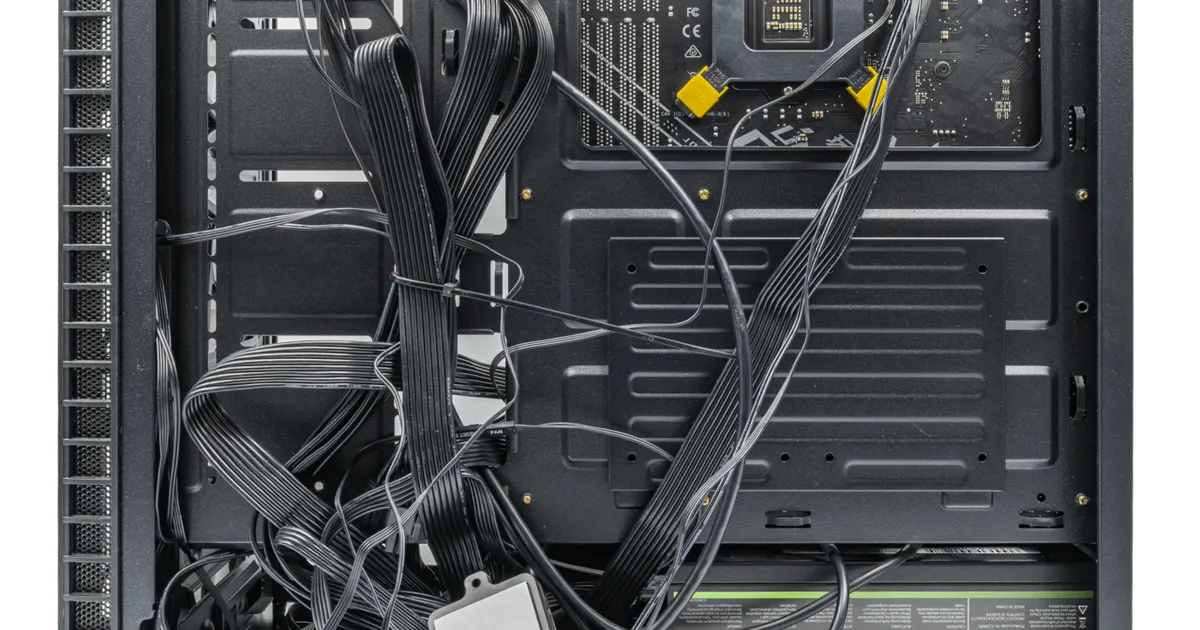
Photo by PantheraLeo1359531 / Wikimedia Commons / CC BY 4.0
Prebuilt gaming PCs are one of the easiest categories to fake a discount in. A single tower bundles a CPU, GPU, motherboard, storage, and case into one price, which makes it hard to eyeball whether a “was $X, now $Y” sticker reflects a real price drop or a list price that was inflated specifically so it could be “discounted.” Before you treat any prebuilt sale as a reason to buy, it helps to know what you are actually looking at.
Understand Why the “Was” Price Exists
Retailers and system integrators set manufacturer suggested retail prices (MSRP) or “compare at” prices themselves — nothing requires that number to reflect what the PC ever actually sold for. A common tactic is to list a build at an inflated price for a short window, then “discount” it back down to what was always the intended selling price. The percentage-off badge looks dramatic, but the price you’d actually pay may not have moved at all. The only way to know is to look at the sale price itself, independent of the claimed discount, and compare it against the individual component cost.
Price-Check the Components, Not Just the Bundle
Every prebuilt is a sum of parts you can look up individually: the specific CPU model, GPU model, amount and speed of RAM, storage capacity and type (NVMe vs. SATA), motherboard chipset, and PSU wattage and certification. Add up roughly what those parts would cost separately, then compare that to the prebuilt’s price. A reasonable premium for assembly, cable management, testing, and warranty support is normal — but if the “deal” price is barely below or even above what the parts would cost on their own, it isn’t the bargain the marketing suggests.
Watch for Component Downgrades Disguised as Deals
Some sellers keep a product listing’s name and photos identical across months while quietly swapping in a cheaper PSU, a slower storage drive, or a different RAM kit to hit a lower price point. Always check the full spec sheet on the actual listing you’re buying, not just the headline GPU and CPU, and compare it against what that same listing showed in the past if you can find an archived version or your own screenshots. A “deal” that only looks good because the internals got quietly cheaper isn’t a discount at all.
Time Purchases Around Generation Cycles
Prebuilt prices tend to move most predictably around new GPU or CPU generation launches. When a new generation of graphics cards or processors is expected, retailers often discount PCs built around the outgoing generation to clear inventory. If you don’t need the latest hardware immediately, buying just before or during that transition window can mean genuine savings — but if you do care about having the newest architecture, buying right into that discount window means you’re accepting older tech. Broader retail calendar moments (major end-of-year and back-to-school sale periods) are also when bundle pricing gets most competitive, simply because more sellers are competing for the same buyers at once.
Check the Return and Warranty Terms Before You Click Buy
A discounted PC is a worse deal than it looks if the return window is short or the warranty only covers labor, not parts. Before buying on sale, confirm:
- The length of the return/refund window and whether it covers “changed your mind” returns or only defects.
- Whether the warranty covers parts and labor, and for how long.
- Whether individual components (GPU, PSU) carry their own separate manufacturer warranty that survives if the system builder goes out of business.
- Who pays return shipping if something arrives dead on arrival.
A Simple Verification Checklist
- Add up the individual component prices and compare to the bundle price.
- Confirm the exact spec sheet matches what’s advertised, down to storage type and PSU wattage.
- Check price history if you can find it, rather than trusting a single “compare at” number.
- Review the return window and warranty terms before checkout.
- Consider whether a new hardware generation is close enough to wait for.
Treat the discount badge as a starting point for research, not a reason to buy. The PCs that are actually worth buying on sale are the ones that hold up once you’ve done this kind of homework.
Our picks: Prebuilt gaming PCs
Shop on Amazon
Affiliate links.As an Amazon Associate I earn from qualifying purchases. Links below go to Amazon; prices and availability change, so check Amazon for current pricing.Affiliate disclosure
Skytech Gaming PC RTX 5070
Prebuilt with standard parts that are easy to upgrade.
Check price on Amazon

Illustrative photos: Photo by Gaming PC Bundle / Wikimedia Commons / CC BY-SA 4.0; Photo by PantheraLeo1359531 / Wikimedia Commons / CC BY 4.0; Photo by Brian Wong / Wikimedia Commons / CC BY-SA 2.0