Standing Desk Converters: Turning a Fixed Desk Into a Sit-Stand Setup
How desk converters work, whether they suit a gaming setup with large monitors, and what to check for weight capacity and keyboard height.
How desk converters work, whether they suit a gaming setup with large monitors, and what to check for weight capacity and keyboard height.
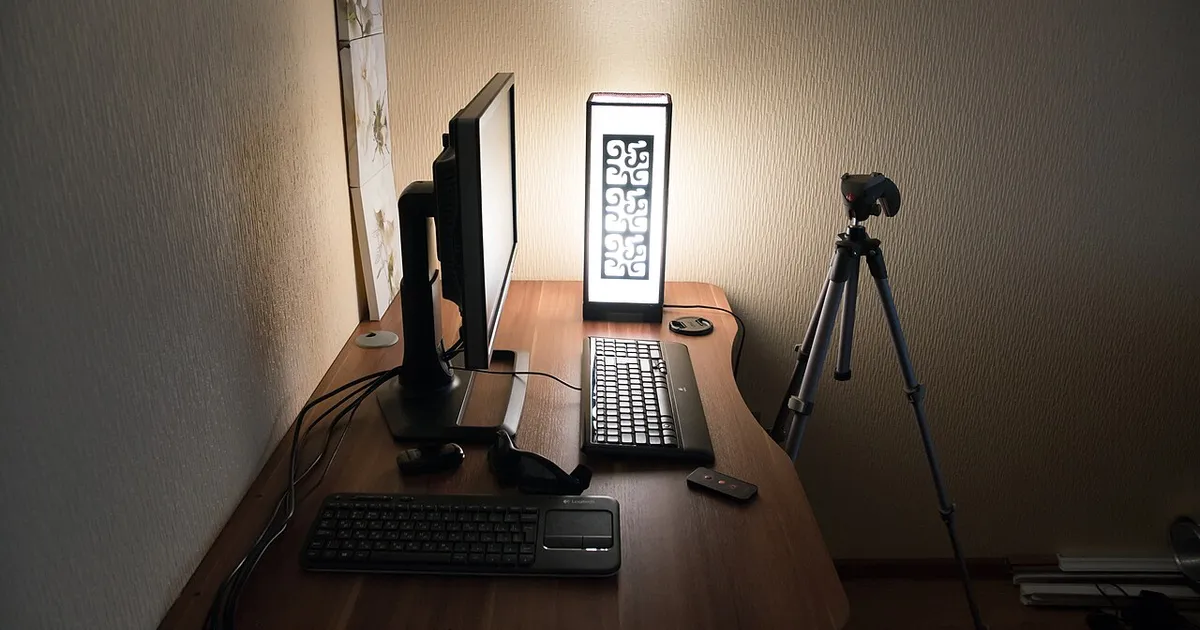
Photo by Vyacheslav Argenberg / Wikimedia Commons / CC BY 4.0
Affiliate links.As an Amazon Associate I earn from qualifying purchases. Links below go to Amazon; prices and availability change, so check Amazon for current pricing.Affiliate disclosure
A standing desk converter sits on top of your existing desk and lifts your monitor, keyboard and mouse for standing. It’s cheaper than a new standing desk and works if you can’t replace your desk. This guide compares popular converters by design and listed features, not lab testing. We don’t list prices; links go to Amazon’s current listings.
Quick answer
| Converter | Notes |
|---|---|
| FlexiSpot standing desk converter | Many sizes and styles, including electric |
| VIVO standing desk converter | Budget-friendly options |
| Vari standing desk converter | Premium build, known for stability |
Converter or standing desk?
- Converter: cheaper, sits on your current desk, no assembly of a full desk.
- Standing desk: cleaner look, more stable, more space, and the whole surface moves. See standing desk deals.
Lift styles
- Z-lift: rises straight up. Takes less space behind and in front.
- X-lift: scissor mechanism. Very stable.
- Arc-lift: moves forward as it rises. Needs clearance in front.
What to check
- Size: enough surface for your monitor and keyboard tray.
- Weight capacity: monitors, plus anything else on top.
- Two-tier design: a lower keyboard tray puts the keyboard at elbow height.
- Height range: reaches your standing elbow height.
- Stability: wobble at full height matters for gaming.
- Manual or electric.
Gaming considerations
- Mouse space: some keyboard trays are narrow. Low-sensitivity players need room.
- Monitor height: a monitor arm on the converter can fine-tune height.
- Cable slack: leave enough for full height. See cable management for standing desks.
- Heavy PCs: keep the PC off the converter.
Ergonomics
- Elbows at about 90 degrees at the keyboard.
- Monitor top at or slightly below eye level.
- Anti-fatigue mat for longer standing.
- Alternate sitting and standing.
FAQ
Are standing desk converters stable enough for gaming? Good ones are. Look for wide bases and check reviews for wobble.
Can a converter hold two monitors? Larger models can; check width and weight capacity.
Bottom line
A converter is an affordable way to sit and stand at your existing desk. Check size, weight capacity, mouse space and stability. More in compact gaming desks for small rooms.
Our picks: Gaming desks
Shop on Amazon
Affiliate links.As an Amazon Associate I earn from qualifying purchases. Links below go to Amazon; prices and availability change, so check Amazon for current pricing.Affiliate disclosure

Illustrative photos: Photo by Ssamm T / Wikimedia Commons / CC BY-SA 4.0; Photo by Luke Chesser / Wikimedia Commons / CC0