Home/PC Gaming/PC Games/War Thunder
War Thunder
Affiliate offer links. These download links go through the AfBooster affiliate network. GamingScrims is paid by the network when someone who clicks one installs a game and logs in for the first time. You pay nothing extra, and GamingScrims does not give rewards for installing. Affiliate disclosure
Free to download · Windows PC and Mac · On your phone? Open this page on your computer to install.
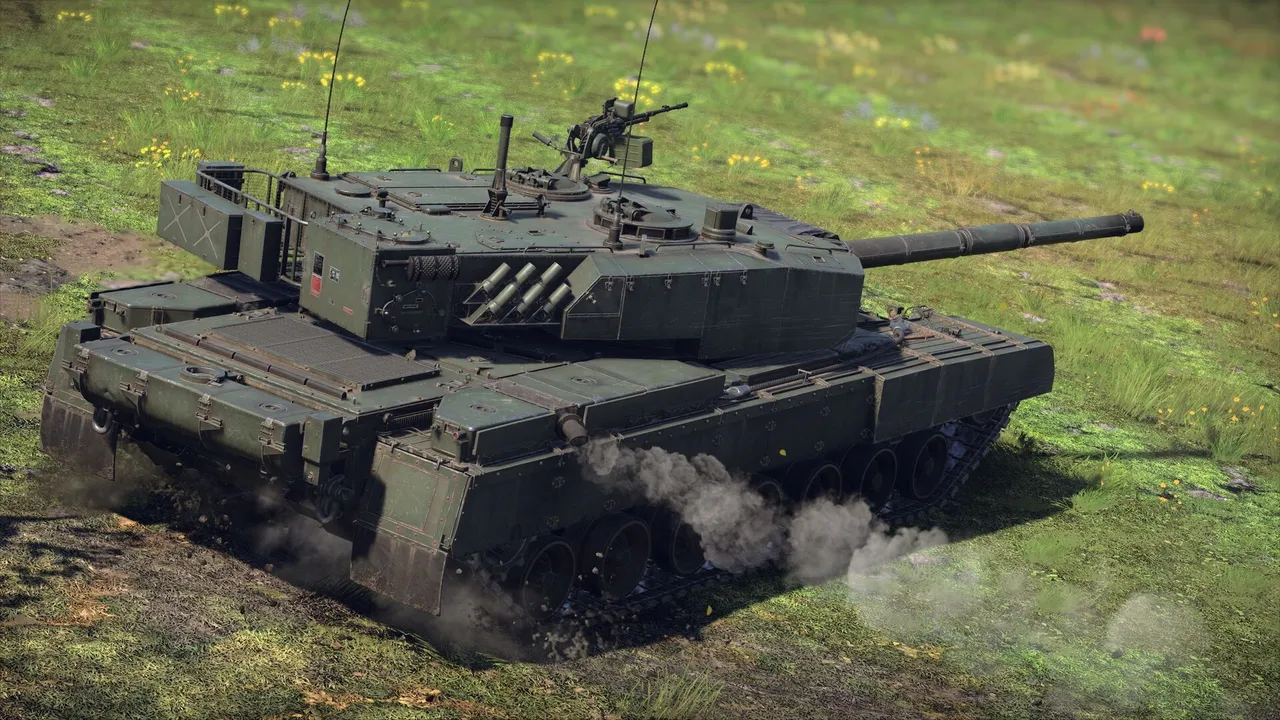
War Thunder is Gaijin Entertainment's free military vehicle MMO, and one of the longest-running free games on PC. It covers aircraft, helicopters, tanks and ships from the early twentieth century to modern vehicles, with over 3,000 vehicles and 100 maps. It has been on Steam since August 15, 2013, with more than 330,000 English user reviews and a Metacritic score of 81.
Here is what the game is, what your PC needs, and how to get a good start.
Quick verdict: worth installing if you love military vehicles and want depth that lasts for years. Skip it if you dislike long grinds; progression through the higher tiers is slow without spending.
Key facts:
- Free-to-play military vehicle combat MMO
- Developed by Gaijin Entertainment, published by Gaijin Network
- On Steam since August 15, 2013
- Over 3,000 vehicles and 100 maps based on historical theatres
- Aircraft, helicopters, ground vehicles and naval craft
- Steam user reviews: Mostly Positive, 72% of about 330,000 English reviews; Metacritic 81 (as of November 7, 2026)
What Is War Thunder?
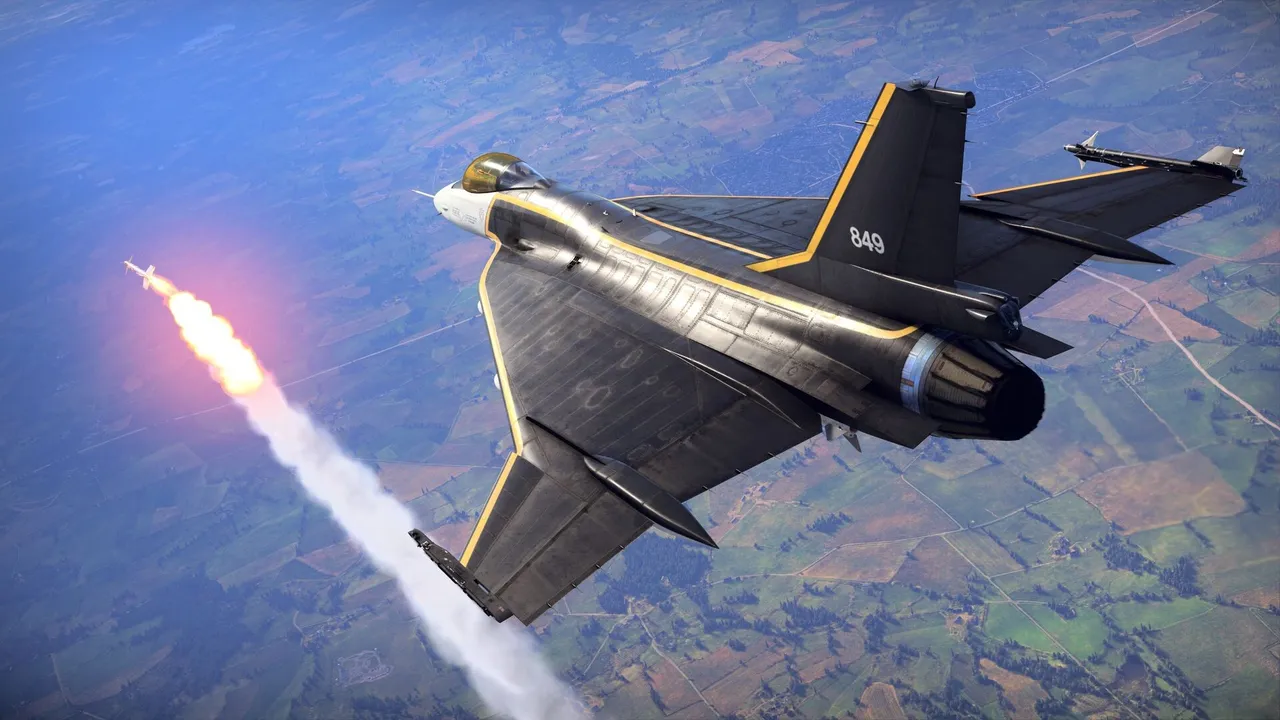
War Thunder lets you fight in almost any kind of military vehicle, from early biplanes to modern jets. Starter packs on Steam cover the United States, the USSR, Germany, Japan, France, Britain, Italy, China and Sweden, which gives an idea of how many nations' vehicles are in the game.
Ground, Air and Sea
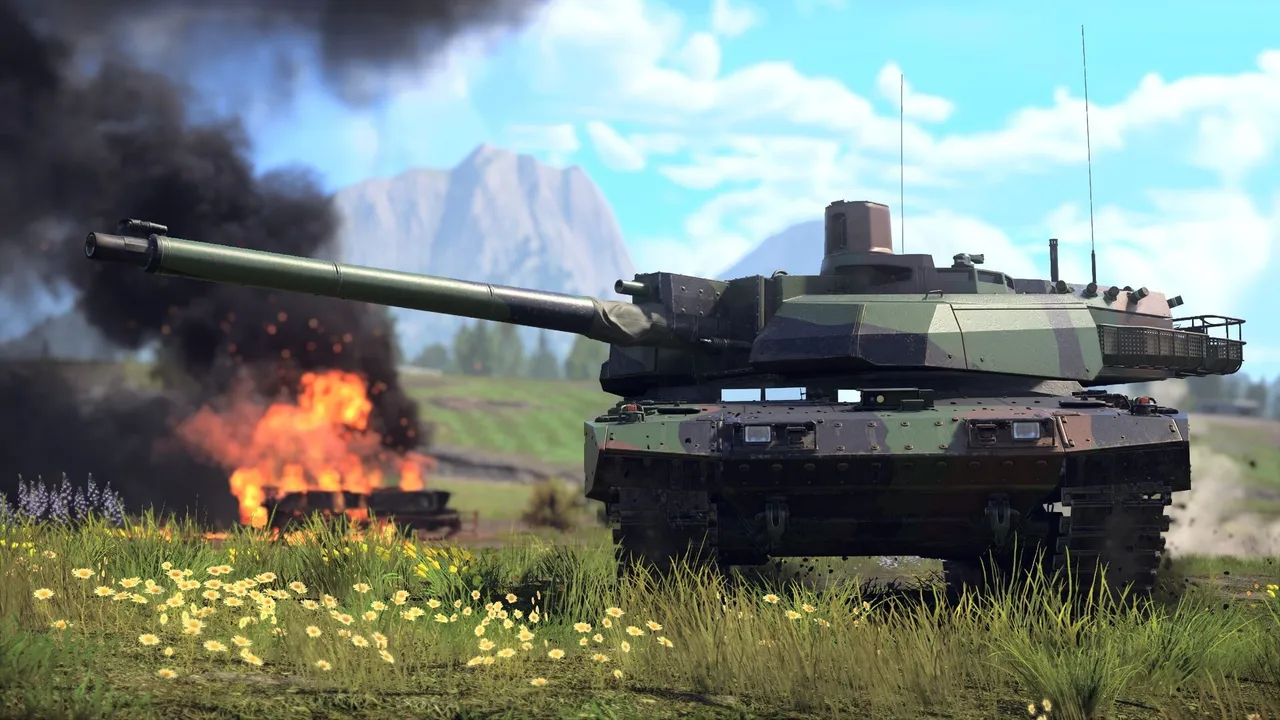
Tanks, aircraft and ships each have their own battles and their own progression. PvP battles come at different difficulty levels, from more forgiving arcade-style play to demanding realistic settings.
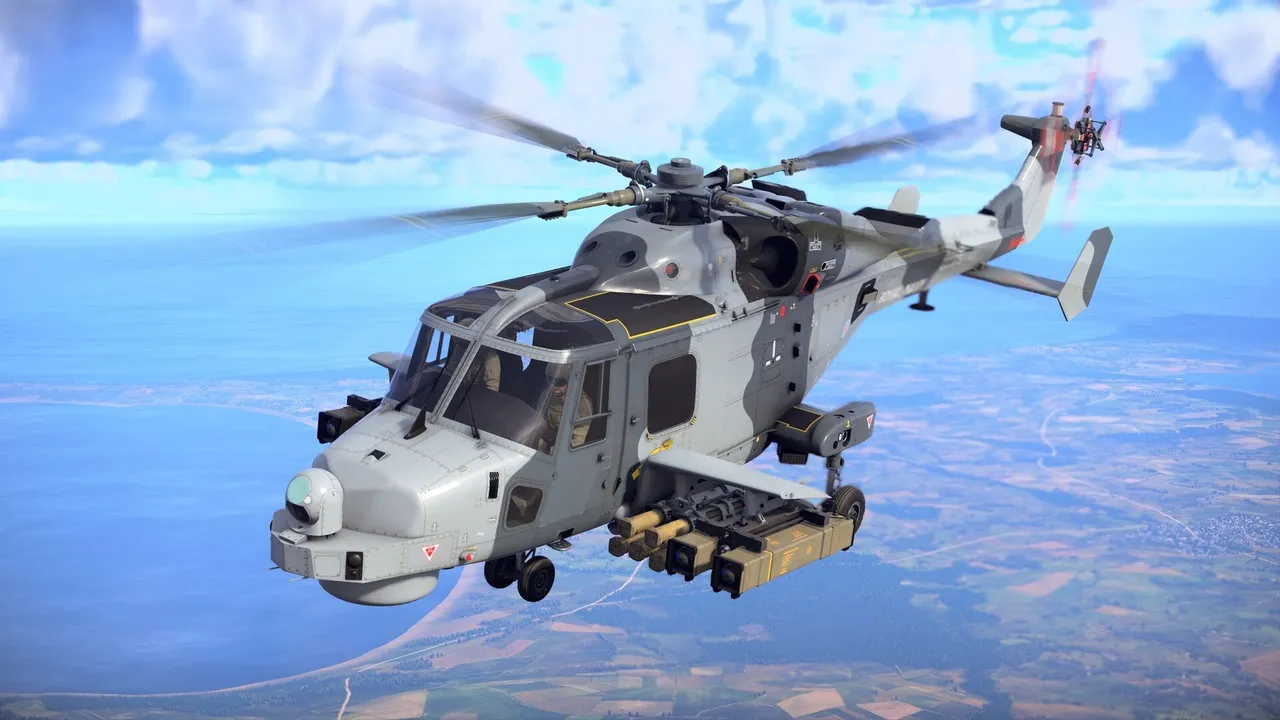
For players who prefer not to fight others, there are dynamic historical campaigns and solo missions. War Thunder also supports VR.
If you want to fight on foot alongside vehicles, Gaijin's Enlisted is a WWII squad shooter.
Ready to try War Thunder?
Free to download · Windows PC and Mac · On your phone? Open this page on your computer to install.
War Thunder System Requirements
| Component | Minimum | Recommended |
|---|---|---|
| Operating system | Windows 10 64-bit | Windows 10 or 11, 64-bit |
| Processor | Dual-core 2.2 GHz | Intel Core i5 or Ryzen 5 3600 |
| Memory | 4 GB RAM | 16 GB RAM |
| Graphics | GeForce GTX 660 or Radeon 77XX (DirectX 11) | GeForce GTX 1060 or Radeon RX 570 (DirectX 12) |
| Storage | 70 GB | 95 GB |
War Thunder also runs on Linux and Mac. It uses BattlEye, a kernel-level anti-cheat that must be removed manually after uninstalling.
Is War Thunder Worth Playing in 2026?
Yes. Few games offer this range of vehicles, and you can play for a long time without spending. Recent Steam reviews are Mixed at 69%, and the most common complaint is the slow grind at higher tiers, which premium vehicles and accounts are sold to speed up.
Pros:
- Over 3,000 vehicles across air, land and sea
- Historical detail and multiple difficulty levels
- Cross-platform play with PlayStation and Xbox
- Free with years of content
Cons:
- Slow grind at higher tiers
- Premium vehicles and accounts encourage spending
- Steep learning curve in realistic modes
- Large install, up to 95 GB
Beginner Tips
These are general tips based on how the game works.
- Start with one nation and one vehicle type. Spreading out slows progress.
- Learn armour angles. In tanks, angling your hull is often the difference between surviving and not.
- Play arcade-style battles first. They are more forgiving while you learn.
- Use the test drive. Try vehicles before spending research on them.
- Do not rush tiers. Lower-tier battles teach skills you need later.
How to Play War Thunder on PC
War Thunder is free on PC, Mac and Linux. Use the install button on this page, or visit the official War Thunder site. It is also on Steam, PlayStation and Xbox.
FAQ
Is War Thunder free to play? Yes, with optional premium vehicles and accounts.
Who makes War Thunder? Gaijin Entertainment develops it, and Gaijin Network publishes it.
How many vehicles are in War Thunder? More than 3,000, across aircraft, helicopters, ground vehicles and ships.
Is War Thunder cross-platform? Yes. PC, PlayStation and Xbox players share the same servers.
What are the minimum PC requirements? 64-bit Windows 10, a dual-core 2.2 GHz processor, 4 GB RAM, a GeForce GTX 660 or Radeon 77XX, and 70 GB of storage.
Affiliate offer links. These download links go through the AfBooster affiliate network. GamingScrims is paid by the network when someone who clicks one installs a game and logs in for the first time. You pay nothing extra, and GamingScrims does not give rewards for installing. Affiliate disclosure
Offer details last verified Oct 18, 2026 against AfBooster