How Much RAM Do You Need for Gaming?
RAM capacity is one of the easiest specs to get right — if you know how your actual usage, not just the game itself, affects how much you need.
RAM capacity is one of the easiest specs to get right — if you know how your actual usage, not just the game itself, affects how much you need.
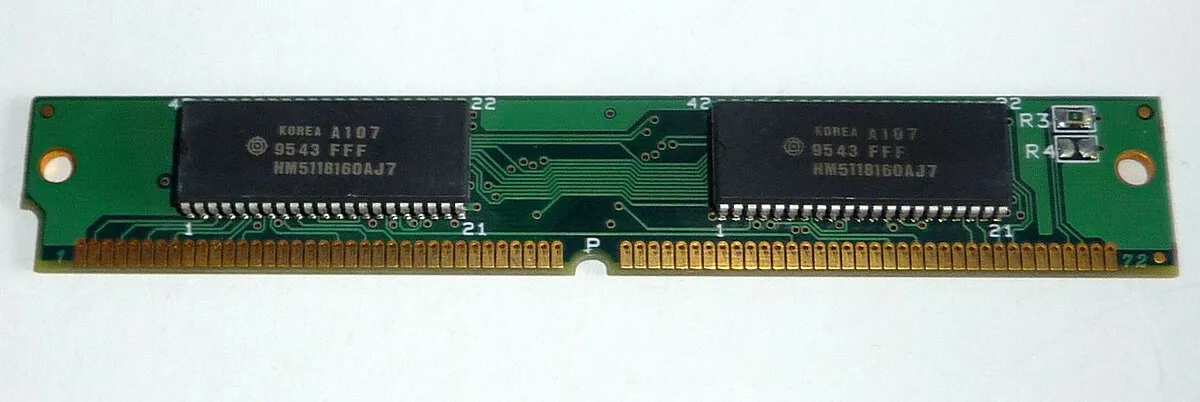
Photo via Wikimedia Commons / CC BY-SA 3.0
RAM capacity is one of the more forgiving specs to get right, but it’s still worth understanding what actually drives your needs, since both underbuying and wildly overbuying waste money in different ways.
What RAM does during gameplay
RAM temporarily holds data that’s actively in use — game assets, textures waiting to be sent to the GPU, background application data — so it can be accessed far faster than pulling from storage. When there isn’t enough RAM available, the system has to fall back to using storage as overflow space, which is dramatically slower and shows up as stutter, longer load times, or in extreme cases a system that struggles to stay responsive at all.
A baseline for gaming today
For a system dedicated mostly to gaming with light background use, a moderate capacity is generally sufficient for the vast majority of current titles — this has been a fairly stable baseline for a while, even as individual games’ requirements creep upward over time. Going below that baseline is where you start running real risk of stutter and slower performance in newer, more demanding titles, and it’s not a place worth cutting cost given how affordable RAM generally is relative to the rest of a build.
When you should go higher
A few common scenarios push the sensible capacity up meaningfully beyond the baseline:
- Streaming or recording while playing. Capture and encoding software needs its own RAM allocation on top of what the game uses.
- Heavy multitasking alongside gaming. A browser with many tabs, Discord, chat overlays, and other background applications all add up, particularly on systems where these stay open continuously.
- Content creation or productivity work on the same machine. Video editing, 3D work, and similar tasks can be considerably more RAM-hungry than gaming alone, and if you use the same PC for both, size RAM around the more demanding workload.
If none of these apply and your system is purely a dedicated gaming machine, the baseline capacity is usually enough, and paying extra to double it rarely translates into noticeably better gaming performance.
Dual-channel matters as much as total capacity
How RAM is installed matters nearly as much as how much you have. Motherboards support multiple memory channels, and installing RAM as a matched pair across two channels — rather than a single stick, or two sticks in slots that don’t form a proper dual-channel pair — allows much higher effective memory bandwidth than the same total capacity running in single-channel mode. This is a common and easy-to-miss mistake: buying the right total capacity but installing it as a single stick, or upgrading a single-stick system by simply adding one mismatched stick to slots that don’t support dual-channel operation. Check your motherboard manual for the correct slot pairing when installing two sticks.
Buying for future headroom without overbuying
Because RAM prices and typical game requirements both shift over time, it’s reasonable to buy one step above the strict current baseline as a hedge, particularly if your motherboard only has two RAM slots and adding capacity later would mean replacing rather than supplementing what you already have. But buying far beyond what any of the scenarios above call for is one of the lower-value places to put extra budget in a build — money spent there is very often better allocated to the GPU or CPU, which have a much larger direct effect on gaming performance.
Our picks: Memory
Shop on Amazon
Affiliate links.As an Amazon Associate I earn from qualifying purchases. Links below go to Amazon; prices and availability change, so check Amazon for current pricing.Affiliate disclosure
G.Skill Trident Z5 Neo RGB DDR5-6000 32GB
EXPO-tuned kit made for Ryzen, with RGB.
Check price on AmazonKingston FURY Beast DDR5 32GB 6000MHz
Low-profile kit that clears big air coolers.
Check price on Amazon
Illustrative photos: Photo via Wikimedia Commons / CC BY-SA 3.0; Photo by Victorrocha / Wikimedia Commons / CC BY 3.0