How to Evaluate a Gaming Monitor Review: Specs That Matter vs Marketing Fluff
A guide to which gaming monitor claims are backed by measurable testing and which ones are just spec-sheet marketing dressed up as review copy.
Main page for monitors: Gaming Monitors →
A guide to which gaming monitor claims are backed by measurable testing and which ones are just spec-sheet marketing dressed up as review copy.
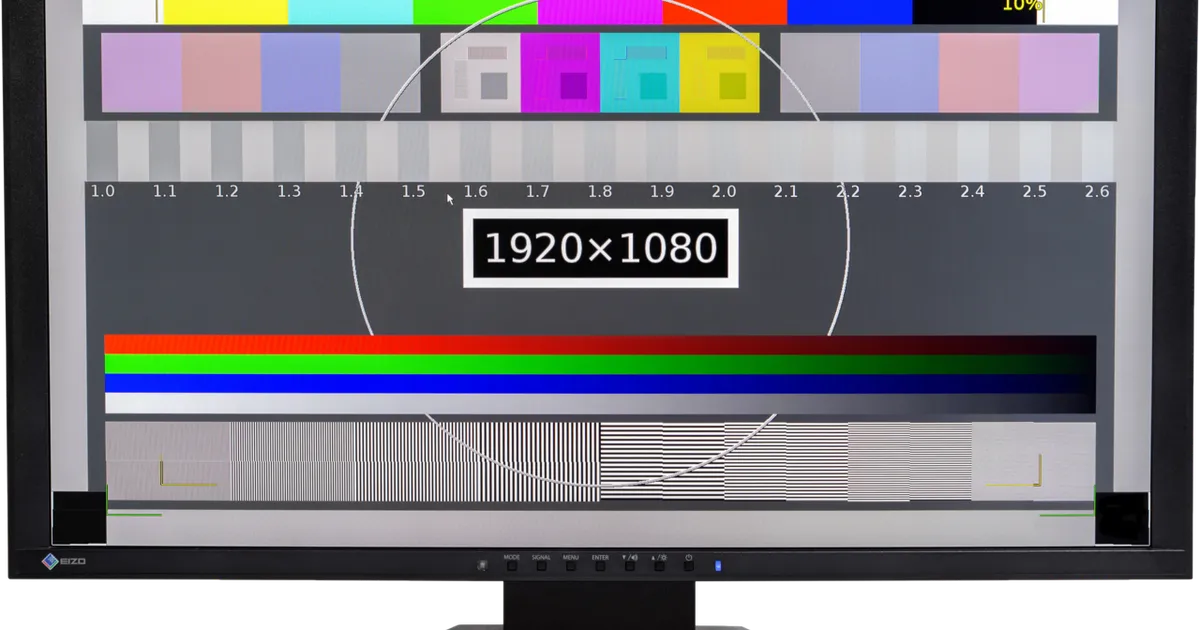
Photo by Lucasbosch / Wikimedia Commons / CC BY-SA 4.0
Monitor marketing is dense with numbers — refresh rate, response time, contrast ratio, brightness, color gamut coverage — and a lot of reviews do little more than restate those numbers with a positive adjective attached. Reading a monitor review well means knowing which of those numbers were actually measured by the reviewer and which were simply copied off the spec sheet.
Refresh Rate and Response Time Need Context, Not Just a Number
A monitor’s advertised response time (often “1ms”) is measured by the manufacturer under specific, favorable conditions — usually gray-to-gray transitions with overdrive settings pushed aggressively, which can introduce visible overshoot or “inverse ghosting” in exchange for that fast number. A useful review tells you what overdrive setting was used, whether ghosting or overshoot was visible in motion, and ideally shows or describes a photographed motion test rather than just repeating the spec. The same goes for refresh rate: 240Hz only matters if the panel and the reviewer’s test system could actually sustain that frame rate during testing, not just accept the signal.
HDR Claims Are Often the Least Reliable Number on the Box
“HDR400,” “HDR600,” and similar VESA DisplayHDR certifications set a peak brightness bar, but peak brightness alone doesn’t make for good HDR — local dimming zone count, contrast, and how well a display handles bright highlights against dark backgrounds matter just as much. A review that says a monitor “supports HDR” without discussing local dimming behavior, blooming around bright objects, or measured peak brightness in a real scene is passing along a certification, not testing anything. Treat unqualified HDR praise with real skepticism, since HDR quality varies enormously even among monitors with the same certification tier.
Color Accuracy Claims Should Cite a Measurement Tool
“Vibrant, accurate colors” is not a testable claim. Actual color accuracy testing uses a colorimeter to measure metrics like Delta E, along with reported gamut coverage against a standard (sRGB, DCI-P3, Adobe RGB). A review that names the tool used and reports numbers is doing real measurement; a review that just describes colors as “punchy” or “true to life” is offering an impression, which may still be useful context but shouldn’t be mistaken for verified accuracy.
Panel Uniformity and Viewing Angles Rarely Get Mentioned — and Should
Backlight bleed, panel uniformity across a screen, and off-angle color/contrast shift are common variation points, especially since even monitors from the same production line can differ slightly. A thorough review discloses that this specific unit’s uniformity was checked, ideally with a photo of a dark, uniform test image. A review that never mentions uniformity at all has likely only spent time in the specific content that was already loaded up for demo purposes, not general use.
What a Good Monitor Review Should Cover
- Measured response time behavior at the settings a typical buyer would use, including any visible overshoot
- HDR performance discussed beyond the certification tier — brightness, local dimming, blooming
- Color accuracy reported with numbers and a named measurement method, not just adjectives
- Panel uniformity and viewing-angle behavior, not just the ideal head-on view
- Clear disclosure of whether the review unit was purchased or provided by the manufacturer
When GamingScrims’ monitor review process launches, it will follow this same standard, consistent with our editorial policy: disclosed methodology, no invented specifications, and no pay-for-placement in what gets covered or how it’s scored.
Our picks: Gaming monitors & OLED monitors
Shop on Amazon
Affiliate links.As an Amazon Associate I earn from qualifying purchases. Links below go to Amazon; prices and availability change, so check Amazon for current pricing.Affiliate disclosure
ASUS TUF Gaming VG27AQ
Popular 1440p high-refresh monitor that rarely disappoints.
Check price on Amazon




Illustrative photos: Photo by Lennybird / Wikimedia Commons / CC BY-SA 3.0; Photo by Badpeon / Wikimedia Commons / Public domain; Photo by PantheraLeo1359531 / Wikimedia Commons / CC BY 4.0; Photo by Terabass / Wikimedia Commons / CC BY-SA 3.0