How to Compare CPU Generations and Architectures for Gaming
Core count and clock speed are only part of the story. A conceptual guide to comparing processors across generations, where architecture and manufacturing process matter just as much as raw specs.
Main page for cpus: CPUs →
Core count and clock speed are only part of the story. A conceptual guide to comparing processors across generations, where architecture and manufacturing process matter just as much as raw specs.
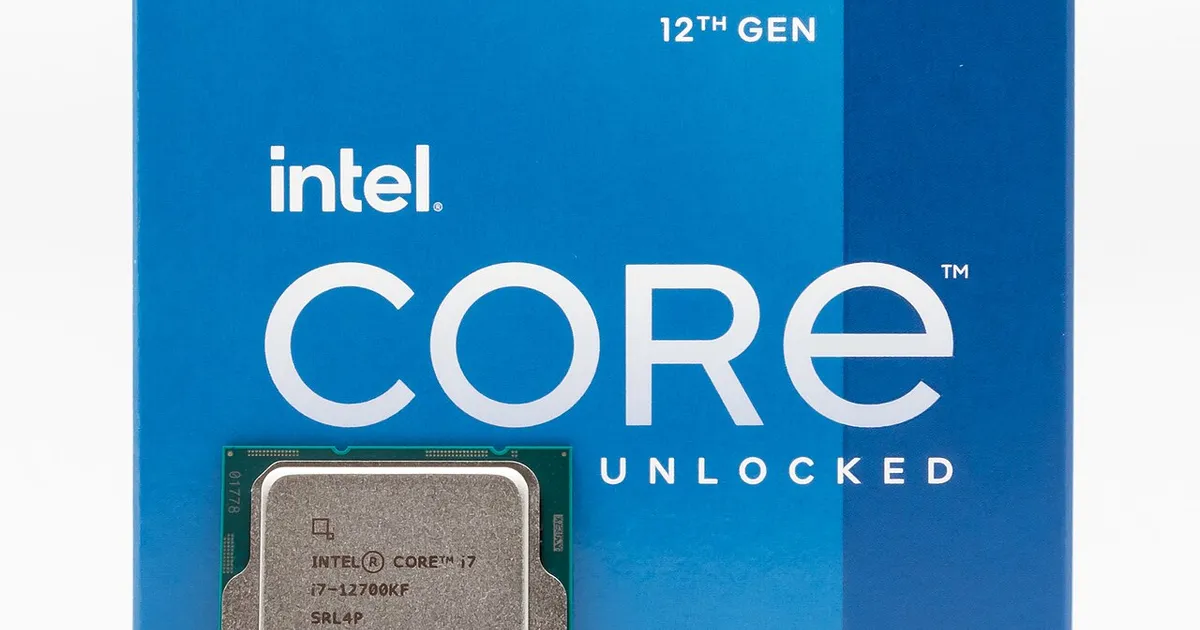
Photo by Jacek Halicki / Wikimedia Commons / CC BY-SA 4.0
It’s tempting to compare two processors by lining up their core counts and clock speeds side by side and calling it a day. That approach falls apart the moment you’re comparing chips from different generations or different manufacturers, because the same clock speed on two different architectures can produce very different real-world performance. Understanding why requires looking past the headline numbers.
What “architecture” actually means
A processor’s architecture is the underlying design of how its cores execute instructions — how data moves internally, how efficiently the chip predicts and reorders operations, and how much useful work gets done per clock cycle. This last idea, often shortened to instructions per clock (IPC), is why two chips running at the same clock speed can perform noticeably differently. A newer architecture with higher IPC does more work per cycle than an older one, even if the clock speed on the spec sheet is identical. This is the single biggest reason raw clock speed comparisons break down across generations.
Why manufacturing process matters
Alongside architecture, the manufacturing process — often described in terms of transistor size — affects how much a chip can do within a given power and heat budget. A smaller, more refined manufacturing process generally allows more transistors to be packed into the same space and lets a chip run more efficiently, which can translate into higher sustained clock speeds, better performance per watt, or both. When comparing processors across generations, a jump to a newer manufacturing process is often just as significant as any change to core count.
Generation naming schemes can mislead
Processor product names typically bundle several pieces of information into one line: a family name, a generation indicator, and a tier within that generation. It’s easy to assume a higher generation number always means a proportionally better product, but the actual gap between generations varies a lot — sometimes a new generation brings a substantial architectural overhaul, and other times it’s a more modest refinement. Reading generation numbers as a strict ranking, without checking what actually changed underneath, is a common way comparisons go wrong.
Comparing within a generation versus across generations
Comparing two processors from the same generation and product line is relatively straightforward, since they typically share the same underlying architecture and manufacturing process — differences mostly come down to core count, clock speed, and cache size. Comparing across generations is harder, because architecture and process improvements mean a lower-tier chip from a newer generation can sometimes match or exceed a higher-tier chip from an older one. This is worth keeping in mind if you’re weighing a older high-tier processor against a newer but nominally lower-tier one.
Single-thread versus multi-thread performance
Architecture generation also affects how well a chip handles single-threaded work versus heavily multi-threaded work, and gaming leans more on the former than most other everyday computing tasks. A newer architecture that improves single-thread efficiency can offer a bigger gaming benefit than a chip with more cores and an older architecture, even if the core-count difference looks large on paper. When comparing gaming performance specifically, it helps to weigh how each architecture handles a smaller number of demanding threads rather than assuming more cores automatically wins.
Cache and memory support evolve too
Newer architecture generations frequently bring changes to cache size and structure, along with support for faster memory standards. Both of these can meaningfully affect gaming performance independent of core count or clock speed, since games are sensitive to how quickly the processor can access frequently-used data. A generational upgrade that increases cache size or supports faster memory can produce a real gaming improvement even when the headline clock speed barely changes.
A more reliable way to compare
Rather than treating generation number, core count, or clock speed as a standalone verdict, it helps to think of a comparison as three layered questions: what architecture is each chip built on and how efficient is it per clock cycle, what manufacturing process was it built with, and how do its core count and clock speed fit within that generation’s typical range. Chips that look similar on a spec sheet can perform quite differently once architecture and process are factored in, and chips that look mismatched on paper can end up closer in practice than the raw numbers suggest.
Our picks: Processors
Shop on Amazon
Affiliate links.As an Amazon Associate I earn from qualifying purchases. Links below go to Amazon; prices and availability change, so check Amazon for current pricing.Affiliate disclosure
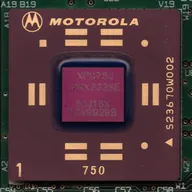
Illustrative photos: Photo by Myself User:ZyMOS / Wikimedia Commons / CC BY-SA 4.0; Photo by Jacek Halicki / Wikimedia Commons / CC BY-SA 4.0; Photo by Ondřej Martin Mach / Wikimedia Commons / CC BY-SA 3.0