What Actually Determines Your FPS in Games
Frame rate is shaped by more than your graphics card. A conceptual breakdown of the hardware and software factors that combine to produce the FPS number you see on screen.
Frame rate is shaped by more than your graphics card. A conceptual breakdown of the hardware and software factors that combine to produce the FPS number you see on screen.
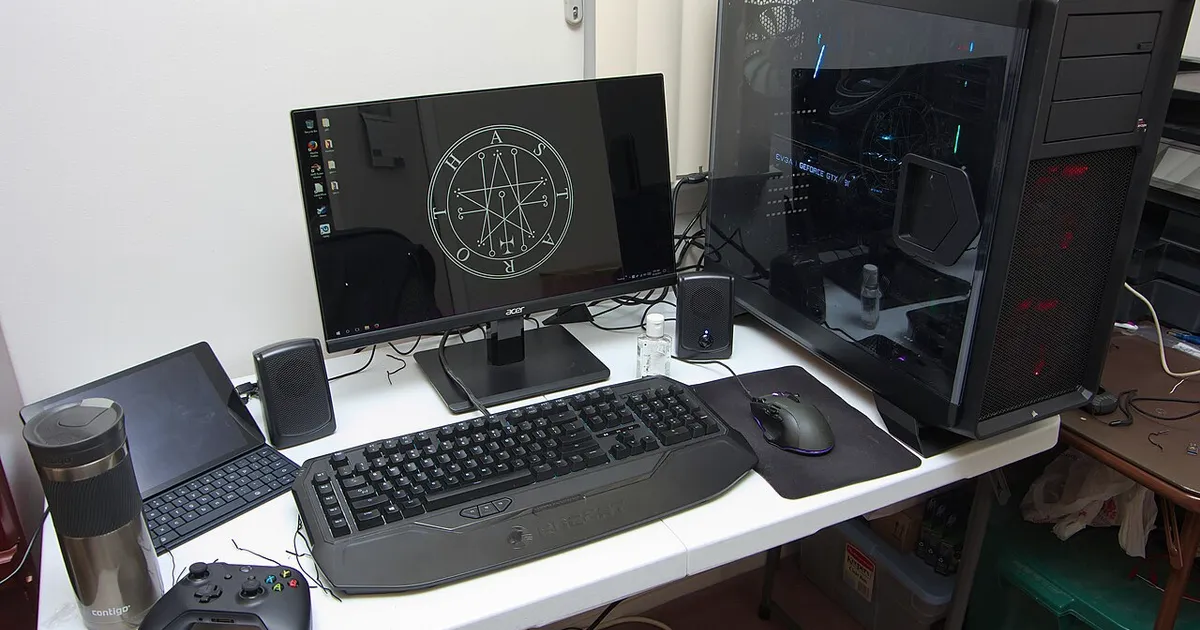
Photo by Brian Wong / Wikimedia Commons / CC BY-SA 2.0
Frames per second is the single number gamers obsess over most, but it’s also one of the most misunderstood. FPS isn’t produced by any one component — it’s the output of a chain of hardware and software working together, and the slowest link in that chain sets the pace for everything else. Understanding the pieces of that chain is more useful than chasing any single spec.
FPS is a rate, not a fixed value
The first thing worth internalizing is that frame rate isn’t a constant — it moves scene to scene, and often second to second, based on how much work the system has to do at any given moment. A quiet menu screen and a crowded, effects-heavy battle in the same game can produce very different numbers, even though nothing about your hardware changed. This is why a single “FPS number” for a game is really a summary of a range, and why average, minimum, and consistency all describe different things.
The CPU handles the game world, the GPU handles the image
At a conceptual level, the CPU is responsible for simulating the game — physics, AI, game logic, and preparing instructions for what needs to be drawn — while the GPU is responsible for actually rendering those instructions into a finished image on screen. Every frame has to pass through both. If either one takes too long to do its part, the other has to wait, and the overall frame rate drops to match the slower of the two. This handoff is the basis of what’s usually called a bottleneck, but it’s worth separating from FPS itself: bottlenecks describe why a rate is limited, while FPS is just the resulting number.
Resolution and settings shift the workload, mostly onto the GPU
Increasing resolution or turning up graphical settings like shadow quality, texture detail, or effects mostly adds work for the GPU, since it’s rendering more pixels and more complex visuals per frame. The CPU’s job — simulating the game world — usually doesn’t grow much with resolution. This is why the same system can behave very differently at different settings: at high resolution, the GPU tends to be the limiting factor, while at lower resolution with a powerful graphics card, the CPU’s ability to prepare frames quickly becomes more relevant.
The display and software layer also shape what you experience
Even a system capable of producing a high frame rate doesn’t always show it cleanly to you. Your monitor’s refresh rate caps how many of those frames can actually be displayed per second, and settings like sync technologies can smooth out or introduce delay in how frames get shown. Background software, drivers, and how well a specific game is optimized also affect the final result — two systems with identical core hardware can post different numbers in the same game if one is running outdated drivers or has more background load.
Why the same hardware performs differently across games
Because every game asks something different of the CPU and GPU, there’s no universal frame rate for a piece of hardware — only a frame rate for a specific hardware combination, in a specific game, at specific settings. A game that leans heavily on simulating lots of independent objects will stress the CPU more, while a visually dense game with few active characters will lean on the GPU. That’s why frame rate comparisons only mean something when the game, settings, and resolution are held constant.
The takeaway
FPS is the visible result of a longer chain: game logic, CPU processing, GPU rendering, driver and software overhead, and finally the display itself. No single upgrade guarantees a proportional FPS increase, because the benefit is always capped by whichever part of that chain is doing the most work relative to its capacity. That’s the concept worth understanding before looking at any specific number.
Our picks: Graphics cards
Shop on Amazon
Affiliate links.As an Amazon Associate I earn from qualifying purchases. Links below go to Amazon; prices and availability change, so check Amazon for current pricing.Affiliate disclosure
NVIDIA GeForce RTX 5070 Ti
16GB card that handles high-refresh 1440p and entry 4K.
Check price on AmazonNVIDIA GeForce RTX 5060 Ti 16GB
Budget-friendly 1080p/1440p pick; get the 16GB version.
Check price on Amazon
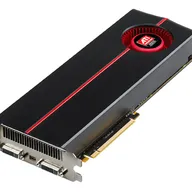
Illustrative photos: Photo by Timothy Borkowski / Wikimedia Commons / CC BY-SA 3.0; Photo by Advanced Micro Devices, Inc. (AMD) / Wikimedia Commons / Attribution