How to Compare Gaming Monitor Specs the Right Way
A framework for weighing refresh rate, response time, panel type, and resolution against each other instead of chasing a single headline number.
Main page for monitors: Gaming Monitors →
A framework for weighing refresh rate, response time, panel type, and resolution against each other instead of chasing a single headline number.
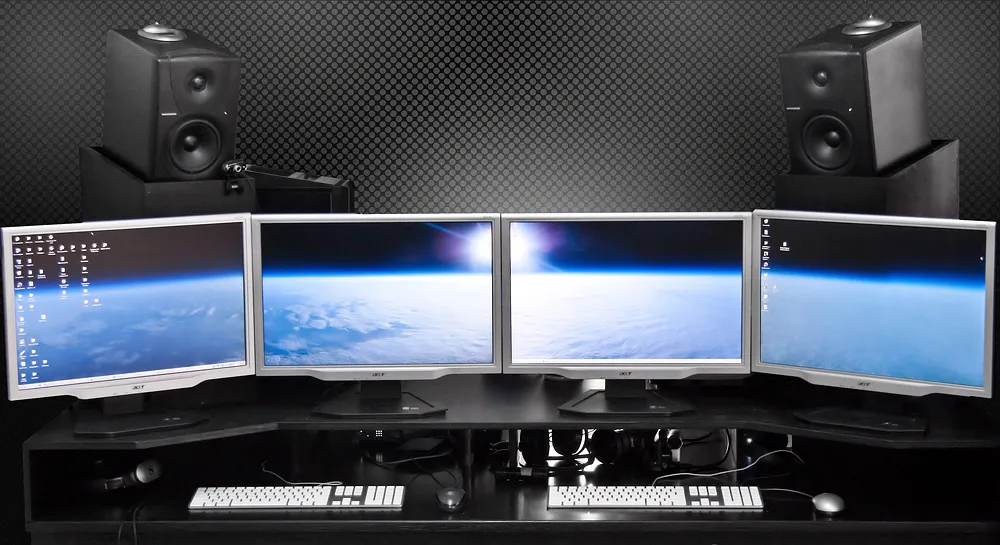
Photo by Terabass / Wikimedia Commons / CC BY-SA 3.0
Monitor spec sheets throw a lot of numbers at you at once — refresh rate, response time, panel type, resolution, size — and it’s easy to fixate on whichever one sounds most impressive. The problem is that these specs interact with each other, and a monitor that wins on one number can lose on another in a way that matters more for how it actually feels to use. Comparing monitors well means understanding what each spec measures and how they trade off against one another.
Refresh rate sets the ceiling, not the whole picture
Refresh rate describes how many times per second the display can update the image shown on screen. A higher refresh rate allows smoother-looking motion and can reduce the perceived gap between frames during fast on-screen movement. But refresh rate only sets a ceiling — it tells you how often the panel can update, not how clean each individual update looks. That second part depends heavily on response time, which is why refresh rate alone is an incomplete comparison metric.
Response time determines how clean each frame looks
Response time measures how quickly a pixel can shift from one color to another. A panel with a high refresh rate but slow response time can still show trailing or blurring during fast motion, because the pixels can’t keep up with how often the screen is trying to update them. This is the core reason two monitors with the same advertised refresh rate can look noticeably different in motion — the refresh rate number describes update frequency, while response time describes how cleanly each of those updates is actually rendered.
Panel type shapes the response time and color trade-off
Panel type is the underlying display technology, and it strongly influences both response time and color characteristics. Broadly speaking, panel technologies differ in how they balance faster pixel response against richer color and wider viewing angles, and no single panel type wins on every axis simultaneously. When comparing two monitors with different panel types, it helps to ask which trade-off matters more for how you’ll actually use the display, rather than assuming one panel type is universally “better.”
Resolution and size are a pair, not two separate specs
Resolution describes how many pixels make up the image, and screen size describes the physical dimensions of the panel — but neither one means much without the other. The same resolution stretched across a larger screen produces a lower pixel density, meaning individual pixels are more visible up close. Comparing resolution figures between two monitors of different sizes without accounting for that relationship is one of the most common ways spec comparisons go wrong; a “higher resolution” monitor isn’t automatically sharper if it’s also considerably larger.
Why these specs need to be compared together
The mistake most spec comparisons make is ranking monitors by a single number in isolation. A monitor with a very high refresh rate but a slow-responding panel may not deliver a meaningfully smoother experience than a moderate refresh rate with a fast-responding panel. A monitor with a higher resolution but no accompanying size context tells you less than it seems to. Useful comparisons weigh refresh rate against response time together, and weigh resolution against size together, rather than treating each spec as an independent scorecard entry.
Matching specs to how the display will actually be used
Different specs matter more or less depending on what you’re prioritizing. Fast-paced, motion-heavy use cases benefit more from the refresh-rate-and-response-time pairing, while detail-oriented or visually rich use cases lean more on the resolution-and-size pairing along with panel color characteristics. Before comparing two monitors, it helps to be clear about which pairing matters most for your use case — that context turns a list of specs into an actual decision.
Building a comparison habit that holds up
Instead of ranking monitors by whichever single spec is highest, work through the pairs: refresh rate against response time, and resolution against size, with panel type as the lens that explains the trade-offs in both. A monitor that looks unremarkable on one isolated number can still be the better overall choice once these relationships are accounted for, and that’s ultimately what a meaningful monitor comparison is checking for.
Our picks: Gaming monitors & OLED monitors
Shop on Amazon
Affiliate links.As an Amazon Associate I earn from qualifying purchases. Links below go to Amazon; prices and availability change, so check Amazon for current pricing.Affiliate disclosure
ASUS TUF Gaming VG27AQ
Popular 1440p high-refresh monitor that rarely disappoints.
Check price on Amazon




Illustrative photos: Photo by Lennybird / Wikimedia Commons / CC BY-SA 3.0; Photo by Badpeon / Wikimedia Commons / Public domain; Photo by PantheraLeo1359531 / Wikimedia Commons / CC BY 4.0; Photo by Terabass / Wikimedia Commons / CC BY-SA 3.0