PlayStation Portal Setup Tips: Wi-Fi, Cases and Screen Protectors
How to get smooth streaming on a PlayStation Portal, the network settings that matter, and accessories to protect it.
How to get smooth streaming on a PlayStation Portal, the network settings that matter, and accessories to protect it.
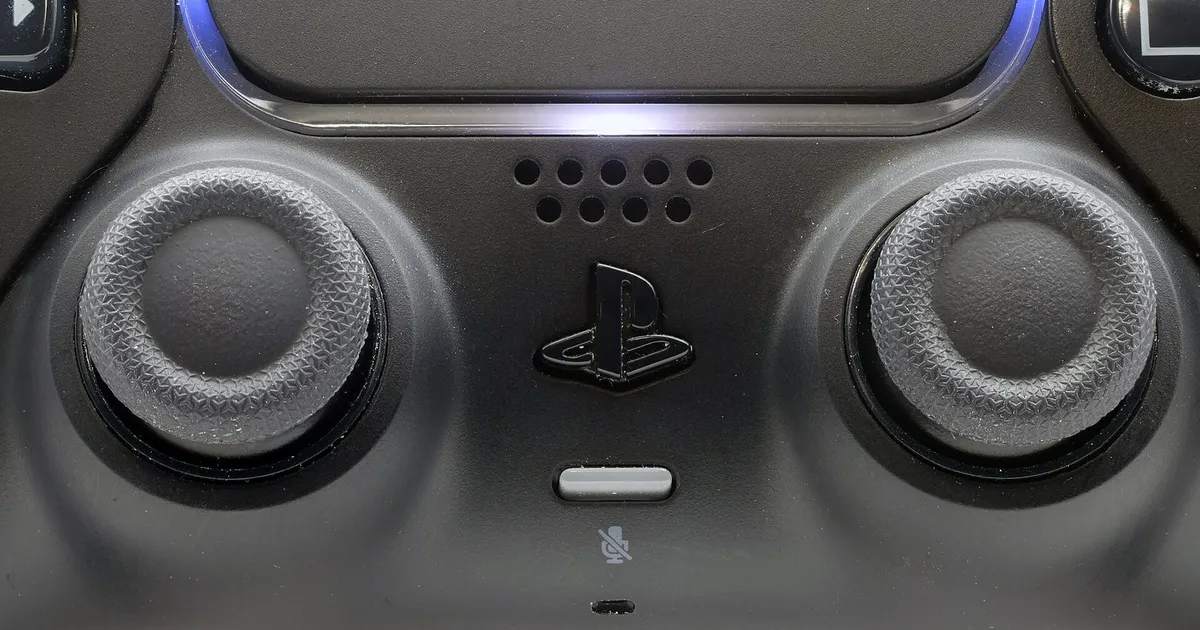
Photo by Chris Woodrich / Wikimedia Commons / CC BY-SA 4.0
Affiliate links.As an Amazon Associate I earn from qualifying purchases. Links below go to Amazon; prices and availability change, so check Amazon for current pricing.Affiliate disclosure
The PlayStation Portal streams games from your PS5 over Wi-Fi to a handheld with a DualSense-style controller. It works well with a good network setup and struggles with a poor one. This guide covers setup tips and accessories, based on general practice rather than lab testing. Links go to Amazon’s current listings.
Quick answer
| Tip or accessory | Why |
|---|---|
| PS5 on wired Ethernet | The biggest improvement to streaming quality |
| 5GHz Wi-Fi for the Portal | Less interference than 2.4GHz |
| PlayStation Portal case | Protects the screen and controllers in a bag |
| PlayStation Portal screen protector | Guards against scratches |
What the Portal is
The PlayStation Portal is a Remote Play device: your PS5 runs the game, and the Portal displays it and sends your inputs. Sony has also added cloud streaming of some games for PlayStation Plus Premium members; check current support.
Network setup
- Connect the PS5 by Ethernet to your router.
- Use 5GHz Wi-Fi for the Portal, and stay within good range.
- Reduce competing traffic: large downloads or video streams on the same network can cause stutter.
- Mesh networks: check that the Portal connects to the nearest node.
- Router settings: some routers have QoS or gaming modes.
Playing away from home
Remote Play over the internet works, but depends on your home upload speed and the network you’re on. Hotel and public Wi-Fi often block or limit it.
PS5 settings
- Enable Remote Play in the PS5’s settings.
- Rest mode: set it to stay connected to the internet and allow turning on the PS5 from the network.
Accessories
- Case: the Portal’s controllers stick out; a fitted case protects them.
- Screen protector: matched to the Portal’s screen size.
- Headphones: the Portal has a 3.5mm jack; Sony’s PlayStation Link earbuds and headsets also work.
Is the Portal right for you?
It’s great for playing PS5 games in another room. It isn’t a standalone console. If you want to play without a PS5, consider a handheld PC; see Steam Deck OLED vs ROG Xbox Ally vs Legion Go S, or phone controllers; see mobile controllers for remote play.
FAQ
Does the PlayStation Portal need a PS5? For Remote Play, yes. Cloud streaming of some games is available for PlayStation Plus Premium members.
Why does my Portal stutter? Usually Wi-Fi. Wire the PS5 and use 5GHz.
Bottom line
Wire the PS5, use 5GHz for the Portal and protect it with a case and screen protector. More in PS5 accessories.
Our picks: PlayStation
Shop on Amazon
Affiliate links.As an Amazon Associate I earn from qualifying purchases. Links below go to Amazon; prices and availability change, so check Amazon for current pricing.Affiliate disclosure
Illustrative photos: Photo by Osh33m / Wikimedia Commons / CC BY-SA 4.0; Photo by Alex Cochrane / Wikimedia Commons / CC BY-SA 4.0