Phone Controllers for Remote Play and Cloud Gaming: Backbone One and Razer Kishi V2
How phone controllers turn a smartphone into a handheld for remote play and cloud gaming, and what to check for fit and connection.
How phone controllers turn a smartphone into a handheld for remote play and cloud gaming, and what to check for fit and connection.
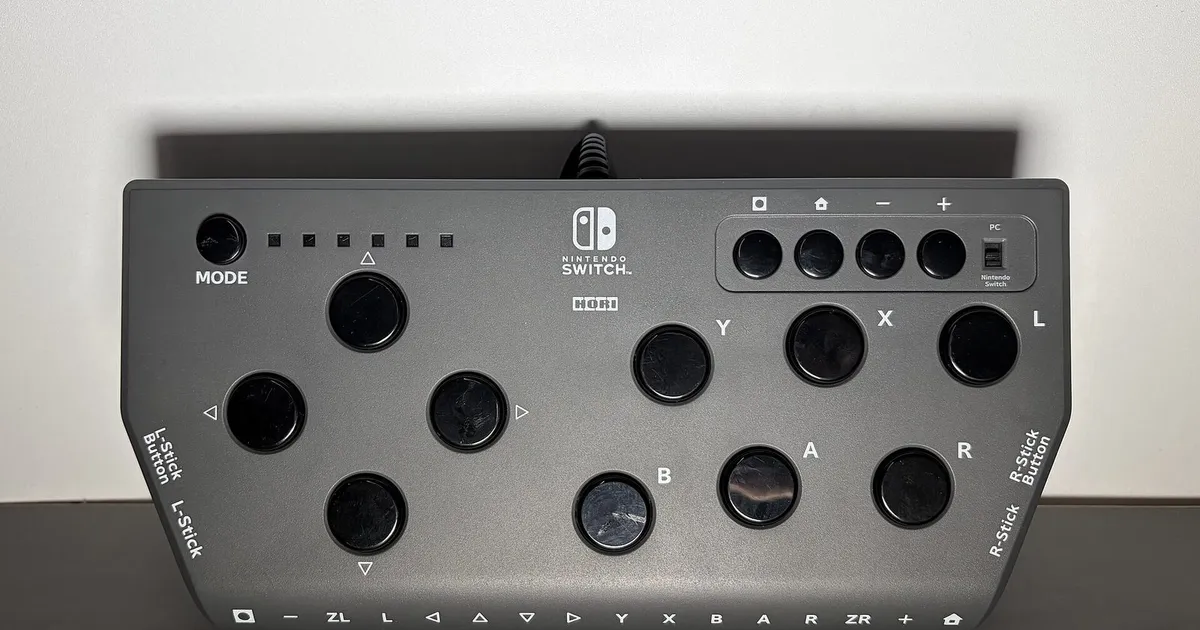
Photo by InclusiveGameLab / Wikimedia Commons / CC BY-SA 4.0
Affiliate links.As an Amazon Associate I earn from qualifying purchases. Links below go to Amazon; prices and availability change, so check Amazon for current pricing.Affiliate disclosure
A clip-on phone controller turns your phone into a handheld for cloud gaming, Remote Play from your console or PC, and mobile games. This guide compares two popular options by design and listed features, not lab testing. We don’t list prices; links go to Amazon’s current listings.
Quick answer
| Controller | Connection | Best for |
|---|---|---|
| Backbone One | USB-C or Lightning (check version) | A polished app and smooth setup |
| Razer Kishi V2 | USB-C or Lightning (check version) | Comfortable grips, Razer app |
What you can play
- Remote Play: stream games from your PS5 or Xbox at home using official apps.
- PC streaming: Steam Link or Moonlight from your gaming PC.
- Cloud gaming: Xbox Cloud Gaming, GeForce NOW and others. See cloud gaming services compared.
- Mobile games with controller support.
Check compatibility
- Connector: USB-C or Lightning to match your phone.
- Phone size and case: most controllers stretch to fit, but thick cases may need removing.
- PlayStation editions: some versions have PlayStation button labels.
Wired vs Bluetooth
Clip-on controllers like these connect through the phone’s port, with lower latency than Bluetooth and no battery to charge. Many also pass through charging.
Network tips
- Home Remote Play: your console or PC should be on Ethernet, and your phone on 5GHz Wi-Fi.
- Cloud gaming: a stable connection matters more than raw speed.
- Mobile data: works, but uses a lot of data.
Alternatives
- PlayStation Portal for PS5 Remote Play with a bigger screen. See PlayStation Portal setup tips.
- Handheld PCs for playing PC games locally. See Steam Deck OLED vs ROG Xbox Ally vs Legion Go S.
- A Bluetooth controller with a phone clip.
FAQ
Do phone controllers work with Xbox Cloud Gaming? Yes, most clip-on controllers support it.
Can I play PS5 games on my phone? Yes, with the PS Remote Play app and a good network.
Bottom line
Choose a clip-on controller that matches your phone’s connector, then use Remote Play or cloud gaming. More gift ideas in our Black Friday gaming gifts guide.
Our picks: Console accessories & Controllers
Shop on Amazon
Affiliate links.As an Amazon Associate I earn from qualifying purchases. Links below go to Amazon; prices and availability change, so check Amazon for current pricing.Affiliate disclosure
PlayStation DualSense Wireless Controller
Haptics and adaptive triggers on PS5 and PC.
Check price on AmazonXbox Rechargeable Battery + USB-C Cable
Replaces AA batteries in your controller.
Check price on Amazon
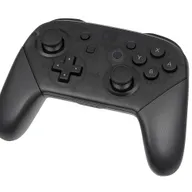
Illustrative photos: Photo by Dmitry Nosachev / Wikimedia Commons / CC BY-SA 4.0; Photo by Microsoft / Wikimedia Commons / CC BY-SA 4.0; Photo by Alex Cochrane / Wikimedia Commons / CC BY-SA 4.0; Photo by Evan-Amos / Wikimedia Commons / Public domain