Gaming Keyboard and Mouse Combo Deals: Are They Worth It?
How keyboard and mouse bundles compare with buying each separately, and how to check that both items in a combo suit you.
Main page for gaming gear: Gaming Gear →
How keyboard and mouse bundles compare with buying each separately, and how to check that both items in a combo suit you.
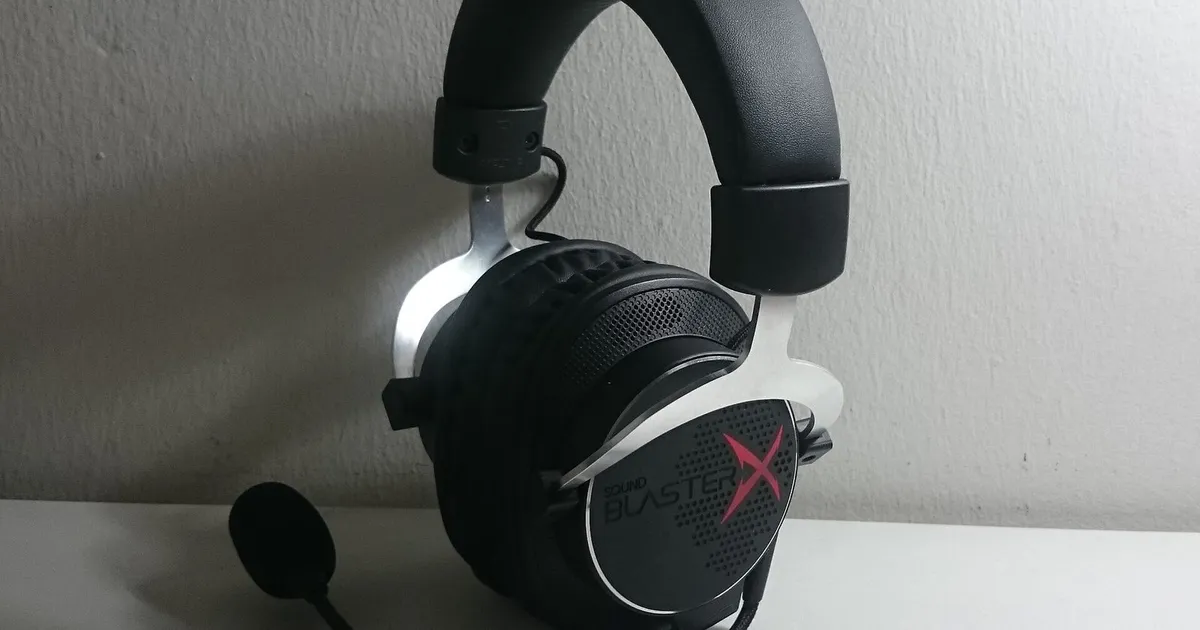
Photo by Dinopkk / Wikimedia Commons / CC BY-SA 3.0
Affiliate links.As an Amazon Associate I earn from qualifying purchases. Links below go to Amazon; prices and availability change, so check Amazon for current pricing.Affiliate disclosure
Keyboard and mouse combos bundle both at a lower price than buying them separately, and they’re everywhere during Black Friday. They can be a great deal, but only if both items suit you. This guide compares by design and listed features, not lab testing. We don’t list prices; links go to Amazon’s current listings.
Quick answer
| Situation | Combo or separate? |
|---|---|
| First gaming setup | Combo |
| Gift for a new PC gamer | Combo |
| Second PC or living-room setup | Combo |
| You care about mouse shape and weight | Separate |
| You want rapid trigger or specific switches | Separate |
| Wireless mouse but wired keyboard | Separate |
When combos make sense
- A first gaming setup, when you don’t yet know your preferences. A combo gets you a decent keyboard and mouse at once.
- A second setup, for a living room PC, a dorm or travel.
- Gifts, for someone starting out.
- When both items are ones you’d buy anyway. Some combos pair two well-reviewed products that are sold separately too.
When to buy separately
- Mouse shape matters to you. Combo mice are often generic shapes, and shape is the most personal part of a mouse. Read about mouse sensors and DPI.
- You want specific switches or a layout, such as a tenkeyless board, a 65% layout or magnetic rapid trigger switches.
- You want wireless for one but not the other.
- One item is clearly better than the other. A great keyboard bundled with a weak mouse isn’t a bargain if you’ll replace the mouse.
Combos and pairings to watch
- Logitech G gaming keyboard and mouse combos: often built around the G305 or G502 mice.
- Razer keyboard and mouse combos: usually pair a membrane or mechanical keyboard with a DeathAdder Essential or similar.
- Corsair keyboard and mouse combos: mostly wired RGB sets.
- Build your own pair: a HyperX Alloy Origins keyboard with a Logitech G305 mouse are both frequent deals on their own.
How to judge a combo
- Identify both items: find the exact keyboard and mouse model names, and look up reviews of each.
- Compare prices: add up the price of each item bought separately. If they’re not sold separately, the combo items may be lower-end versions.
- Check connections: wired or wireless, and whether wireless items share one receiver.
- Check the keyboard: mechanical or membrane, switch type, layout and build. See membrane vs mechanical keyboards.
- Check the mouse: weight, sensor, shape and size for your hand.
- Check software: both items should work in the same app for lighting and settings.
Upgrades to add later
If you buy a combo now, the easiest upgrades later are a better mouse pad and a wrist rest. When you know your preferences, replace the item you use most first, usually the mouse.
FAQ
Are keyboard and mouse combos good for gaming? The better ones are fine for most players. Competitive players usually prefer choosing each separately.
Are wireless combos OK for gaming? Yes, if they use a 2.4GHz receiver. Avoid Bluetooth-only combos for fast games.
Bottom line
Combos are great for a first setup, a gift or a second PC. If mouse shape or specific switches matter to you, buy separately. See our Black Friday keyboard picks and the Black Friday gaming deals hub.
Our picks: Mice & Keyboards
Shop on Amazon
Affiliate links.As an Amazon Associate I earn from qualifying purchases. Links below go to Amazon; prices and availability change, so check Amazon for current pricing.Affiliate disclosure



Illustrative photos: Photo by Jacek Halicki / Wikimedia Commons / CC BY-SA 4.0; Photo by SolarMainframe / Wikimedia Commons / CC BY-SA 4.0; Photo by FASTILY / Wikimedia Commons / CC BY-SA 4.0; Photo by Anirban Saha / Wikimedia Commons / CC BY-SA 4.0