Budget Gaming Mice: Logitech G203, Razer DeathAdder Essential and SteelSeries Rival 3
What budget gaming mice do well, where they compromise, and three wired options under typical premium-mouse prices.
What budget gaming mice do well, where they compromise, and three wired options under typical premium-mouse prices.
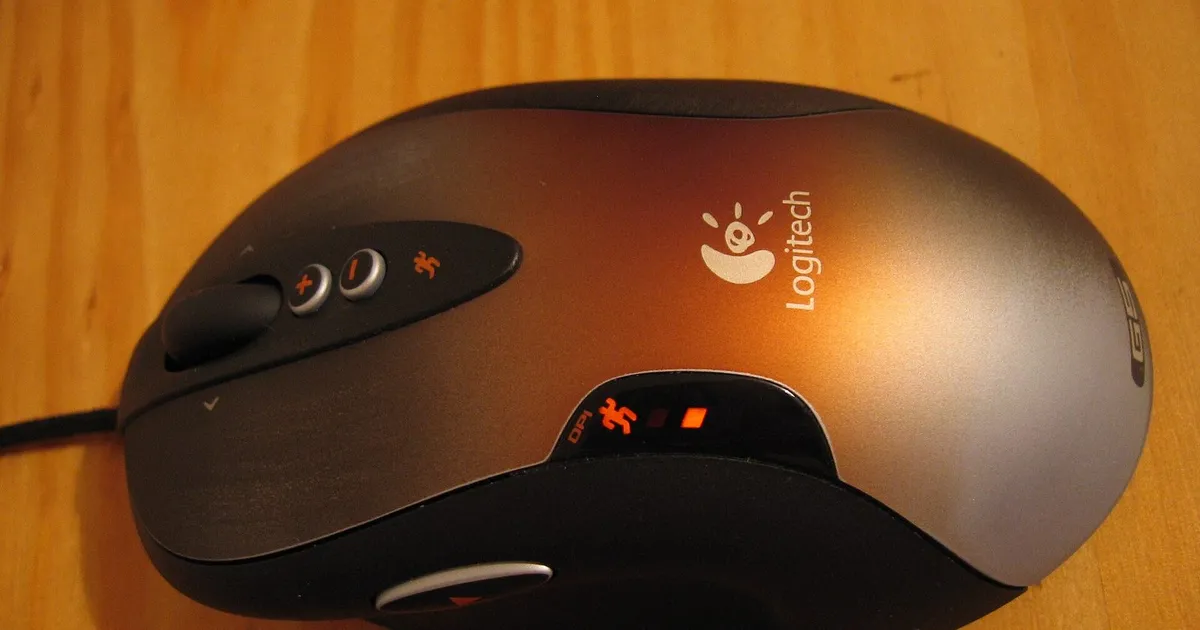
Photo by William Hook / Wikimedia Commons / CC BY-SA 2.0
Affiliate links.As an Amazon Associate I earn from qualifying purchases. Links below go to Amazon; prices and availability change, so check Amazon for current pricing.Affiliate disclosure
You don’t need to spend much to get a good gaming mouse. Budget models from Logitech, Razer and SteelSeries use reliable sensors and proven shapes, and they’re among the cheapest Black Friday gaming upgrades. This guide compares three popular budget mice by design and listed features, not lab testing. We don’t list prices; links go to Amazon’s current listings.
Quick answer
| Mouse | Shape | Connection | Best for |
|---|---|---|---|
| Logitech G203 LIGHTSYNC | Small, symmetrical | Wired | Small to medium hands, claw or fingertip grip |
| Razer DeathAdder Essential | Ergonomic, right-handed | Wired | Medium to large hands, palm grip |
| SteelSeries Rival 3 | Medium, right-leaning | Wired | All-round use, light weight |
Logitech G203 LIGHTSYNC
A compact, symmetrical mouse with six buttons and RGB lighting. It’s been a budget favorite for years.
- Who it suits: players with small or medium hands, especially claw and fingertip grips.
- What to weigh: the cable is stiffer than premium mice; a mouse bungee helps.
Razer DeathAdder Essential
A budget version of Razer’s classic ergonomic DeathAdder shape, one of the most popular gaming mouse shapes ever.
- Who it suits: palm-grip players with medium to large hands.
- What to weigh: right-handed only; the sensor is a step below Razer’s premium mice, but fine for most players.
SteelSeries Rival 3
A light, medium-sized mouse with a reliable sensor and a comfortable, slightly ergonomic shape.
- Who it suits: players who want a light mouse with a dependable sensor on a budget.
- What to weigh: check whether you’re buying the wired or wireless version.
What matters in a budget mouse
- Shape and size: the most important factor. Match the mouse to your hand size and grip.
- Sensor: modern budget sensors track reliably at normal DPI settings. Read mouse sensors and DPI explained.
- Weight: lighter mice are easier to flick in shooters.
- Cable: a flexible cable or a mouse bungee reduces drag.
- Buttons: two side buttons cover most games.
Wired or wireless?
Budget wired mice give the best value. If you want wireless on a budget, the Logitech G305 is a common pick. See wired vs wireless gaming mice.
Upgrades that help any mouse
- A good mouse pad. See control vs speed mouse pads.
- New skates when the feet wear out. See mouse skates.
- Lower DPI and in-game sensitivity for more precise aim.
When to spend more
Premium mice add lighter weight, wireless with long battery life, better switches and higher polling rates. If you play competitive shooters seriously, they can be worth it. For most players, a budget mouse with the right shape is plenty.
FAQ
Is a budget gaming mouse good enough for FPS? Yes. Shape and comfort matter more than the price for most players.
Which budget mouse is best for big hands? An ergonomic shape like the DeathAdder Essential suits larger hands and palm grip.
Bottom line
Pick by shape and hand size first: G203 for small hands, DeathAdder Essential for palm grip, Rival 3 for a light all-rounder. More picks in our Black Friday gaming gifts guide.
Our picks: Mice
Shop on Amazon
Affiliate links.As an Amazon Associate I earn from qualifying purchases. Links below go to Amazon; prices and availability change, so check Amazon for current pricing.Affiliate disclosure
Illustrative photos: Photo by Jacek Halicki / Wikimedia Commons / CC BY-SA 4.0; Photo by FASTILY / Wikimedia Commons / CC BY-SA 4.0