Mouse Skates and Replacement Feet: Pulsar Superglide, Corepad Skatez and Glass Skates
How replacement mouse feet change glide, the difference between PTFE and glass skates, and how to install them without bubbles or damage.
How replacement mouse feet change glide, the difference between PTFE and glass skates, and how to install them without bubbles or damage.
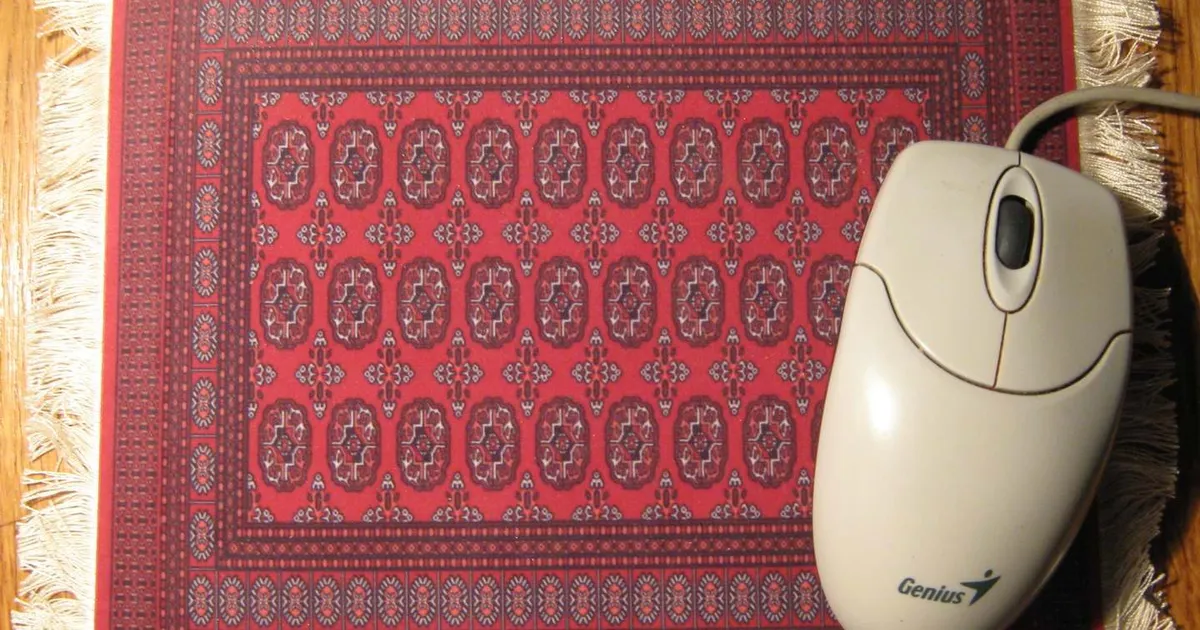
Photo by ILMur / Wikimedia Commons / CC BY-SA 3.0
Affiliate links.As an Amazon Associate I earn from qualifying purchases. Links below go to Amazon; prices and availability change, so check Amazon for current pricing.Affiliate disclosure
Mouse skates (or feet) are the small pads on the bottom of your mouse that touch the mouse pad. When they wear down or get damaged, your mouse feels scratchy and inconsistent. Replacing them is cheap and easy, and can make an old mouse feel new. This guide compares the main types by design and listed features, not lab testing. We don’t list prices; links go to Amazon’s current listings.
Quick answer
| Skate type | Glide | Durability | Best for |
|---|---|---|---|
| Stock PTFE | Smooth | Medium | Most players |
| Aftermarket PTFE (Corepad Skatez) | Smoother, rounded edges | Medium | Upgrading worn or sharp stock feet |
| Glass (Pulsar Superglide) | Very fast, consistent | High | Fast glide, glass pads |
| Dot skates | Lower friction, adjustable | Medium | Experimenting with glide |
When to replace your skates
- The mouse feels scratchy or catches on the pad.
- Feet are visibly worn, with sharp edges or flat spots.
- A skate has peeled or fallen off.
- You’ve switched to a glass pad, which wears PTFE faster.
PTFE skates
PTFE (Teflon) is the standard material. Aftermarket PTFE skates like Corepad Skatez are often thicker with rounded edges, which glide more smoothly than some stock feet.
- Check the model: skates are cut for specific mice. Buy the set made for yours.
- Thickness: thicker skates can change lift-off distance slightly.
Glass skates
Glass skates like the Pulsar Superglide are very hard, so they glide fast and wear very slowly.
- Pros: fast, consistent glide on cloth and glass pads; long-lasting.
- Cons: less stopping power; can be noisier on hard pads. Some players find them too fast on speed pads.
Dot skates
Small round skates you place yourself. They reduce contact area and friction, and work on many mice, but take some care to position evenly.
How to replace mouse skates
- Unplug or turn off the mouse.
- Lift the old skates with a plastic tool or tweezers. A little heat from a hair dryer softens the adhesive.
- Clean the recesses with isopropyl alcohol to remove adhesive residue.
- Line up the new skates carefully; small misalignments affect glide.
- Press firmly for 30 seconds, and let the adhesive set before use.
- Break them in: new PTFE skates often feel better after an hour or two of use.
Don’t cover the sensor hole.
Match skates to your mouse pad
- Cloth control pad: PTFE for balanced glide.
- Speed or hybrid pad: PTFE or glass, depending on how fast you want it.
- Glass pad: glass skates last much longer.
See glass mouse pads and control vs speed mouse pads.
FAQ
Do new skates improve aim? They make glide smoother and more consistent, which helps control. They won’t change your sensor.
How often should I replace skates? When they feel scratchy or look worn; on glass pads, more often with PTFE.
Bottom line
Fresh skates make a worn mouse feel new. Buy the set cut for your mouse, choose PTFE for balance or glass for speed, and install carefully. More mouse advice in budget gaming mice.
Our picks: Mouse pads & desk mats
Shop on Amazon
Affiliate links.As an Amazon Associate I earn from qualifying purchases. Links below go to Amazon; prices and availability change, so check Amazon for current pricing.Affiliate disclosure
Illustrative photos: Photo by mycurrency.com / Wikimedia Commons / CC BY-SA 4.0; Photo by Jacek Halicki / Wikimedia Commons / CC BY-SA 4.0