Surge Protectors and Power Strips for Gaming Setups
The difference between a power strip and a surge protector, what joule ratings and outlet spacing mean, and how to plan power for a full gaming desk.
The difference between a power strip and a surge protector, what joule ratings and outlet spacing mean, and how to plan power for a full gaming desk.
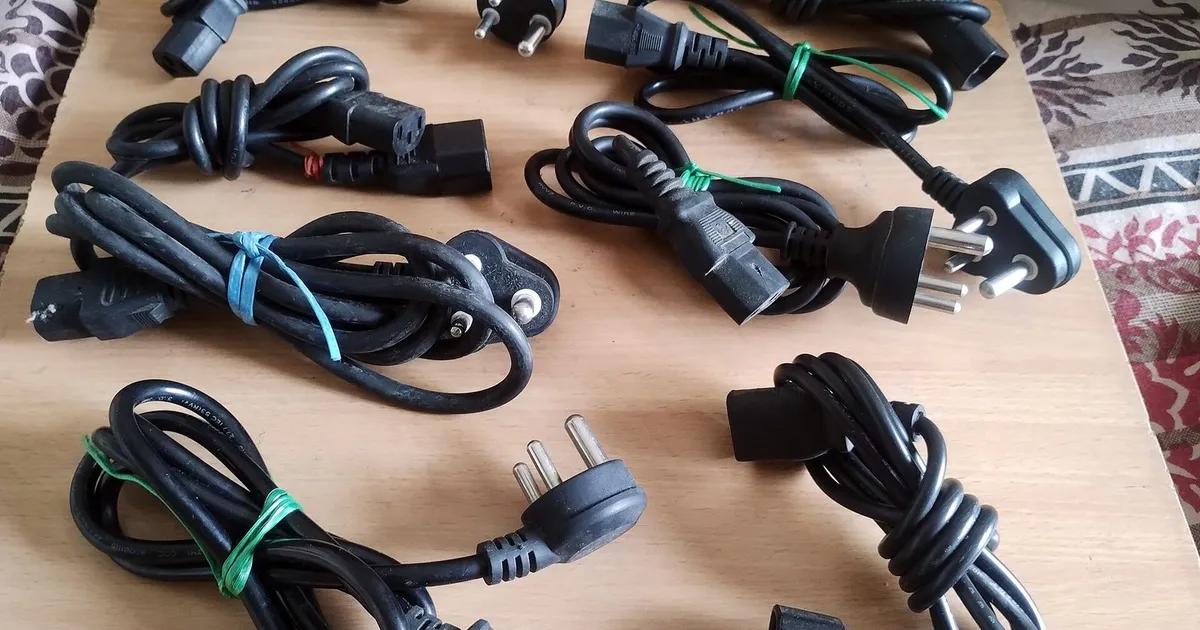
Photo by Gpkp / Wikimedia Commons / CC BY-SA 4.0
Affiliate links.As an Amazon Associate I earn from qualifying purchases. Links below go to Amazon; prices and availability change, so check Amazon for current pricing.Affiliate disclosure
A gaming setup puts a lot of expensive gear on one power circuit. A good surge protector guards against power spikes, and a UPS (uninterruptible power supply) keeps your PC running through short outages. This guide explains what to look for, based on general practice rather than lab testing. Links go to Amazon’s current listings.
Quick answer
| Product | Protects against | Best for |
|---|---|---|
| APC surge protector | Power surges and spikes | Every gaming setup |
| Anker surge protector with USB-C | Surges, plus device charging | Desks with phones and controllers |
| APC Back-UPS | Surges and short outages | Areas with unreliable power |
Power strip vs surge protector
- A basic power strip just adds outlets. No protection.
- A surge protector absorbs voltage spikes. Look for a joule rating and a protection indicator light.
What to look for
- Joule rating: higher absorbs more energy. A higher rating is better for expensive PCs and monitors.
- Indicator light: shows protection is still active. Surge protectors wear out after absorbing surges.
- Enough outlets, with spacing for bulky adapters.
- USB ports or USB-C PD for charging.
- Certification (such as UL listing in the US).
- Cord length.
Uninterruptible power supplies (UPS)
A UPS has a battery that keeps devices running for a few minutes during an outage, so you can save and shut down safely. Useful if power cuts or brownouts are common.
- Size it for your PC’s power draw plus monitor.
- Line-interactive models handle brownouts better than basic standby models.
- Sine wave output: some modern PC power supplies work best with pure sine wave UPS units. Check the UPS specs.
Safety tips
- Don’t daisy-chain power strips into each other.
- Don’t overload a strip beyond its rating.
- Replace surge protectors when the protection light goes out or after a major surge.
- Keep strips ventilated and off the floor if possible.
Placement
Mount the surge protector in an under-desk tray, so only one cable runs to the wall. See cable management for standing desks and under-desk cable management tools, including an under-desk cable management tray.
FAQ
Do surge protectors wear out? Yes. They absorb surges until their protection is used up. Replace them when the indicator goes out.
Do I need a UPS for gaming? Not always. It’s worth it if outages are common or you can’t risk losing work.
Bottom line
Use a real surge protector, not a basic strip, for your gaming setup. Add a UPS if your power is unreliable. More in charging stations for gaming desks.
Our picks: Cable management
Shop on Amazon
Affiliate links.As an Amazon Associate I earn from qualifying purchases. Links below go to Amazon; prices and availability change, so check Amazon for current pricing.Affiliate disclosure
Illustrative photos: Photo by BrokenSphere / Wikimedia Commons / CC BY-SA 3.0