Charging Stations for Gaming Desks: Controllers, Headsets and Phones
How to keep controllers, wireless headsets and phones charged without cable clutter, from controller docks to desk charging stations.
How to keep controllers, wireless headsets and phones charged without cable clutter, from controller docks to desk charging stations.
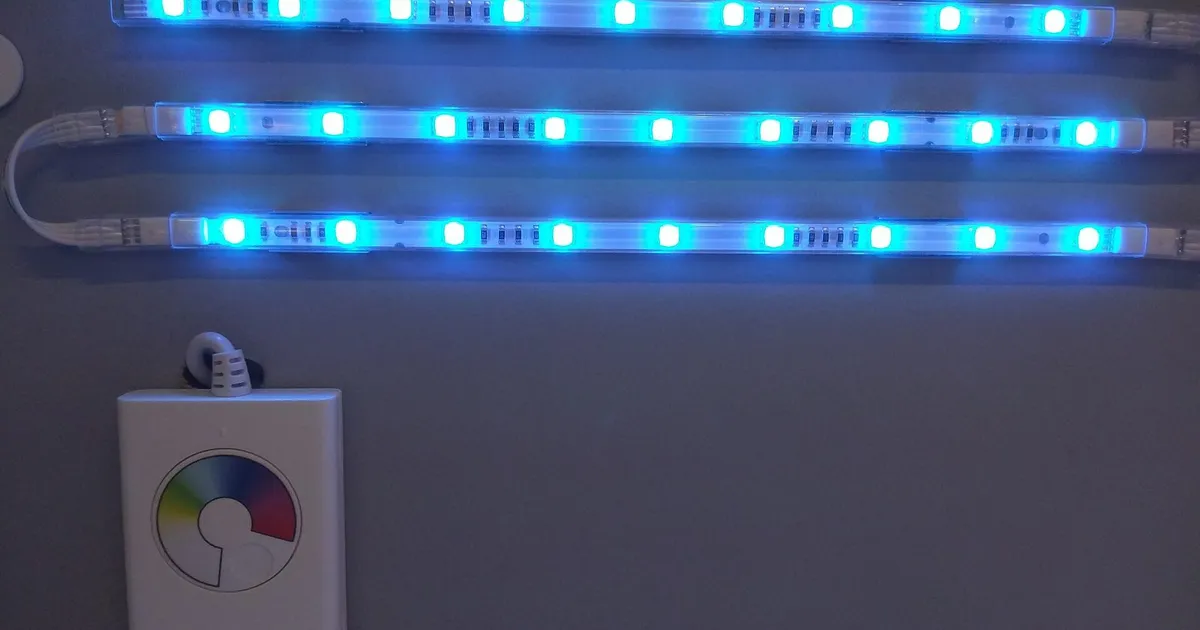
Photo by Maksym Kozlenko / Wikimedia Commons / CC BY-SA 4.0
Affiliate links.As an Amazon Associate I earn from qualifying purchases. Links below go to Amazon; prices and availability change, so check Amazon for current pricing.Affiliate disclosure
Controllers, wireless headsets, mice and phones all need charging, and a pile of cables on the desk gets messy fast. A charging station keeps everything ready and tidy. This guide compares popular options by design and listed features, not lab testing. We don’t list prices; links go to Amazon’s current listings.
Quick answer
| Product | Charges | Best for |
|---|---|---|
| PlayStation DualSense charging station | Two DualSense controllers | PS5 players |
| PowerA dual charging station for Xbox | Two Xbox controllers (with included battery packs) | Xbox players |
| Razer Base Station V2 Chroma | Headset stand with USB hub | Headset storage and extra ports |
| Multi-port USB-C charging station | Phones, mice, headsets, handhelds | Everything with USB-C |
Controller chargers
- DualSense controllers charge by USB-C or through docking stations that use the controller’s charging contacts.
- Xbox controllers use AA batteries by default. Charging stations usually include rechargeable battery packs.
- Check the model: the DualSense Edge and some third-party controllers may need different docks.
Headset stands
A headset stand keeps your headset off the desk. Some, like the Razer Base Station, add USB ports or audio connections. Some wireless headsets also have their own charging docks.
USB-C charging stations
A multi-port USB-C charger handles phones, wireless mice, handhelds and headsets. Check:
- Total wattage and per-port power.
- Power Delivery (PD) support for fast charging.
- Number of ports.
Handhelds like the Steam Deck or ROG Ally need a higher-wattage port; check their requirements.
Battery care
- Avoid leaving devices at 100% for months if they have battery-care settings.
- Use quality chargers and cables.
- Keep chargers ventilated.
Placement
- Keep charging stations off the main desk area, on a shelf or riser. See desk shelves and risers.
- Plug chargers into a surge protector. See surge protectors and power strips.
FAQ
Do I need an official charging station? No. Quality third-party stations work well; check compatibility with your controller model.
Can I charge my controller from the PC? Yes, through USB, but a dedicated station keeps cables off the desk.
Bottom line
A controller dock, a headset stand and a multi-port USB-C charger keep every device ready and the desk tidy. More gift ideas in our Black Friday gaming gifts guide.
Our picks: Desk accessories
Shop on Amazon
Affiliate links.As an Amazon Associate I earn from qualifying purchases. Links below go to Amazon; prices and availability change, so check Amazon for current pricing.Affiliate disclosure

Illustrative photos: Photo by Raimond Spekking / Wikimedia Commons / CC BY-SA 4.0; Photo by Luke Chesser / Wikimedia Commons / CC0