How to Light Your Gaming Room Without Screen Glare
Practical lighting placement and fixture choices that keep your gaming room comfortably lit without washing out your monitor with glare or reflections.
Practical lighting placement and fixture choices that keep your gaming room comfortably lit without washing out your monitor with glare or reflections.
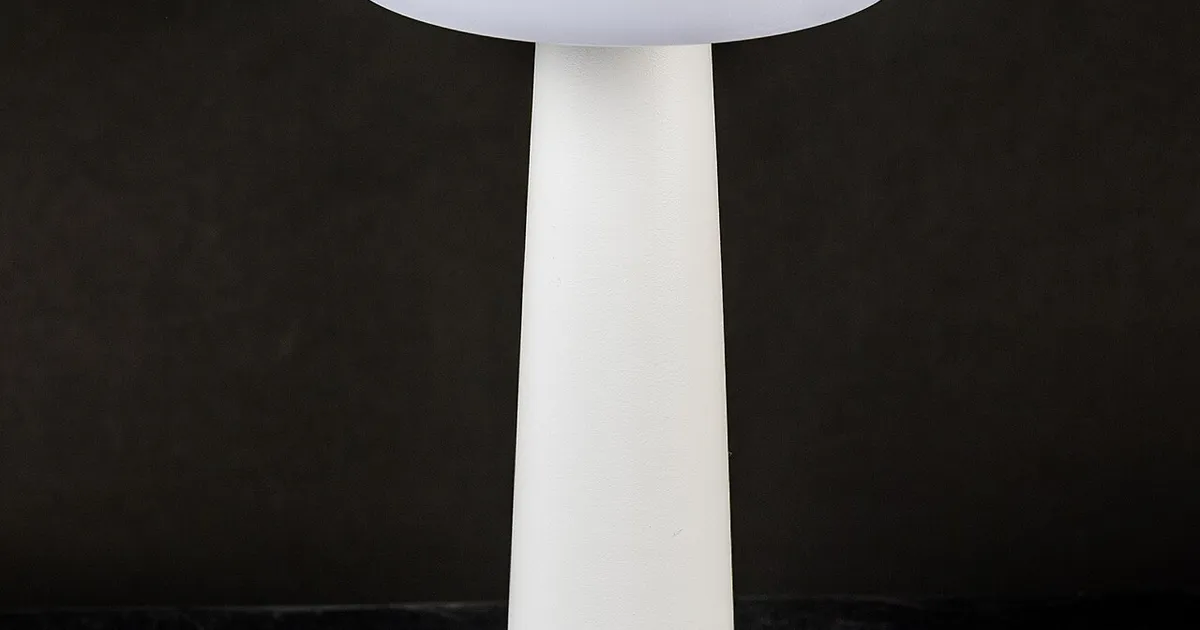
Photo by Raimond Spekking / Wikimedia Commons / CC BY-SA 4.0
A well-lit room shouldn’t come at the cost of a washed-out, reflective monitor. Glare is one of the most common lighting mistakes in gaming setups, and it’s almost always fixable with better fixture placement rather than an expensive gear swap. Here’s how to think through it.
Understand Where Glare Comes From
Glare happens when a light source (natural or artificial) reflects directly off your monitor’s surface into your line of sight, or when a bright light sits within your field of view while looking at the screen, forcing your eyes to constantly readjust. Matte-finish monitors diffuse some reflections, but glossy panels and darker scenes make even mild glare obvious.
The two usual culprits are windows positioned directly behind or beside the monitor, and overhead or desk lighting aimed in a way that bounces off the screen surface.
Positioning Your Desk Relative to Windows
If you have any control over desk placement, avoid setting up with a window directly behind your monitor (which creates a bright backlight that competes with the screen and causes eye strain) or directly behind your seating position facing the monitor (which reflects straight into the panel). The better orientation is generally to place the desk perpendicular to windows, so natural light comes from the side rather than the front or back. If repositioning isn’t possible, blackout curtains or blinds give you control over natural light without redesigning the room.
Overhead Lighting: Diffuse, Don’t Spot
A single bright overhead fixture pointed straight down can create harsh reflections on a monitor below it, especially with glossy screens. A few better approaches:
- Indirect or bounce lighting — fixtures aimed at the ceiling or walls rather than directly down, so the room fills with softer, diffused light instead of harsh direct beams.
- Multiple lower-wattage sources spread around the room rather than one strong overhead light, which reduces the intensity of any single reflection point.
- Dimmable fixtures, so you can lower overall room brightness during gaming sessions without leaving the room pitch dark.
Desk and Task Lighting Placement
If you use a desk lamp for tasks like note-taking or keyboard visibility, position it to the side of your monitor rather than behind or in front of it, and angle it downward onto the desk surface rather than outward toward the screen. A lamp positioned to directly illuminate your face or the monitor front will almost always create some reflection or contrast issue.
Matte vs Glossy Screens
If glare is a persistent problem in your room and you’re in the market for a new monitor, panels with a matte or anti-glare coating diffuse reflections far better than glossy finishes, at a very minor trade-off in perceived color vibrancy and sharpness. For rooms with unavoidable bright light sources, this trade-off is usually well worth it.
A Simple Room Lighting Checklist
- Is any light source positioned to reflect directly off your screen from your normal seating position?
- Are windows to the side of your desk rather than directly behind you or the monitor?
- Is your overhead lighting diffused/indirect rather than a single harsh direct source?
- Is task lighting angled onto the desk, not toward the screen?
- Would a matte-finish monitor help if reflections remain a persistent issue?
Fixing glare is mostly a matter of rethinking where light comes from relative to your screen, not adding more light. A well-placed, moderate light source will always beat a bright one aimed in the wrong direction.
Our picks: Lighting
Shop on Amazon
Affiliate links.As an Amazon Associate I earn from qualifying purchases. Links below go to Amazon; prices and availability change, so check Amazon for current pricing.Affiliate disclosure
Illustrative photos: Photo by Dmitry G / Wikimedia Commons / CC BY-SA 3.0; Photo by Raimond Spekking / Wikimedia Commons / CC BY-SA 4.0