Monitor Light Bars for Gaming Desks: BenQ ScreenBar Pro, Xiaomi, Quntis and Logitech Litra Beam
How monitor light bars light your desk without glare on the screen, plus four options from premium to budget and how to set them up.
How monitor light bars light your desk without glare on the screen, plus four options from premium to budget and how to set them up.
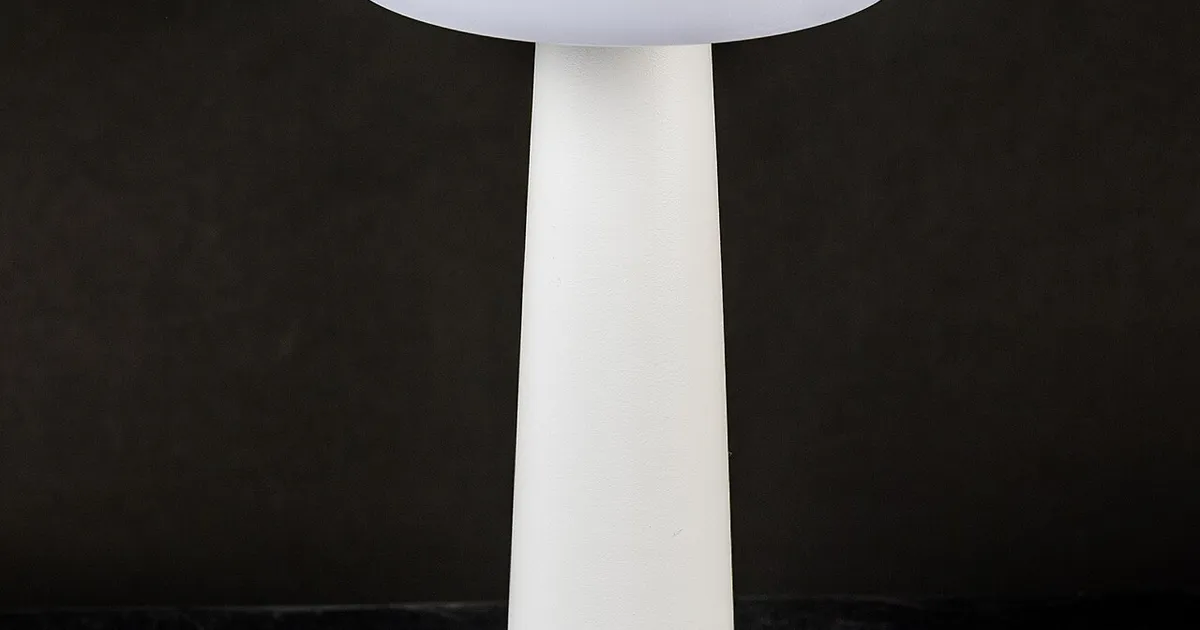
Photo by Raimond Spekking / Wikimedia Commons / CC BY-SA 4.0
Affiliate links.As an Amazon Associate I earn from qualifying purchases. Links below go to Amazon; prices and availability change, so check Amazon for current pricing.Affiliate disclosure
A monitor light bar clips onto the top of your screen and lights the desk below it. It is angled so the light doesn’t reflect off the display. If you play in a dark room, it can reduce eye strain from the contrast between a bright screen and a dark desk, and it makes your keyboard visible without a lamp taking up desk space.
BenQ ScreenBar Pro
The BenQ ScreenBar Pro is a premium light bar. It has automatic brightness based on ambient light and a presence sensor that switches the light on when you sit down. It suits people who use their desk for long sessions and want something they set once and forget.
Xiaomi Mi Computer Monitor Light Bar
The Xiaomi Mi Computer Monitor Light Bar is a simple, popular option with a wireless control puck for brightness and color temperature. It is a straightforward choice if you don’t need automatic features.
Quntis monitor light bar
The Quntis monitor light bar line covers budget models, some with RGB backlights that shine on the wall behind the monitor. That backlight also works as bias lighting, which can make dark scenes feel more comfortable to watch.
Logitech G Litra Beam
The Logitech G Litra Beam isn’t a clip-on bar; it is a desk-standing key light. It belongs here because it lights you rather than the desk, which helps if you stream or take video calls from your gaming setup.
Setup tips
- Check the clamp: curved and very thin monitors, and some OLEDs with unusual top edges, need a compatible clamp. Check the maker’s list before buying.
- Color temperature: warmer light (around 3000–4000K) is more comfortable late at night; neutral white suits daytime.
- Power: most bars run off USB. Make sure your monitor’s USB port or a nearby charger supplies enough power.
Bottom line
A light bar is one of the cheapest upgrades that makes long sessions more comfortable. Choose a premium bar for automatic features, or a budget bar if you just want light on the desk.
Our picks: Lighting
Shop on Amazon
Affiliate links.As an Amazon Associate I earn from qualifying purchases. Links below go to Amazon; prices and availability change, so check Amazon for current pricing.Affiliate disclosure
Illustrative photos: Photo by Dmitry G / Wikimedia Commons / CC BY-SA 3.0; Photo by Raimond Spekking / Wikimedia Commons / CC BY-SA 4.0