21:9 vs 32:9: Understanding Ultrawide Aspect Ratios
The difference between 21:9 and 32:9 ultrawide monitors, how each affects games, desk space, and GPU demands, and which fits different setups.
Main page for monitors: Gaming Monitors →
The difference between 21:9 and 32:9 ultrawide monitors, how each affects games, desk space, and GPU demands, and which fits different setups.
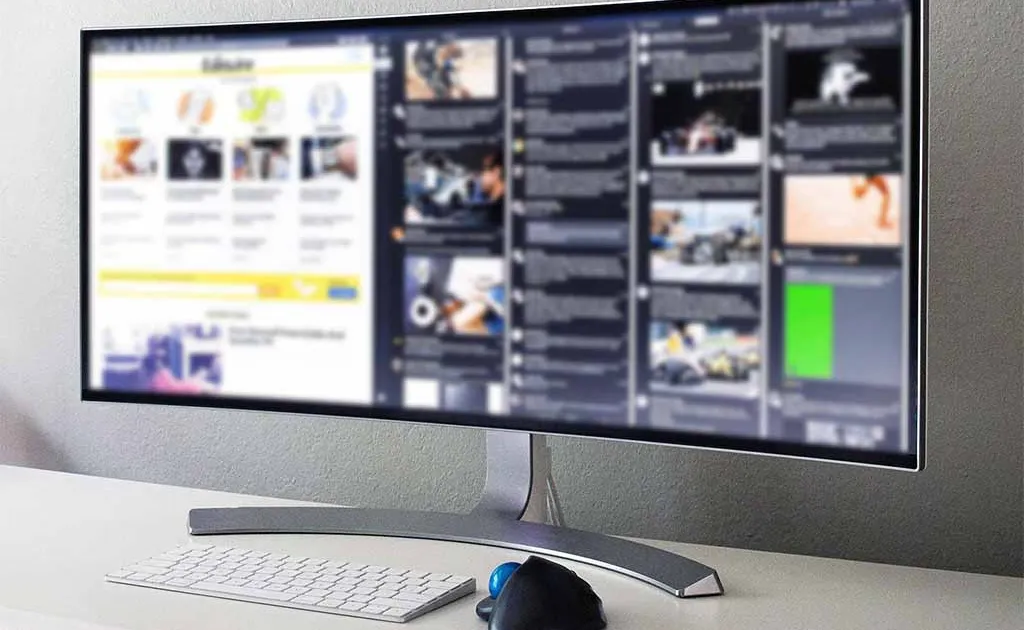
Photo by Lipsbaterando / Wikimedia Commons / CC BY-SA 4.0
Not all ultrawide monitors are the same amount of “wide.” The two most common ratios you’ll encounter — 21:9 and 32:9 — represent genuinely different experiences, and picking the wrong one for your habits can leave you either underwhelmed or overwhelmed. Here’s how they actually differ.
21:9: The Standard Ultrawide
A 21:9 monitor is the more common and moderate ultrawide option, offering meaningfully more horizontal space than a standard 16:9 display without an enormous jump in size or GPU demand. Most 21:9 ultrawides land in the 34 to 38-inch diagonal range, which fits reasonably well on a standard desk with adequate depth.
Game support for 21:9 is generally solid — it’s been on the market long enough that most modern titles, and a good portion of older ones, handle the aspect ratio correctly without stretching or black bars. This makes 21:9 the safer, more broadly compatible choice if you want the immersion benefits of ultrawide without worrying extensively about compatibility.
32:9: Two Monitors in One
A 32:9 “super ultrawide” is, in terms of horizontal pixels, roughly equivalent to two 16:9 monitors placed side by side with no bezel gap. This delivers dramatically more peripheral view and desktop real estate — for productivity, it can genuinely replace a two-monitor setup with a single, seamless canvas.
The trade-offs scale up accordingly. Game compatibility is a bigger concern at 32:9 than 21:9 — many games either don’t support the ratio natively, requiring third-party tools or workarounds, or only render the central portion of the screen with the sides used for peripheral vision rather than actual gameplay UI. GPU demand also increases substantially, since you’re pushing significantly more horizontal pixels than 21:9 while maintaining the same height. And physically, a 32:9 panel is large — commonly in the 45 to 49-inch range — requiring a wide desk and enough distance to comfortably see the whole screen without excessive head turning.
Field of View and Immersion Differences
At 21:9, the added peripheral view is noticeable but moderate — enough to enhance immersion in open-world and racing games without dramatically changing how you play. At 32:9, the field of view increase is dramatic enough that it can functionally change gameplay in some titles, giving you visibility into areas that would be off-screen on a standard display. This is part of why some competitive titles and leagues restrict or ban 32:9 in ranked or tournament play — it can constitute a real information advantage.
Desk and Room Considerations
- 21:9 fits comfortably on most desks in the 48-55+ inch width range with standard depth.
- 32:9 typically needs a desk 55+ inches wide and benefits from extra depth to sit far enough back to comfortably view the whole screen, since sitting too close makes it hard to track content at the far edges without turning your head.
Which Fits Your Setup?
- Choose 21:9 if you want broadly compatible ultrawide immersion without a major desk overhaul or GPU upgrade, and you play a mix of game genres.
- Choose 32:9 if productivity and desktop real estate matter as much as gaming, you have a wide and deep enough desk, a GPU that can handle the extra pixels, and you’re comfortable checking game-by-game compatibility.
The Practical Takeaway
32:9 is not simply “more ultrawide than 21:9” — it’s a different category of use case, closer to a dual-monitor replacement than a wider single monitor. Match your choice to whether you want moderate immersion with broad compatibility, or maximum screen real estate with more setup considerations.
Our picks: Ultrawide monitors
Shop on Amazon
Affiliate links.As an Amazon Associate I earn from qualifying purchases. Links below go to Amazon; prices and availability change, so check Amazon for current pricing.Affiliate disclosure
Illustrative photos: Photo by Lipsbaterando / Wikimedia Commons / CC BY-SA 4.0