A Starter Streaming Kit: Elgato Stream Deck Neo, RØDE PodMic USB, Logitech Litra Glow and Elgato Cam Link 4K
The order to upgrade streaming gear in (audio first, then light, then camera and controls) and four products that fit a first streaming setup.
Main page for streaming: Streaming Gear →
The order to upgrade streaming gear in (audio first, then light, then camera and controls) and four products that fit a first streaming setup.
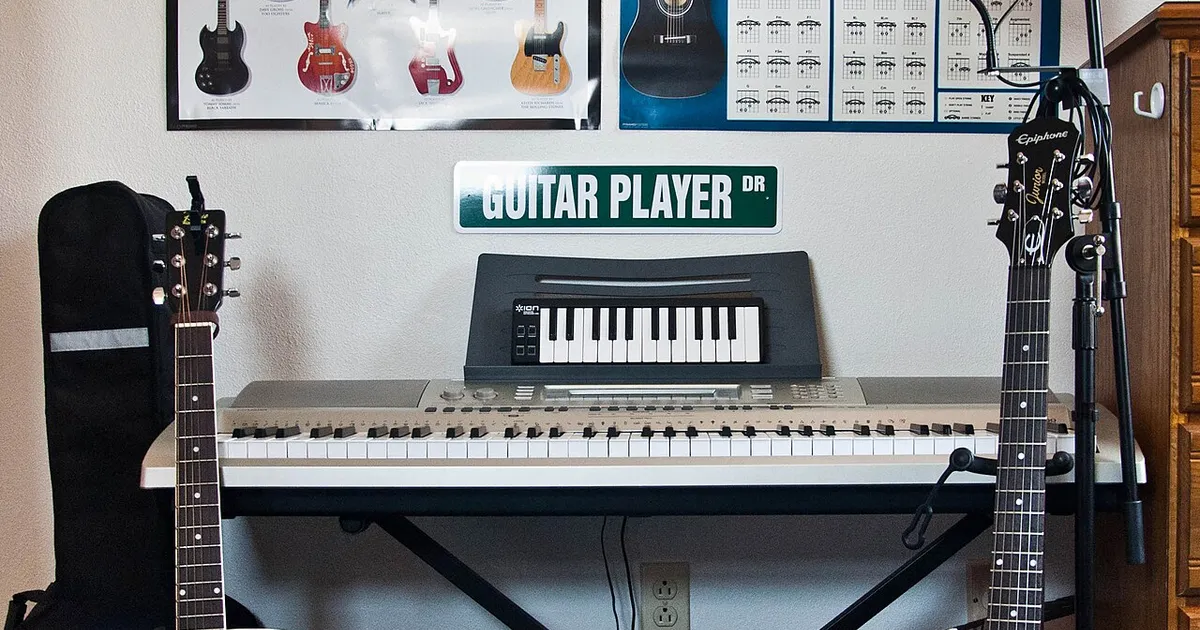
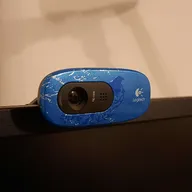
Photo by Alexis Fam from Madison, United States / Wikimedia Commons / CC BY 2.0
Affiliate links.As an Amazon Associate I earn from qualifying purchases. Links below go to Amazon; prices and availability change, so check Amazon for current pricing.Affiliate disclosure
You can start streaming with just a PC and free software like OBS Studio. When you’re ready to upgrade, the order matters: viewers forgive a soft webcam much more easily than bad audio. Here’s a sensible upgrade path and four products that fit it.
1. Audio first: a dynamic USB microphone
Dynamic microphones pick up less of your room (keyboard clatter, fans, echo) than condenser mics, which makes them forgiving for streaming from a bedroom. The RODE PodMic USB connects over USB for simple setup, and also has an XLR output if you later add an audio interface. Place it close to your mouth, a hand’s width away, and mount it on a boom arm.
2. Light: a key light in front of you
Good lighting improves an inexpensive webcam more than a camera upgrade does. The Logitech G Litra Glow mounts on your monitor and gives soft, even light on your face, so your webcam can use less gain and show less noise.
3. Camera: use what you have
If you have a mirrorless camera or a camcorder with clean HDMI output, a capture device such as the Elgato Cam Link 4K turns it into a webcam with much better image quality. Check that your camera can output a clean HDMI signal and run for long periods without overheating or shutting off.
4. Controls: a stream deck
The Elgato Stream Deck Neo is Elgato’s compact entry-level Stream Deck. Its programmable keys switch scenes, mute your mic, start clips and run macros, so you don’t have to tab out of your game.
Free software first
- OBS Studio: free, open-source streaming and recording software.
- NVIDIA Broadcast (on RTX GPUs) or similar tools for noise removal and background effects.
Bottom line
Spend on audio first, then light. Add a better camera and controls when you know you’ll keep streaming.
Our picks: Streaming gear & Microphones
Shop on Amazon
Affiliate links.As an Amazon Associate I earn from qualifying purchases. Links below go to Amazon; prices and availability change, so check Amazon for current pricing.Affiliate disclosure
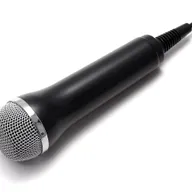
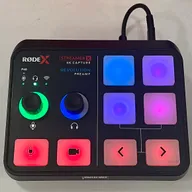
Illustrative photos: Photo by Alexis Fam from Madison, United States / Wikimedia Commons / CC BY 2.0; Photo by Evan-Amos / Wikimedia Commons / Public domain; Photo by TaurusEmerald / Wikimedia Commons / CC BY-SA 4.0; Photo by Peter Placzek / Wikimedia Commons / CC BY-SA 4.0