How to Start Streaming: A Beginner's Setup Checklist
A step-by-step checklist covering the essential hardware, software, and workflow decisions you need before your first stream.
Main page for streaming: Streaming Gear →
A step-by-step checklist covering the essential hardware, software, and workflow decisions you need before your first stream.
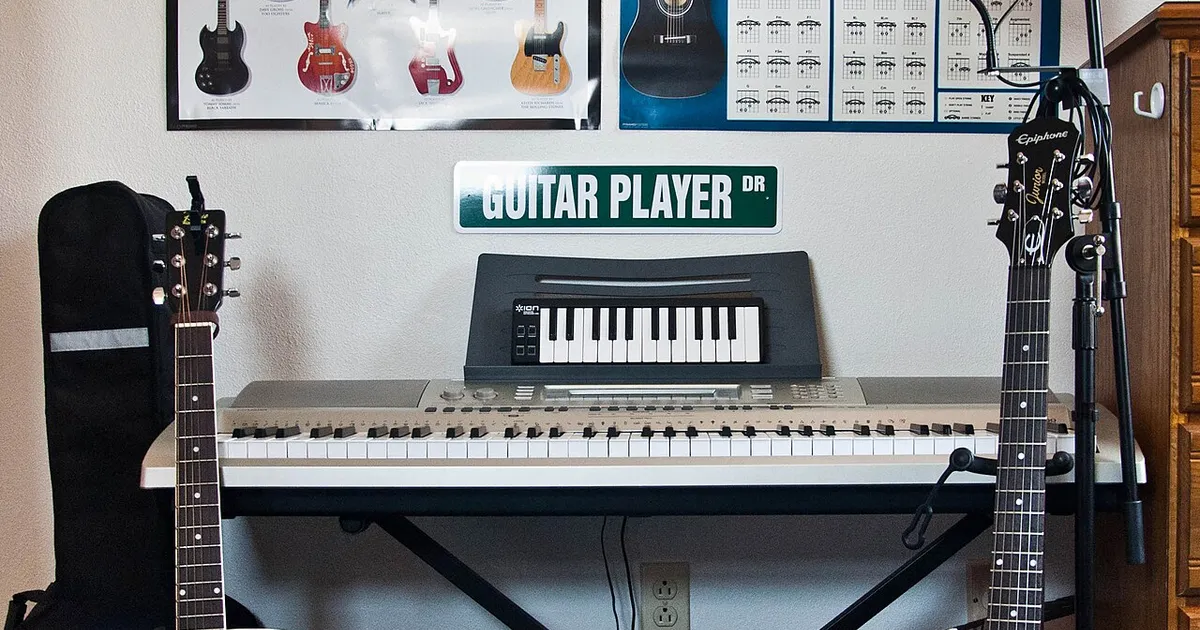
Photo by Alexis Fam from Madison, United States / Wikimedia Commons / CC BY 2.0
Starting a stream for the first time can feel like it requires a long list of expensive equipment before you’re “ready.” In reality, the technical bar to start streaming is lower than it looks, and most of the early work is about configuration and workflow rather than buying gear. Here’s a practical checklist for getting your first stream set up without overcomplicating it.
Get the Basic Signal Chain Working First
Before worrying about overlays, alerts, or scene design, focus on the core chain: a working capture of your gameplay or screen, a working microphone input, and a stable connection to your streaming platform of choice. Most streaming software includes setup wizards that walk through detecting your hardware and running a basic bandwidth test — running through that wizard honestly, rather than skipping it, will save you troubleshooting time later. Confirm you can see your own gameplay and hear your own microphone clearly in a local preview before worrying about anything downstream of that.
Audio Matters More Than Video, Early On
Viewers are far more forgiving of imperfect video than they are of poor audio — muffled, echoey, or inconsistent audio is one of the fastest ways to lose a viewer’s attention, even if the gameplay itself is compelling. Before investing time in webcam positioning or overlay design, make sure your microphone is positioned correctly, background noise is minimized, and your input levels are neither too quiet nor clipping. Most streaming software includes a level meter — use it, and do a short test recording to listen back before you go live for real.
Keep Your First Scene Layout Simple
It’s tempting to build an elaborate scene with multiple overlays, alerts, and widgets before your first stream, but a simple layout is easier to troubleshoot and easier for early viewers to follow. A clean starting layout typically includes your gameplay capture, a webcam if you’re using one, and basic information like your stream title — additional elements can be added incrementally once the basics are working reliably. Overly complex scenes are also more likely to introduce performance overhead that competes with the game itself for system resources.
Test Under Real Conditions, Not Just in Preview
A local preview in your streaming software doesn’t tell you how your stream actually looks and performs once it’s encoded and sent out. Before your first real stream, run a short private or unlisted test broadcast if your platform supports it, and watch it back from the viewer’s side. This is the only reliable way to catch issues like audio sync problems, unexpected quality drops, or encoding settings that looked fine locally but don’t hold up once actually streamed.
Plan Your Workflow, Not Just Your Setup
Streaming involves more than the technical setup — thinking through a rough plan for what you’ll actually do during a session (which games, roughly how long, how you’ll handle chat) makes the first few streams feel less improvised. You don’t need a rigid script, but having even a loose plan reduces the awkwardness of sitting in front of a live audience with no structure to fall back on.
A Beginner’s Pre-Stream Checklist
- Capture and microphone both confirmed working in a local preview.
- Audio levels checked and background noise minimized.
- A simple scene layout with just the essentials.
- A short private test stream reviewed from the viewer’s perspective.
- A loose plan for what you’ll actually do during the session.
Getting these fundamentals solid matters far more for a first stream than expensive equipment or an elaborate overlay design. Both of those are worth investing in later, once you have a clearer sense of what your actual streaming workflow looks like in practice.
Our picks: Streaming gear & Microphones
Shop on Amazon
Affiliate links.As an Amazon Associate I earn from qualifying purchases. Links below go to Amazon; prices and availability change, so check Amazon for current pricing.Affiliate disclosure
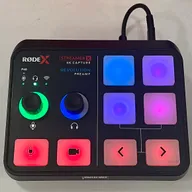
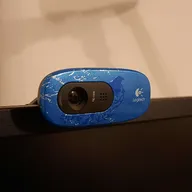
Illustrative photos: Photo by Alexis Fam from Madison, United States / Wikimedia Commons / CC BY 2.0; Photo by Evan-Amos / Wikimedia Commons / Public domain; Photo by TaurusEmerald / Wikimedia Commons / CC BY-SA 4.0; Photo by Peter Placzek / Wikimedia Commons / CC BY-SA 4.0