Budget Power Supplies You Can Trust: Corsair RM750e, Montech Century II, Thermaltake Toughpower GF A3 and MSI MAG A650BN
How to save money on a power supply without buying a risky unit, what to look for beyond the wattage, and four affordable options.
How to save money on a power supply without buying a risky unit, what to look for beyond the wattage, and four affordable options.
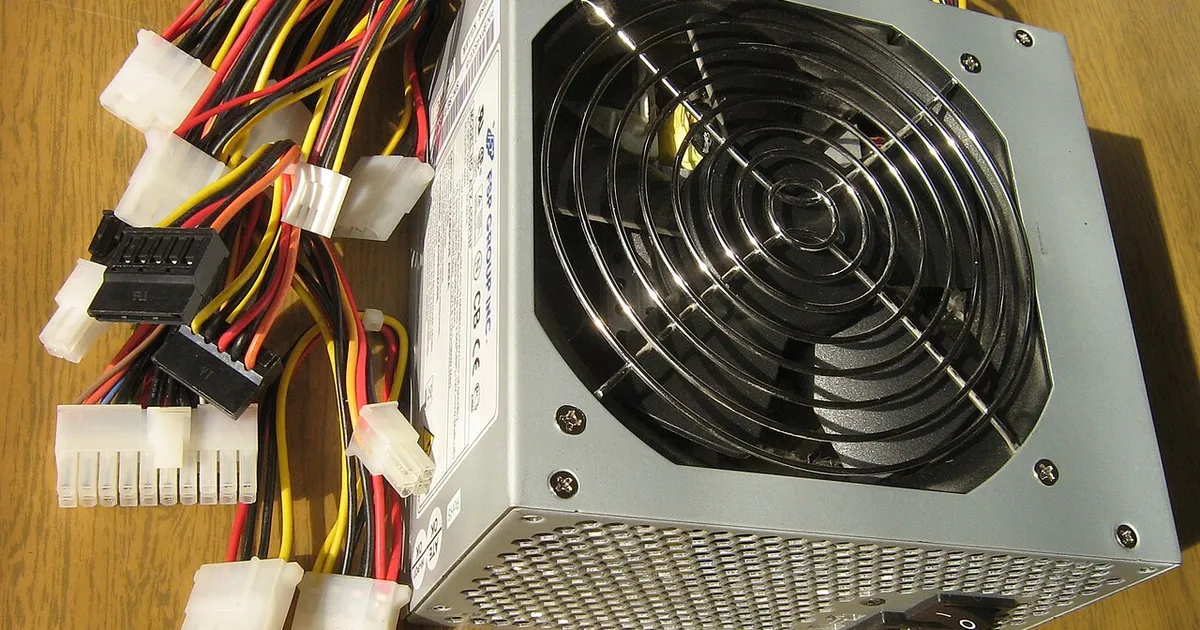
Photo by Victor Korniyenko / Wikimedia Commons / CC BY-SA 3.0
Affiliate links.As an Amazon Associate I earn from qualifying purchases. Links below go to Amazon; prices and availability change, so check Amazon for current pricing.Affiliate disclosure
The power supply is the part most often cut corners on in budget builds, and the one whose failure can take other parts with it. You don’t need an expensive unit, but you do need a reputable one with enough wattage. This guide compares four budget-friendly power supplies by design and listed specs, not lab testing. We don’t list prices; links go to Amazon’s current listings.
Quick answer
| PSU | Wattage | Efficiency | Modular | Best for |
|---|---|---|---|---|
| Corsair RM750e | 750W | 80 Plus Gold | Fully modular | Mid-range builds, quiet operation |
| Montech Century II 850W | 850W | 80 Plus Gold | Fully modular | Headroom for higher-end GPUs |
| Thermaltake Toughpower GF A3 750W | 750W | 80 Plus Gold | Fully modular | Mid-range builds |
| MSI MAG A650BN | 650W | 80 Plus Bronze | Non-modular | Entry-level builds on a tight budget |
How much wattage do you need?
- Entry-level GPU (RTX 5060 class): 550–650W from a good brand.
- Mid-range GPU (RTX 5060 Ti / 5070 class): 650–750W.
- Upper mid-range (RTX 5070 Ti / RX 9070 XT class): 750–850W.
- High-end: 850W and up.
Check the GPU maker’s recommended PSU wattage and add headroom for future upgrades. Our ATX 3.1 power supply guide covers higher-end units.
ATX 3.x and the 12V-2x6 connector
Newer NVIDIA cards use a 12V-2x6 (formerly 12VHPWR) power connector. ATX 3.0 and 3.1 power supplies include a native cable for it. Older units need an adapter, usually included with the GPU. Check the PSU’s listing for ATX 3.x support and the native cable.
Efficiency ratings
80 Plus Bronze, Gold and Platinum measure efficiency, not quality. Gold units usually run cooler and quieter, but a reputable Bronze unit is fine for budget builds.
Modular vs non-modular
- Fully modular: connect only the cables you need. Easier cable management.
- Non-modular: all cables attached. Cheaper, but harder to tidy in small cases.
Red flags
- No-name units with very high wattage at very low prices.
- Missing protections (OVP, OCP, SCP, OTP) in the specs.
- No efficiency certification.
- Very short warranty.
Warranty
Good power supplies often carry warranties of 7 to 10 years. A long warranty is a sign of confidence in the parts.
FAQ
Is a 650W PSU enough for gaming? For entry-level and many mid-range GPUs, yes, if it’s a reputable unit.
Gold or Bronze? Gold if the price difference is small; a reputable Bronze unit is fine on a budget.
Bottom line
Buy a reputable power supply with enough wattage and headroom, ideally ATX 3.x for newer GPUs. Don’t cut corners here. More in upgrading a prebuilt.
Our picks: Power supplies
Shop on Amazon
Affiliate links.As an Amazon Associate I earn from qualifying purchases. Links below go to Amazon; prices and availability change, so check Amazon for current pricing.Affiliate disclosure
Illustrative photos: Photo by Victor Korniyenko / Wikimedia Commons / CC BY-SA 3.0; Photo by Baran Ivo / Wikimedia Commons / Public domain