How to Tell a Real GPU Discount From a Marked-Up "Sale"
Graphics card pricing is notoriously easy to manipulate with inflated list prices. Learn how to verify a GPU discount is genuine before buying.
Main page for graphics cards: Graphics Cards →
Graphics card pricing is notoriously easy to manipulate with inflated list prices. Learn how to verify a GPU discount is genuine before buying.
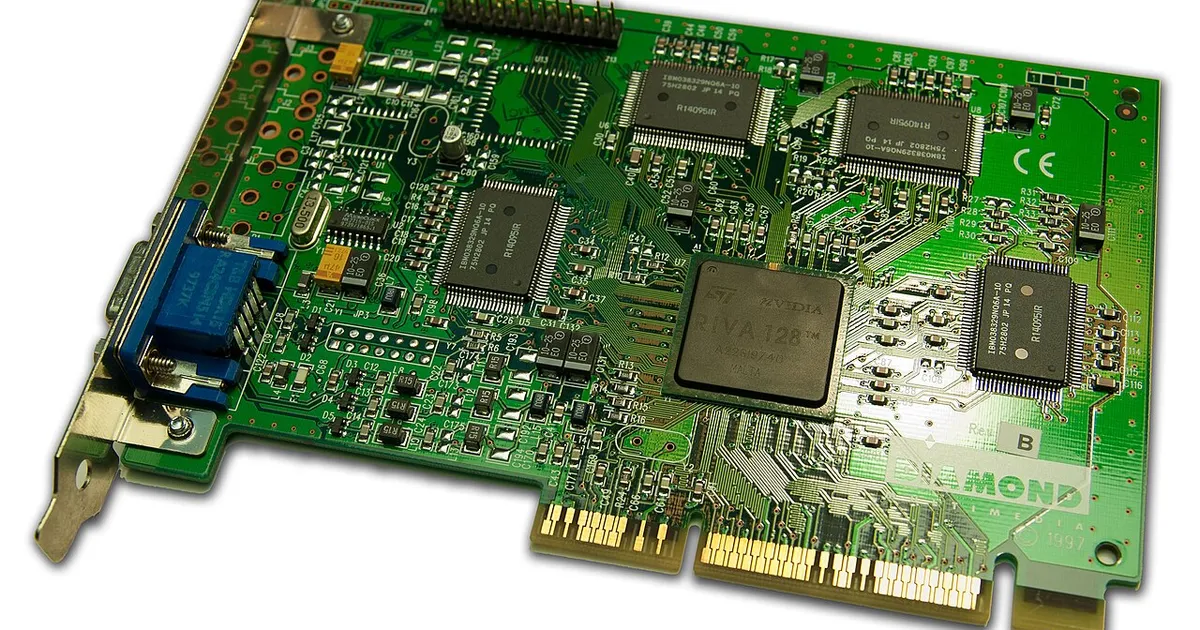
Photo by Timothy Borkowski / Wikimedia Commons / CC BY-SA 3.0
Few PC components have as volatile a pricing history as graphics cards. Between generation launches, mining and AI-driven demand spikes in the past, and constant supply fluctuations, GPU prices swing more than almost anything else in a build — which also makes GPU “sales” some of the easiest to fake. A strikethrough price next to a lower number doesn’t automatically mean you’re getting a deal.
Know Where the “Original” Price Comes From
A discount badge is only meaningful relative to a real reference price. Some retailers set that reference to the manufacturer’s original MSRP, which may be wildly out of date if the card has been on the market for a while and its real street price already dropped through normal competition. Others set an inflated “was” price for a short period specifically so they can mark it back down later without actually lowering what you pay. Before treating any percentage-off number as meaningful, look at the actual dollar price and judge it on its own — not the discount math layered on top.
Use Price History, Not a Single Snapshot
The most reliable way to evaluate a GPU price is to look at how that specific model has actually traded over recent months, not just today’s listing. Independent price-tracking tools and browser extensions that log historical pricing across retailers let you see whether today’s number is genuinely low relative to where the card usually sits, or whether it’s just back to its normal price after a temporary inflation. A “sale” that matches the card’s typical recent price isn’t really a sale at all.
Compare Across Multiple Retailers and Card Partners
The same GPU chip (say, a particular tier from a particular generation) is typically sold by multiple board partners at different price points reflecting cooler design, factory overclocks, and build quality. Before deciding a specific listing is a good deal, check what comparable models — same chip, similar tier of partner card — are going for elsewhere. If one listing looks dramatically cheaper than everything else on the market, that’s a reason for extra scrutiny, not extra excitement: double-check it’s actually the model described, check seller reputation, and read the return policy closely.
Factor In Where We Are in the Generation Cycle
GPU pricing is closely tied to product generation cycles. When a new generation is rumored or confirmed, prices on the outgoing generation often soften as retailers and manufacturers work through remaining inventory — this can produce genuinely good value, especially if the outgoing card still meets your performance needs. On the other hand, buying an outgoing-generation card at a price barely below a new model’s launch price is rarely worth it. Knowing roughly where a card sits in its lifecycle (brand new, mainstream, or on its way out) helps you judge whether a discount reflects real value or just an attempt to move stock before it becomes harder to sell.
Checklist Before You Buy a “Discounted” GPU
- Look up the card’s price history rather than trusting the listed “was” price.
- Compare against other board partners and retailers selling the same or similar chip.
- Confirm the listing is for the exact model and memory configuration advertised.
- Check whether the card is nearing the end of its generation cycle, and whether that matters to you.
- Verify the seller’s return policy and manufacturer warranty length before checkout.
A genuinely good GPU deal survives all of that scrutiny. One that only looks good because of an inflated “original” price won’t.
Our picks: Graphics cards
Shop on Amazon
Affiliate links.As an Amazon Associate I earn from qualifying purchases. Links below go to Amazon; prices and availability change, so check Amazon for current pricing.Affiliate disclosure
NVIDIA GeForce RTX 5070 Ti
16GB card that handles high-refresh 1440p and entry 4K.
Check price on AmazonNVIDIA GeForce RTX 5060 Ti 16GB
Budget-friendly 1080p/1440p pick; get the 16GB version.
Check price on Amazon
Illustrative photos: Photo by Timothy Borkowski / Wikimedia Commons / CC BY-SA 3.0; Photo by Advanced Micro Devices, Inc. (AMD) / Wikimedia Commons / Attribution