Fight Sticks and Leverless Controllers for Fighting Games: Hori, Victrix and Razer Kitsune
The difference between fight pads, arcade sticks and leverless controllers, which suits which player, and options for Street Fighter 6, Tekken 8 and more.
The difference between fight pads, arcade sticks and leverless controllers, which suits which player, and options for Street Fighter 6, Tekken 8 and more.
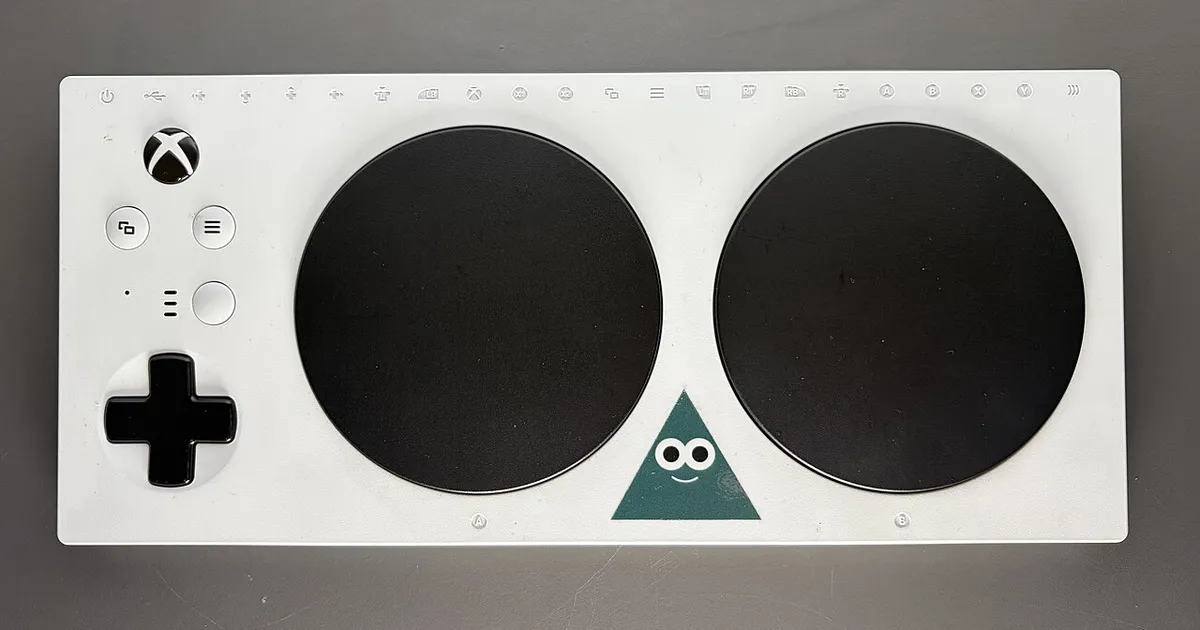
Photo by InclusiveGameLab / Wikimedia Commons / CC BY-SA 4.0
Affiliate links.As an Amazon Associate I earn from qualifying purchases. Links below go to Amazon; prices and availability change, so check Amazon for current pricing.Affiliate disclosure
Fighting games can be played on any controller, but many players move to a fight pad, an arcade stick or a leverless controller as they improve. Each suits different players. This guide compares the three types and some popular models by design and listed features, not lab testing. We don’t list prices; links go to Amazon’s current listings.
Quick answer
| Type | Example | Best for |
|---|---|---|
| Fight pad | Hori Fighting Commander OCTA | Gamepad players who want a six-button layout |
| Arcade stick | Victrix Pro FS | Players who like the arcade feel and joystick motions |
| Leverless (all-button) | Razer Kitsune | Precise, fast inputs; many competitive players |
Fight pads
A fight pad looks like a controller but has six face buttons in two rows of three, matching the light-medium-heavy layout of games like Street Fighter 6, plus a d-pad designed for quarter-circle and charge motions.
- Pros: cheap, familiar, portable.
- Cons: the d-pad can be tiring for long sessions.
- Example: the Hori Fighting Commander OCTA, with an eight-way d-pad. Check the PlayStation, Xbox or PC version.
Arcade sticks
An arcade stick uses a joystick lever for movement and large buttons for attacks, like an arcade cabinet.
- Pros: the classic feel, comfortable for motion inputs once learned, and often moddable with different levers and buttons.
- Cons: large, heavier, with a learning curve if you’re coming from a pad.
- Example: the Victrix Pro FS, a premium stick with a large aluminum case.
Leverless controllers
Leverless controllers (sometimes called Hitbox-style) replace the joystick with buttons: usually three for left, down and right under the left hand, and the thumb for up.
- Pros: very precise directional inputs, fast dashes and motions, consistent execution. Popular among competitive players.
- Cons: a real learning curve; it feels unlike anything else at first.
- Example: the Razer Kitsune, a slim leverless controller for PS5 and PC.
Which games they suit
Street Fighter 6, Tekken 8, Mortal Kombat 1, Guilty Gear Strive and other 2D and 3D fighters all support these controllers. Tekken players often map the four limbs to the main buttons; check community layouts for your game.
Platform and compatibility
- PS5 and Xbox only accept licensed controllers, so buy the version for your console.
- PC generally supports all of them.
- Tournament rules: if you compete, check event rules for SOCD settings (how the controller handles left and right pressed together), especially on leverless controllers.
How to choose
- Start with what you know. If you’re new, a fight pad or your normal controller is fine.
- Try before buying if you can, at a local event or a friend’s setup.
- Comfort: sticks and leverless controllers sit on your lap or a table.
- Platform version.
If you mainly want a better standard controller, see how to choose a gaming controller and pro controllers with back paddles.
FAQ
Do I need a fight stick to play fighting games? No. Many top players use pads. A stick or leverless controller is a preference, not a requirement.
Is leverless better than a stick? It can be more precise, but takes time to learn. Choose what feels right to you.
Bottom line
Fight pads are the easy upgrade, arcade sticks offer the classic feel, and leverless controllers offer precision with a learning curve. Buy the right platform version. More controller deals in our Black Friday controller guide.
Our picks: Controllers
Shop on Amazon
Affiliate links.As an Amazon Associate I earn from qualifying purchases. Links below go to Amazon; prices and availability change, so check Amazon for current pricing.Affiliate disclosure
PlayStation DualSense Wireless Controller
Haptics and adaptive triggers on PS5 and PC.
Check price on Amazon
Illustrative photos: Photo by Microsoft / Wikimedia Commons / CC BY-SA 4.0; Photo by Alex Cochrane / Wikimedia Commons / CC BY-SA 4.0; Photo by Evan-Amos / Wikimedia Commons / Public domain