PC Soundbars Under the Monitor: Creative Sound Blaster Katana V2 and Razer Leviathan V2
When a soundbar suits a desk better than speakers, what to check for size and connection, and two gaming soundbars.
When a soundbar suits a desk better than speakers, what to check for size and connection, and two gaming soundbars.
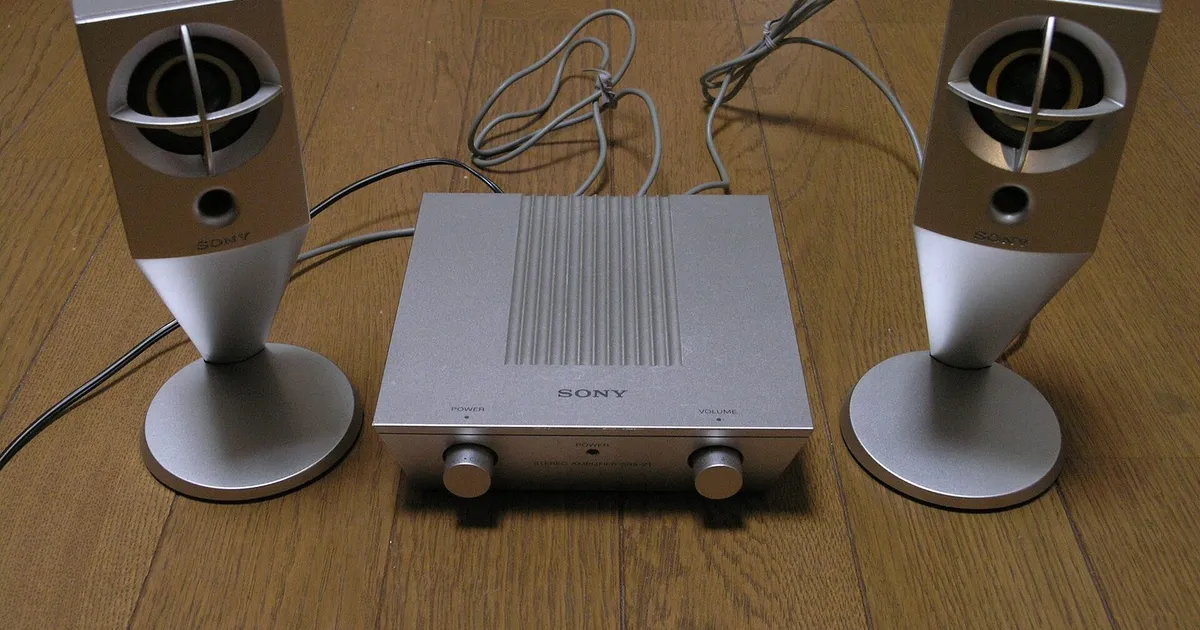
Photo by Kansai explorer / Wikimedia Commons / CC BY-SA 3.0
Affiliate links.As an Amazon Associate I earn from qualifying purchases. Links below go to Amazon; prices and availability change, so check Amazon for current pricing.Affiliate disclosure
A PC soundbar sits under your monitor and gives you better sound than monitor speakers without two separate speakers taking up desk space. Most gaming soundbars add a subwoofer for bass. This guide compares two popular models by design and listed features, not lab testing. We don’t list prices; links go to Amazon’s current listings.
Quick answer
| Soundbar | Subwoofer | Connections | Standout |
|---|---|---|---|
| Creative Sound Blaster Katana V2 | Separate subwoofer | USB, optical, Bluetooth, AUX | Strong for its size, Sound Blaster software |
| Razer Leviathan V2 | Separate subwoofer | USB, Bluetooth | THX Spatial Audio, RGB, Razer software |
Why a soundbar for a gaming desk
- Saves space: one bar under the monitor instead of two speakers.
- Easy setup: often a single USB connection.
- Better than monitor speakers: fuller sound and real bass with a sub.
- Works with consoles and TVs: many have optical or Bluetooth inputs.
Creative Sound Blaster Katana V2
A compact soundbar with a separate subwoofer, multiple inputs and Creative’s software for EQ and virtual surround.
- Who it suits: players who want strong sound in a small space, plus console or TV connections.
- What to weigh: the subwoofer needs floor space.
Razer Leviathan V2
A soundbar with a separate subwoofer, THX Spatial Audio support and RGB lighting that syncs with Razer gear.
- Who it suits: PC players with Razer setups who want spatial audio and lighting.
- What to weigh: fewer wired inputs than the Katana V2.
Soundbar vs bookshelf speakers vs headset
- Soundbar: compact and simple, good all-round sound.
- Bookshelf speakers or studio monitors: better stereo separation and music quality, but take more space. See studio monitors and bookshelf speakers.
- Headset: best for competitive positional audio and late-night play. See desktop speakers vs headsets.
What to check
- Width: fits under your monitor stand or arm.
- Inputs: USB for PC, optical for consoles and TVs, Bluetooth for phones.
- Subwoofer placement: room under or beside the desk.
- Headphone jack: handy for switching to a headset.
- Software: EQ and virtual surround.
Placement tips
- Center it under the monitor, pointing at your head height if possible.
- Put the sub on the floor under the desk, ideally near a wall for more bass.
- Avoid blocking it with a keyboard tray or desk lip.
More in desk speaker placement.
FAQ
Are soundbars good for PC gaming? For immersive single-player games and media, yes. For competitive shooters, a headset gives clearer positional audio.
Do I need the subwoofer? It adds most of the bass. Without one, a small bar sounds thin.
Bottom line
A soundbar is the space-saving speaker upgrade for a gaming desk. Katana V2 for inputs and compact power, Leviathan V2 for spatial audio and Razer integration. More on our Black Friday gaming deals hub.
Our picks: Speakers
Shop on Amazon
Affiliate links.As an Amazon Associate I earn from qualifying purchases. Links below go to Amazon; prices and availability change, so check Amazon for current pricing.Affiliate disclosure
Illustrative photos: Photo by Evan-Amos / Wikimedia Commons / Public domain