Second Screens for Streaming: Portable Monitors, Teleprompters and Tablets
How to keep an eye on chat and alerts while streaming without looking away from the camera, from portable monitors to Elgato Prompter.
How to keep an eye on chat and alerts while streaming without looking away from the camera, from portable monitors to Elgato Prompter.
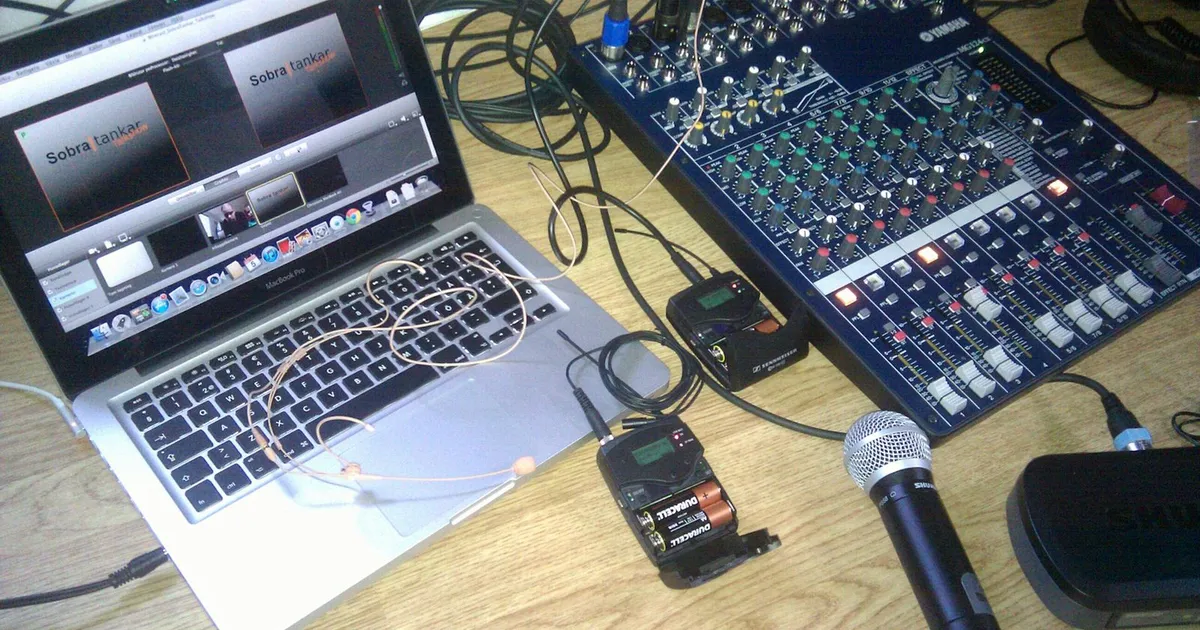
Photo by Christian Dahlqvist / Wikimedia Commons / CC BY-SA 2.0
Affiliate links.As an Amazon Associate I earn from qualifying purchases. Links below go to Amazon; prices and availability change, so check Amazon for current pricing.Affiliate disclosure
When you stream, you need to see chat, alerts and OBS without covering your game. A second screen solves that. It doesn’t need to be a full-size monitor: portable monitors, teleprompters and tablets all work. This guide compares the options by design and listed features, not lab testing. We don’t list prices; links go to Amazon’s current listings.
Quick answer
| Option | Best for | Watch out for |
|---|---|---|
| Portable monitor (15.6”) | Chat and OBS on a small desk | Needs a USB-C video port or HDMI plus power |
| Second full-size monitor | The most space for OBS, chat and browser | Desk space, a monitor arm helps |
| Elgato Prompter | Reading chat while looking into the camera | Mounts over the camera; costs more |
| Tablet on a tablet stand | Chat and dashboards on a device you own | Runs separately from the PC |
Portable monitors
Thin 15.6-inch monitors powered by a single USB-C cable (on supported PCs) or HDMI plus USB power. Easy to place beside or below your main monitor.
- Check: whether your PC’s USB-C port supports video (DisplayPort Alt Mode). If not, use HDMI and a separate power source.
- Placement: a small stand or a monitor arm keeps it at a comfortable angle.
A second full-size monitor
The most flexible option: OBS, chat, a browser and Discord side by side. A cheap 1080p monitor is enough. A dual monitor arm saves desk space. See planning a multi-monitor setup.
Teleprompters
A teleprompter like the Elgato Prompter mounts in front of your camera and shows a screen reflected on glass, so you can read chat while looking straight into the lens. Great for just-chatting streams and videos.
Tablets
A tablet can show chat, alerts and stream dashboards through web pages or apps, and can also run controls for OBS through remote apps. Use what you already own.
What to show on the second screen
- Chat and alerts.
- OBS preview and audio meters.
- Stream dashboard for viewer count and health.
- Notes for your stream plan.
Performance tips
- Keep the second screen at a lower refresh rate if your GPU is busy; it rarely matters for chat.
- Use browser sources sparingly in OBS.
FAQ
Do I need a second monitor to stream? Not strictly, but it makes managing chat and OBS much easier.
Is a portable monitor good for streaming? Yes, for chat and OBS on a small desk.
Bottom line
Any second screen helps you stream: a portable monitor for small desks, a full-size monitor for flexibility, a teleprompter for eye contact, or a tablet you already own. More in lighting, webcam and mic setup.
Our picks: Streaming gear
Shop on Amazon
Affiliate links.As an Amazon Associate I earn from qualifying purchases. Links below go to Amazon; prices and availability change, so check Amazon for current pricing.Affiliate disclosure
Illustrative photos: Photo by Alexis Fam from Madison, United States / Wikimedia Commons / CC BY 2.0; Photo by TaurusEmerald / Wikimedia Commons / CC BY-SA 4.0; Photo by Peter Placzek / Wikimedia Commons / CC BY-SA 4.0