Starting an Amateur Esports Team: Scrims, Comms and Gear
How to start an amateur esports team, find scrims, set up voice comms, and the gear each player needs for team play.
How to start an amateur esports team, find scrims, set up voice comms, and the gear each player needs for team play.
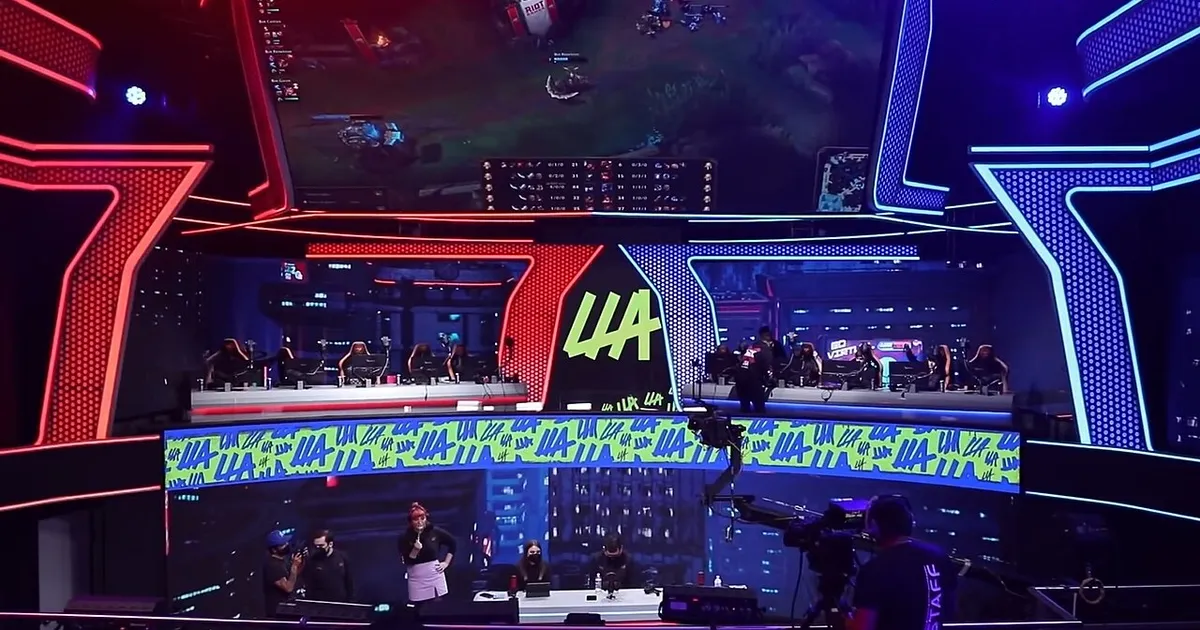
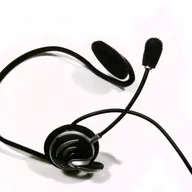
Photo by LLA / Wikimedia Commons / CC BY 3.0
Affiliate links.As an Amazon Associate I earn from qualifying purchases. Links below go to Amazon; prices and availability change, so check Amazon for current pricing.Affiliate disclosure
Starting an amateur esports team is a great way to improve and have fun with friends. The basics: a committed roster, regular scrims, clear communication and a simple structure. This guide covers how to get started, based on general practice rather than lab testing. We don’t list prices; links go to Amazon’s current listings.
Quick answer
| Step | What to do |
|---|---|
| Roster | Players with similar skill, schedules and goals, plus a sub |
| Roles | Clear roles in-game and someone to organize |
| Practice | Regular scrims and review |
| Comms | A Discord server and clear callout habits |
| Gear | Clear headset mics, consistent setups |
Building the roster
- Similar rank and goals: casual fun or competitive climb.
- Availability: a schedule everyone can make.
- Substitutes for missed sessions.
- A captain or manager to book scrims and organize.
Scrims
Scrims (practice matches against other teams) are the core of team improvement.
- Find scrim partners in community Discord servers.
- Be on time and communicate cancellations.
- Review a few rounds after each scrim.
See 5 common scrim mistakes and our pre-scrim warm-up routine.
Communication
- Short, clear callouts: location, number of enemies, health.
- One shot-caller in tense moments.
- Stay positive; reset after bad rounds.
Gear
- Clear headset mics: a headset like the Razer BlackShark V2 Pro helps teammates hear calls.
- Or a desk mic: like the HyperX QuadCast S, with push-to-talk to reduce noise.
- Consistent setups: high-refresh monitors and stable settings. See how esports pros choose gear.
Structure and tournaments
- Amateur leagues and online tournaments give competitive goals.
- Team name and logo help with registration and identity.
- Rules: check eligibility and conduct rules.
Streaming your matches
Recording or streaming matches helps review and builds an audience. See OBS settings for a first stream.
Esports scenes
See tactical shooter esports and MOBA and battle royale esports.
FAQ
How do I find scrims? Community Discord servers for your game, and amateur league communities.
Do we need expensive gear? No. Clear mics and consistent setups matter most.
Bottom line
Build a committed roster, scrim regularly, communicate clearly and keep gear consistent. More in running a LAN party.
Our picks: Competitive gear
Shop on Amazon
Affiliate links.As an Amazon Associate I earn from qualifying purchases. Links below go to Amazon; prices and availability change, so check Amazon for current pricing.Affiliate disclosure
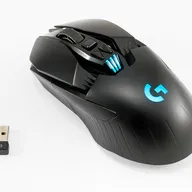
Illustrative photos: Photo by Jacek Halicki / Wikimedia Commons / CC BY-SA 4.0; Photo by PantheraLeo1359531 / Wikimedia Commons / CC BY 4.0; Photo by Anirban Saha / Wikimedia Commons / CC BY-SA 4.0; Photo by Zephyris at English Wikipedia / Wikimedia Commons / CC BY-SA 3.0