Running a LAN Party: Gear and Network Checklist
Everything you need to run a LAN party, from network switches and cables to power, seating and game setup.
Everything you need to run a LAN party, from network switches and cables to power, seating and game setup.
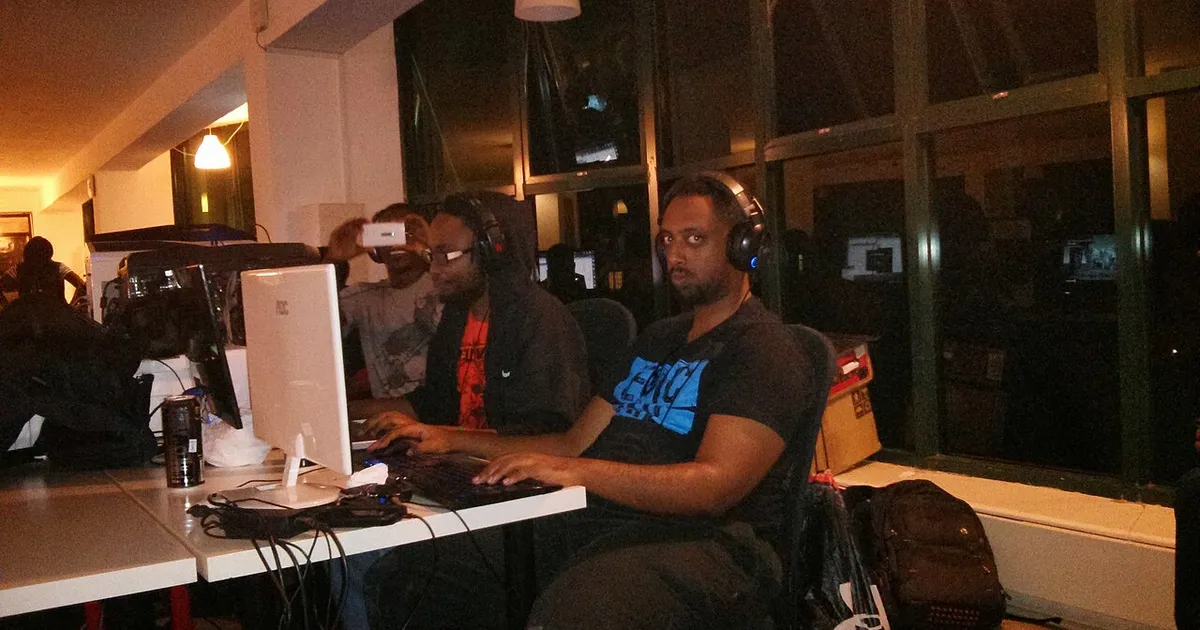
Photo by Hilary Murugu / Wikimedia Commons / CC BY-SA 4.0
Affiliate links.As an Amazon Associate I earn from qualifying purchases. Links below go to Amazon; prices and availability change, so check Amazon for current pricing.Affiliate disclosure
A LAN party is one of the best ways to play with friends: everyone in one room, wired together, with no lag. Good planning keeps it running smoothly. This checklist covers gear, network and power, based on general practice rather than lab testing. Links go to Amazon’s current listings.
Quick answer: the essentials
| Item | Why |
|---|---|
| Gigabit network switch | Connects every PC with wired Ethernet |
| Cat 6 Ethernet cables | One per player, plus spares |
| Power strips and surge protectors | Enough outlets without overloading circuits |
| Tables and chairs | Space for monitors and peripherals |
| A game list and server plan | Fewer delays |
Network
- Connect everyone by Ethernet to a gigabit switch; connect the switch to your router for internet.
- Count ports: one per player, plus the router.
- Bring spare cables of different lengths.
- Pre-download games and updates before the event; a home connection won’t handle everyone downloading at once.
- Dedicated server: for some games, host on a spare PC to avoid the host’s game slowing down.
Power
Gaming PCs and monitors draw a lot of power. Spread players across different circuits, and avoid daisy-chaining power strips. See surge protectors and power strips.
Space
- Desk space per player for a monitor, keyboard and mouse.
- Cable routing to avoid trip hazards.
- Ventilation: many PCs make a room hot.
Games
- Pick games everyone owns or free-to-play titles.
- Check LAN or local server support.
- Have a schedule with variety: shooters, party games, co-op.
Player checklist
- PC and power cable.
- Monitor and cable.
- Keyboard, mouse, mouse pad, headset.
- Ethernet cable.
- Games installed and updated.
Food and comfort
Snacks away from keyboards, drinks with lids, and breaks.
Running a tournament
See starting an amateur esports team for scrim and team tips.
FAQ
Do I need a switch for a LAN party? Yes, for more than a few players; most routers have only a few ports.
Can players use Wi-Fi? Wired is far more reliable for multiplayer.
Bottom line
Wire everyone to a gigabit switch, pre-download games, spread the power load and plan the game list. More in optimizing your network for online gaming.
Our picks: Competitive gear
Shop on Amazon
Affiliate links.As an Amazon Associate I earn from qualifying purchases. Links below go to Amazon; prices and availability change, so check Amazon for current pricing.Affiliate disclosure
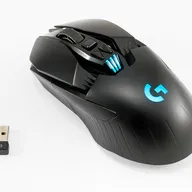

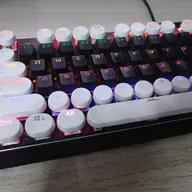

Illustrative photos: Photo by Jacek Halicki / Wikimedia Commons / CC BY-SA 4.0; Photo by PantheraLeo1359531 / Wikimedia Commons / CC BY 4.0; Photo by Anirban Saha / Wikimedia Commons / CC BY-SA 4.0; Photo by Zephyris at English Wikipedia / Wikimedia Commons / CC BY-SA 3.0