Gaming Laptop Cooling Pads and Stands: Do They Help?
When a cooling pad or laptop stand lowers temperatures, why raising the back of a laptop helps, and four options from KLIM, havit, Cooler Master and Rain Design.
When a cooling pad or laptop stand lowers temperatures, why raising the back of a laptop helps, and four options from KLIM, havit, Cooler Master and Rain Design.
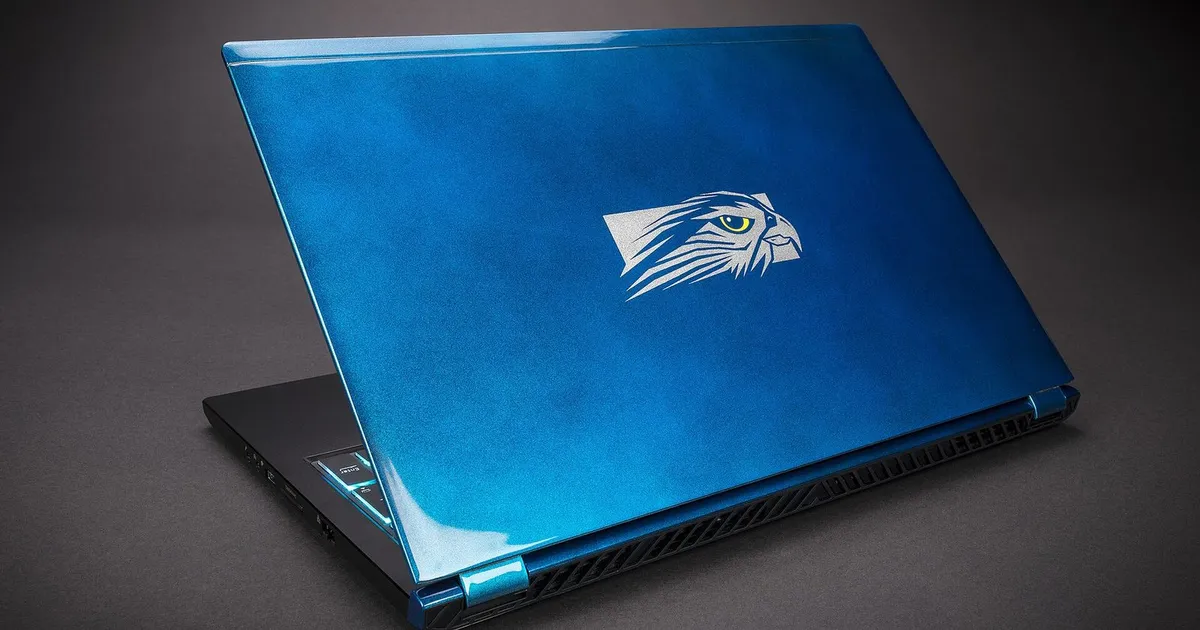
Photo by Falcon Northwest / Wikimedia Commons / CC BY-SA 4.0
Affiliate links.As an Amazon Associate I earn from qualifying purchases. Links below go to Amazon; prices and availability change, so check Amazon for current pricing.Affiliate disclosure
Gaming laptops run hot, and many players wonder if a cooling pad will help. The honest answer: a pad or stand usually helps a little, mostly by raising the laptop so its intake vents get more air. This guide explains what to expect and compares popular options by design and listed features, not lab testing. We don’t list prices; links go to Amazon’s current listings.
Quick answer
| Product | Type | Best for |
|---|---|---|
| KLIM Wind laptop cooling pad | Fan pad | Budget extra airflow |
| havit HV-F2056 | Fan pad | Thin, light, affordable |
| Cooler Master NotePal X3 | Large single-fan pad | Larger laptops |
| Rain Design mStand | Aluminum stand, no fans | Raising the screen with an external keyboard |
Why laptops overheat
Gaming laptops pack a powerful CPU and GPU into a thin chassis. Most draw air in through the bottom. On a desk, and especially on a bed or lap, those vents get starved of air, so the laptop runs hotter, louder and may throttle performance. Read gaming laptop cooling and thermal throttling.
What actually helps
- Raise the back of the laptop. Even a simple stand improves bottom intake. This is most of the benefit of a cooling pad.
- Keep vents clear. Never game on soft surfaces.
- Clean the fans and vents periodically.
- Use the laptop’s performance modes sensibly; a balanced mode can be much quieter.
- Undervolting or frame rate caps reduce heat at the source.
Fan pads
Fan pads add airflow under the laptop. Results depend on whether the pad’s fans line up with the laptop’s intake vents.
- Check vent placement on your laptop’s underside.
- Larger pads suit 16- and 17-inch laptops.
- Noise: some pads are loud at high speeds.
Stands without fans
An aluminum stand raises the laptop for airflow and ergonomics. Pair it with an external keyboard and mouse to put the screen at eye level.
Also consider
- An external monitor: keeps the laptop off to the side with lid open or closed (check your laptop’s lid-closed cooling).
- Repasting: on older laptops, fresh thermal paste can help, but may affect the warranty.
FAQ
Do cooling pads lower temperatures? Usually by a few degrees, mostly by raising the laptop. Results vary by laptop design.
Is it bad to game on a bed? Yes. Soft surfaces block intake vents and raise temperatures.
Bottom line
Raise your laptop and keep the vents clear; a cooling pad adds a little more. Pick one sized for your laptop with fans that match its vents. More in gaming laptop RAM and SSD upgrades and our Black Friday laptop guide.
Our picks: Gaming laptops
Shop on Amazon
Affiliate links.As an Amazon Associate I earn from qualifying purchases. Links below go to Amazon; prices and availability change, so check Amazon for current pricing.Affiliate disclosure

Illustrative photos: Photo by Nikitarama / Wikimedia Commons / CC BY-SA 4.0