Black Friday Gaming Laptop Deals 2026: The Spec Traps to Check Before You Buy
How to judge a Black Friday gaming laptop deal on Amazon: GPU power limits, RAM, storage, screen and cooling, with popular models like the Acer Nitro V, Lenovo LOQ, ASUS TUF and Legion 5i.
Main page for gaming pcs: Gaming PCs →
How to judge a Black Friday gaming laptop deal on Amazon: GPU power limits, RAM, storage, screen and cooling, with popular models like the Acer Nitro V, Lenovo LOQ, ASUS TUF and Legion 5i.
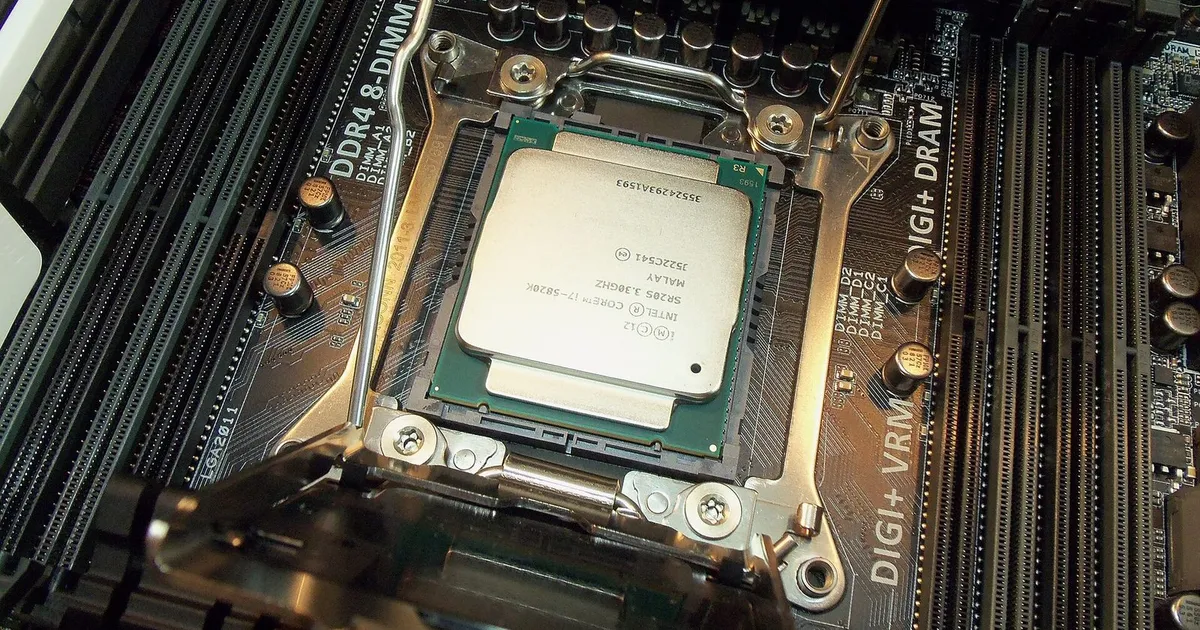
Photo: Deborah Lee Soltesz / Wikimedia Commons / CC0
Affiliate links.As an Amazon Associate I earn from qualifying purchases. Links below go to Amazon; prices and availability change, so check Amazon for current pricing.Affiliate disclosure
Gaming laptops get some of the biggest Black Friday discounts, and also hide the most spec traps. Two laptops with “RTX 5060” in the title can perform very differently, and a cheap deal can come with too little RAM or a dim screen. This guide explains what to check, compared by listed specs and design, not lab testing. We don’t list prices, which change constantly; links open the current Amazon listings.
Quick answer: popular laptop lines to watch
| Laptop line | Typical position | Check especially |
|---|---|---|
| Acer Nitro V | Entry level | RAM amount, screen brightness |
| Lenovo LOQ | Entry level | GPU power limit, RAM |
| HP Victus | Entry level | Screen refresh and color |
| ASUS TUF Gaming A16 / F16 | Mid-range | Which CPU and GPU version |
| Lenovo Legion 5i | Mid-range to upper | Configuration, as there are many |
Each line is sold in many configurations. The model name alone tells you very little; the exact configuration is what you’re buying.
Trap 1: the same GPU name, different performance
Laptop graphics cards run at different power limits (TGP), set by the manufacturer. An RTX 5060 at a high power limit in a thick laptop can be clearly faster than the same chip at a low limit in a thin one.
- Look for the maximum graphics power in the listing or the maker’s spec sheet.
- Compare it with other laptops using the same GPU.
- A higher tier at a low power limit may not beat a lower tier at full power.
Trap 2: 8GB or 16GB of RAM
Many cheap Black Friday configurations ship with 8GB, or 16GB on a single stick. That means stutters in newer games and slower graphics in some cases.
- Aim for 16GB in two sticks (dual channel) as the minimum.
- Check whether the RAM is upgradeable. Some thin laptops have memory soldered to the board.
More in how much RAM you need for gaming.
Trap 3: 512GB of storage
Modern games often take 100GB or more each. A 512GB drive fills up fast. Check whether there’s a second M.2 slot so you can add an SSD later, ideally on sale. See our Black Friday SSD deals guide.
Trap 4: the screen
The screen is the part you look at every day, and cheap configurations save money here.
- Refresh rate: 144Hz or higher for gaming.
- Brightness: around 300 nits or more is comfortable indoors; cheaper panels can be dim.
- Color coverage: look for 100% sRGB if you also edit photos or video.
Trap 5: older models at “record low” prices
Older generations get the biggest Black Friday discounts. That can be a great deal, or a laptop that’s been sitting in a warehouse. Check the CPU and GPU generation in the title, and compare with a current model at the same price.
Also check
- Cooling and noise: thinner laptops run louder or slower under load. Read about gaming laptop cooling and thermal throttling.
- Weight and battery: gaming laptops rarely last long on battery while gaming.
- Ports: HDMI version, USB-C with display output, and Ethernet.
- Warranty and seller: buy from Amazon or the brand’s own store, and check the return window.
Laptop or desktop?
If you rarely move it, a desktop gives more performance for the money and is easier to upgrade. See prebuilt vs custom gaming PCs if you’re weighing a desktop.
Further reading
- Budget gaming laptops: Nitro V, TUF F16, LOQ and Victus
- RTX 50 gaming laptops buying guide
- Gaming laptop buying guide 2026
FAQ
Is Black Friday a good time to buy a gaming laptop? Yes, discounts are large. But check the exact configuration: GPU power limit, RAM, storage and screen matter as much as the price.
What’s the minimum spec for a gaming laptop in 2026? An RTX 5050 or 5060 class GPU, 16GB of dual-channel RAM, a 1TB SSD and a 144Hz screen is a sensible starting point.
Bottom line
On Black Friday, judge the configuration, not the headline: GPU power, RAM, storage and screen. A slightly more expensive configuration often saves an upgrade later. See more on our Black Friday gaming deals hub.
Our picks: Prebuilt gaming PCs
Shop on Amazon
Affiliate links.As an Amazon Associate I earn from qualifying purchases. Links below go to Amazon; prices and availability change, so check Amazon for current pricing.Affiliate disclosure
Skytech Gaming PC RTX 5070
Prebuilt with standard parts that are easy to upgrade.
Check price on Amazon

Illustrative photos: Photo by Gaming PC Bundle / Wikimedia Commons / CC BY-SA 4.0; Photo by PantheraLeo1359531 / Wikimedia Commons / CC BY 4.0; Photo by Brian Wong / Wikimedia Commons / CC BY-SA 2.0