Flight Sim Gear for PC: HOTAS Setups from Thrustmaster, Logitech and Turtle Beach
What a HOTAS adds to flight simulators, the difference between budget and mid-range setups, and four options for Microsoft Flight Simulator and space games.
What a HOTAS adds to flight simulators, the difference between budget and mid-range setups, and four options for Microsoft Flight Simulator and space games.
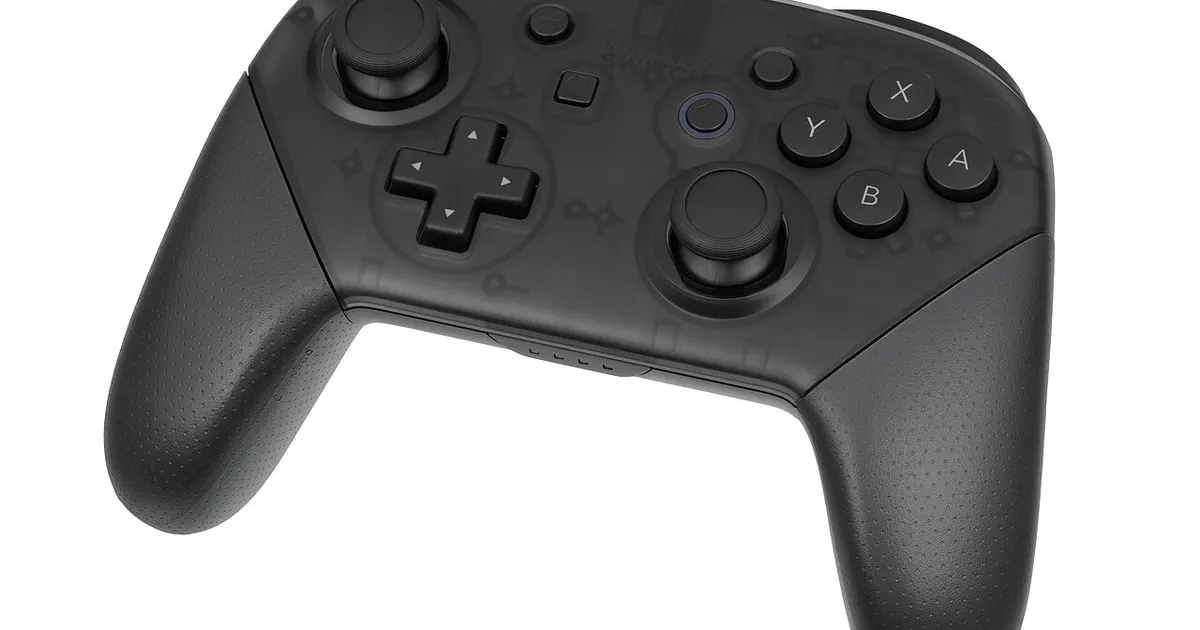
Photo by Evan-Amos / Wikimedia Commons / Public domain
Affiliate links.As an Amazon Associate I earn from qualifying purchases. Links below go to Amazon; prices and availability change, so check Amazon for current pricing.Affiliate disclosure
Flight simulators like Microsoft Flight Simulator, DCS World and Star Citizen are much more immersive with a joystick and throttle (HOTAS, “hands on throttle and stick”) than with a keyboard or controller. This guide compares popular flight sim controllers by design and listed features, not lab testing. We don’t list prices; links go to Amazon’s current listings.
Quick answer
| Product | Type | Platforms | Best for |
|---|---|---|---|
| Thrustmaster T.Flight HOTAS 4 | Stick + detachable throttle | PC, PlayStation | An affordable first HOTAS |
| Logitech G X56 HOTAS | Stick + dual throttle | PC | Space and combat sims with lots of controls |
| Turtle Beach VelocityOne Flightdeck | Stick + throttle quadrant | PC, Xbox | Civil flight on PC and Xbox |
| Thrustmaster TCA Sidestick Airbus Edition | Airbus-style sidestick | PC (Xbox versions exist) | Airliner flying |
Which type suits your sim
- Civil aviation (Microsoft Flight Simulator): a yoke or an airliner sidestick plus a throttle quadrant feels most realistic.
- Combat sims (DCS World): a HOTAS with many buttons.
- Space sims (Star Citizen, Elite Dangerous): a HOTAS, or dual sticks.
Thrustmaster T.Flight HOTAS 4
A budget HOTAS with a detachable throttle, rudder control by twisting the stick or rocker, and PlayStation support.
- What to weigh: basic sensors and plastic build, but a great entry point.
Logitech G X56 HOTAS
A large HOTAS with a dual throttle and many buttons, switches and rotaries.
- What to weigh: PC only; large desk footprint.
Turtle Beach VelocityOne Flightdeck
A stick and throttle quadrant designed for civil flight, with Xbox and PC support.
- What to weigh: focused on civil aviation rather than combat.
Thrustmaster TCA Sidestick Airbus Edition
A replica of an Airbus sidestick, which pairs with Thrustmaster’s matching throttle quadrant.
- What to weigh: designed for airliners; less suited to combat.
Rudder pedals
Rudder pedals add realistic yaw control and free up the twist axis on the stick. Many players add them after a HOTAS.
What to check
- Platform: Xbox and PlayStation support is limited to specific models.
- Sensor type: magnetic (Hall effect) sensors last longer than potentiometers.
- Desk space and mounting: HOTAS setups take room; desk clamps or mounts help.
- Software: for button mapping and curves.
- Sim support: check community setups for your sim.
Getting started
- Set up dead zones and curves in the sim for smoother control.
- Map essential controls first: throttle, flaps, gear, trim.
- Use community profiles for popular sims.
For racing sims, see budget racing wheels.
FAQ
Do I need a HOTAS for Microsoft Flight Simulator? No, but it makes flying far more immersive and precise than a controller.
HOTAS or yoke? Yoke for light aircraft and airliners; HOTAS for combat and space sims.
Bottom line
Pick flight gear for the sim you play: HOTAS for combat and space, sidestick or yoke for civil flight. The T.Flight HOTAS 4 is the easy starting point. More on our Black Friday gaming deals hub.
Our picks: Graphics cards & Controllers
Shop on Amazon
Affiliate links.As an Amazon Associate I earn from qualifying purchases. Links below go to Amazon; prices and availability change, so check Amazon for current pricing.Affiliate disclosure
PlayStation DualSense Wireless Controller
Haptics and adaptive triggers on PS5 and PC.
Check price on AmazonNVIDIA GeForce RTX 5070 Ti
16GB card that handles high-refresh 1440p and entry 4K.
Check price on Amazon


Illustrative photos: Photo by Timothy Borkowski / Wikimedia Commons / CC BY-SA 3.0; Photo by Microsoft / Wikimedia Commons / CC BY-SA 4.0; Photo by Advanced Micro Devices, Inc. (AMD) / Wikimedia Commons / Attribution; Photo by Alex Cochrane / Wikimedia Commons / CC BY-SA 4.0; Photo by Evan-Amos / Wikimedia Commons / Public domain