Open-World Games: VRAM, Storage and RAM Needs
Why big open-world games need more VRAM, faster storage and more RAM, and how to set graphics settings to avoid stutter.
Main page for pc games: PC Games →
Why big open-world games need more VRAM, faster storage and more RAM, and how to set graphics settings to avoid stutter.
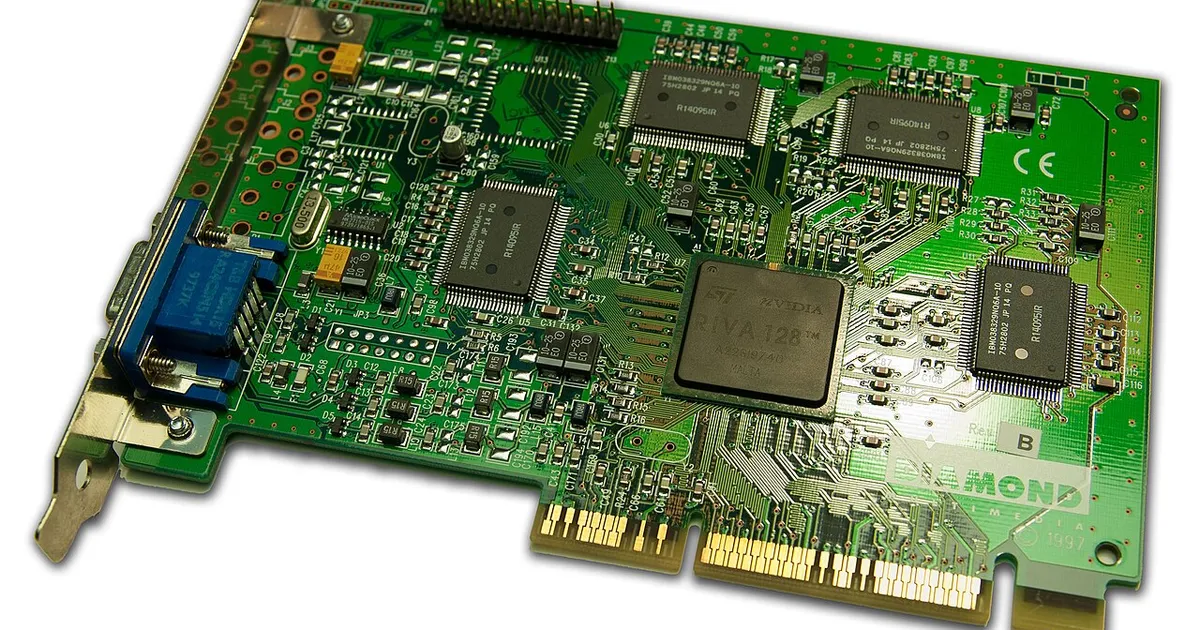
Photo by Timothy Borkowski / Wikimedia Commons / CC BY-SA 3.0
Affiliate links.As an Amazon Associate I earn from qualifying purchases. Links below go to Amazon; prices and availability change, so check Amazon for current pricing.Affiliate disclosure
Modern open-world games are some of the most demanding on PC: huge textures, constant asset streaming and large install sizes. They stress VRAM, storage and system RAM more than most games. This guide explains what they need, based on general practice rather than lab testing. We don’t list prices; links go to Amazon’s current listings.
Quick answer
| Resource | Why it matters | Comfortable target |
|---|---|---|
| VRAM | High-resolution textures | 12–16GB for high settings, e.g. RX 9060 XT 16GB |
| Storage | Streaming the world as you move | NVMe SSD, e.g. Crucial P3 Plus 2TB |
| System RAM | Game data and background apps | 32GB |
| CPU | Crowds, AI and streaming | A modern six- or eight-core |
VRAM
Open worlds use large texture sets. When VRAM runs out, you get stutter and blurry textures. 8GB cards often need lower texture settings in new open-world games. See RTX 5060 Ti 8GB vs 16GB.
Storage
These games stream the world from storage as you move. On a hard drive, that causes stutter and pop-in. An NVMe SSD is strongly recommended; some games list SSDs as required. New games increasingly use DirectStorage. See DirectStorage explained.
Install sizes are huge, often 100GB or more. See managing game storage.
System RAM
32GB gives headroom for the game, browser and Discord. See RAM and storage bottlenecks.
CPU
Dense cities and many NPCs load the CPU. Traversal stutter can be CPU-related too.
Settings to adjust
- Texture quality to fit your VRAM.
- Crowd density and view distance for the CPU.
- Upscaling for the GPU. See upscaling explained.
- Ray tracing off if performance is tight.
Games to try
See open-world RPGs worth playing.
FAQ
Is 8GB of VRAM enough for open-world games? For many, at lower texture settings. 12–16GB is more comfortable.
Do I need an NVMe SSD? Strongly recommended; many new games are designed around SSD speeds.
Bottom line
For open-world games, prioritize VRAM, an NVMe SSD and 32GB of RAM, and tune textures and crowd settings. More in what to upgrade first.
Our picks: Graphics cards & Mice
Shop on Amazon
Affiliate links.As an Amazon Associate I earn from qualifying purchases. Links below go to Amazon; prices and availability change, so check Amazon for current pricing.Affiliate disclosure
NVIDIA GeForce RTX 5070 Ti
16GB card that handles high-refresh 1440p and entry 4K.
Check price on Amazon




Illustrative photos: Photo by Timothy Borkowski / Wikimedia Commons / CC BY-SA 3.0; Photo by Jacek Halicki / Wikimedia Commons / CC BY-SA 4.0; Photo by Advanced Micro Devices, Inc. (AMD) / Wikimedia Commons / Attribution; Photo by FASTILY / Wikimedia Commons / CC BY-SA 4.0