Frame Generation Explained: DLSS 4 Multi Frame Generation and AMD FSR
How frame generation creates extra frames, why it raises FPS but not responsiveness, and when to turn it on.
How frame generation creates extra frames, why it raises FPS but not responsiveness, and when to turn it on.
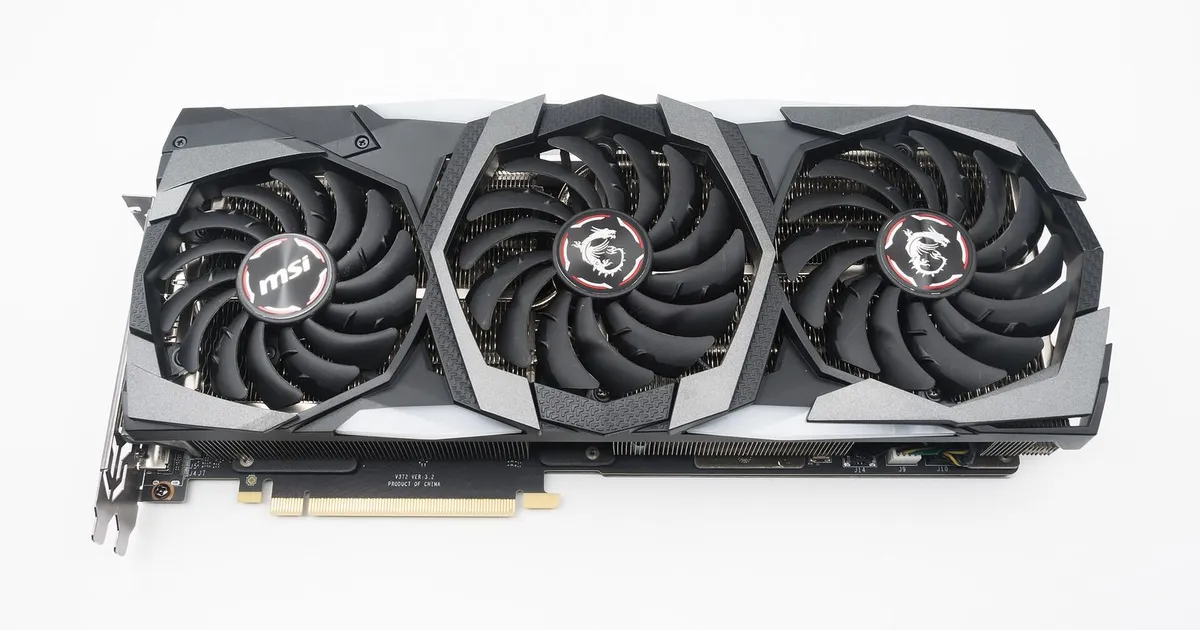
Photo by Jacek Halicki / Wikimedia Commons / CC BY-SA 4.0
Affiliate links.As an Amazon Associate I earn from qualifying purchases. Links below go to Amazon; prices and availability change, so check Amazon for current pricing.Affiliate disclosure
Frame generation can double or even quadruple the frame rate shown on screen, which is why it features heavily in GPU marketing. But generated frames aren’t the same as rendered ones. This guide explains how it works and when it helps, based on how the technology is designed rather than lab testing. Links go to Amazon’s current listings.
Quick answer
| What it does | Works on | |
|---|---|---|
| DLSS Frame Generation | Adds one generated frame per rendered frame | NVIDIA RTX 40 and 50 series |
| DLSS Multi Frame Generation | Adds up to three generated frames per rendered frame | NVIDIA RTX 50 series, e.g. RTX 5070 |
| AMD FSR frame generation | Adds generated frames | Many GPUs; check game support. E.g. RX 9070 XT |
How it works
The GPU renders frames normally, then uses motion data to create extra frames in between. The displayed frame rate goes up, so motion looks smoother.
What it doesn’t do
- It doesn’t reduce input latency. The game still responds at the rendered frame rate, and frame generation adds a little extra latency.
- It doesn’t fix low base frame rates. At a low base frame rate, artifacts and lag are more noticeable.
When frame generation works well
- A base frame rate of around 60 FPS or more before frame generation.
- High refresh rate monitors you want to fill.
- Single-player games, where smoothness matters more than the lowest latency.
When to avoid it
- Competitive shooters, where input latency matters most.
- Low base frame rates.
- Games with visible artifacts around UI or fast motion.
Latency reduction
Use NVIDIA Reflex or AMD’s latency reduction features alongside frame generation; many games enable them automatically.
Reading GPU marketing
Performance charts that include Multi Frame Generation compare generated frame rates, not rendered ones. Compare cards with the same settings. See reading past GPU marketing numbers.
Frame generation and upscaling
They’re often used together: upscaling raises the base frame rate, and frame generation adds smoothness on top. See upscaling explained.
FAQ
Is frame generation “fake frames”? They’re generated rather than rendered. They make motion smoother but don’t improve responsiveness.
Should I use frame generation in competitive games? Usually not; latency matters more there.
Bottom line
Frame generation is great for smoothness in single-player games when the base frame rate is already decent. Judge GPUs by rendered performance first. More in 1% lows and frame times.
Our picks: Graphics cards
Shop on Amazon
Affiliate links.As an Amazon Associate I earn from qualifying purchases. Links below go to Amazon; prices and availability change, so check Amazon for current pricing.Affiliate disclosure
NVIDIA GeForce RTX 5070 Ti
16GB card that handles high-refresh 1440p and entry 4K.
Check price on AmazonNVIDIA GeForce RTX 5060 Ti 16GB
Budget-friendly 1080p/1440p pick; get the 16GB version.
Check price on Amazon


Illustrative photos: Photo by Timothy Borkowski / Wikimedia Commons / CC BY-SA 3.0; Photo by Advanced Micro Devices, Inc. (AMD) / Wikimedia Commons / Attribution