Retailer Protection Plans on PC Parts: Worth It or Not?
How retailer protection plans compare with manufacturer warranties on GPUs, monitors and laptops, and the questions to ask before buying one.
How retailer protection plans compare with manufacturer warranties on GPUs, monitors and laptops, and the questions to ask before buying one.
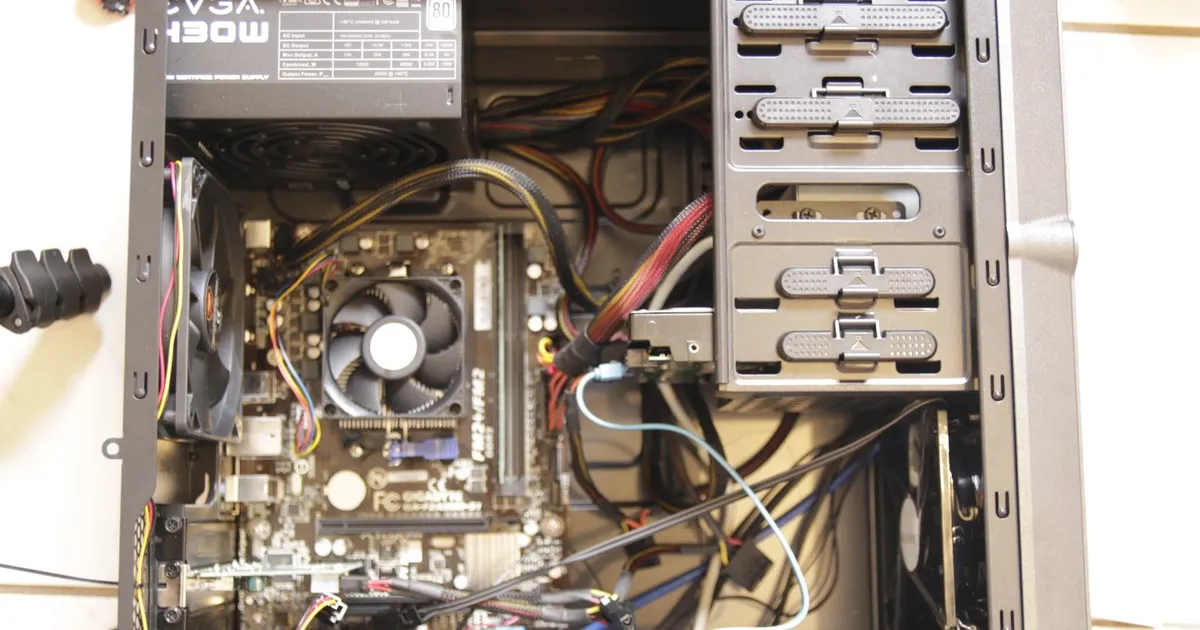
Photo by Ariosvaldo Gonzáfoles / Wikimedia Commons / CC BY 2.0
Affiliate links.As an Amazon Associate I earn from qualifying purchases. Links below go to Amazon; prices and availability change, so check Amazon for current pricing.Affiliate disclosure
At checkout, especially on big Black Friday purchases, you’ll often be offered a protection plan or extended warranty. Sometimes it’s useful; often it overlaps with the manufacturer’s warranty you already get. This guide explains how to decide, based on how these plans generally work rather than any specific plan’s terms.
Quick answer
| Item | Protection plan worth considering? | Why |
|---|---|---|
| Gaming laptop | Often | Accidental damage, battery and screen issues are common and costly |
| OLED monitor | Sometimes | If the manufacturer doesn’t cover burn-in |
| Graphics card | Rarely | Usually covered by a 2–3 year manufacturer warranty |
| CPU, RAM, SSD | Rarely | Long manufacturer warranties; low failure rates |
| Keyboard, mouse, headset | Rarely | Low cost to replace |
Manufacturer warranty vs protection plan
- Manufacturer warranty: included free, covers defects for a set period. Length varies by brand and product: often 1–3 years for GPUs and monitors, longer for RAM and some SSDs.
- Retailer protection plan: an add-on you pay for, often provided by a third-party insurer. It may extend coverage beyond the manufacturer warranty and sometimes adds accidental damage.
If the plan only covers defects during the manufacturer warranty period, it adds little.
Questions to ask before buying a plan
- What’s covered? Defects only, or also accidental damage (drops, spills)?
- When does it start? From purchase, or after the manufacturer warranty ends?
- How long is it?
- How do claims work? Repair, replacement or refund? Who pays shipping? How long does it take?
- Deductibles or limits? Some plans charge a fee per claim or limit the number of claims.
- Can you cancel? And is it refundable?
- What’s excluded? Burn-in, batteries, cosmetic damage, overclocking.
Where plans can make sense
Gaming laptops
Laptops combine a screen, keyboard, battery and hinges in one portable device, and accidental damage is common. A plan with accidental damage coverage can be worth it, especially for students. Compare it with your home or renter’s insurance. Example: a ASUS TUF Gaming A16 is a frequent Black Friday buy; read its manufacturer warranty first.
OLED monitors
If the manufacturer warranty doesn’t cover burn-in, a plan that does can be worth it. Many OLED monitors now include burn-in coverage, so check first. See OLED monitor deals: what to check. Example: Alienware AW2725DF.
Where plans usually aren’t worth it
- GPUs, CPUs, RAM and SSDs: failure rates are low and manufacturer warranties are long.
- Peripherals: the plan often costs a large share of the item’s price.
- When your credit card extends warranties: some cards add extra warranty time to purchases. Check your card’s benefits.
Other ways to protect a purchase
- Register products with the manufacturer.
- Keep receipts and serial numbers.
- Test promptly within the return window.
- Buy from authorized sellers so warranties apply. See buying PC parts on Amazon.
FAQ
Is a protection plan on a graphics card worth it? Usually not, because manufacturer warranties already cover the most likely failures.
Should I get a plan for a gaming laptop? If it includes accidental damage and you carry the laptop around, it can be worth considering.
Bottom line
Read the manufacturer warranty first. Buy a plan only when it adds coverage you need, like accidental damage on a laptop or burn-in on an OLED. More on our Black Friday gaming deals hub.
Our picks: Graphics cards & SSDs
Shop on Amazon
Affiliate links.As an Amazon Associate I earn from qualifying purchases. Links below go to Amazon; prices and availability change, so check Amazon for current pricing.Affiliate disclosure
NVIDIA GeForce RTX 5070 Ti
16GB card that handles high-refresh 1440p and entry 4K.
Check price on Amazon


Illustrative photos: Photo by Timothy Borkowski / Wikimedia Commons / CC BY-SA 3.0; Photo by Dmitry Nosachev / Wikimedia Commons / CC BY-SA 4.0; Photo by Advanced Micro Devices, Inc. (AMD) / Wikimedia Commons / Attribution