Buying a Used Graphics Card: What to Check
How to buy a used GPU safely, what to ask the seller, how to test the card, and the warning signs to avoid.
Main page for graphics cards: Graphics Cards →
How to buy a used GPU safely, what to ask the seller, how to test the card, and the warning signs to avoid.
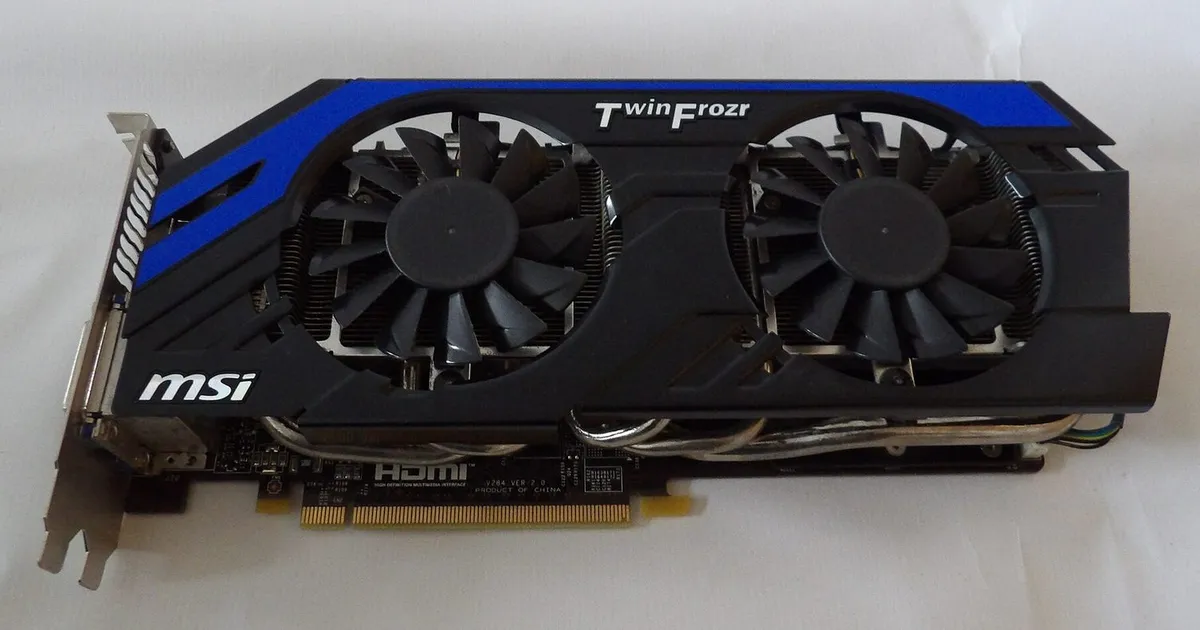
Photo by Robbie Klinkenberg / Wikimedia Commons / CC BY-SA 4.0
Affiliate links.As an Amazon Associate I earn from qualifying purchases. Links below go to Amazon; prices and availability change, so check Amazon for current pricing.Affiliate disclosure
When new graphics cards launch, or when people upgrade around Black Friday, lots of used cards come up for sale. A used GPU can be great value, but there’s more risk than with a new card: no retailer return window, possibly no warranty, and an unknown history. This guide explains how to reduce that risk. It compares by design and general practice, not lab testing.
Quick answer
| Check | Why |
|---|---|
| New price of a comparable card | A used card should be clearly cheaper |
| Exact model and VRAM | Same name, different memory or versions |
| Seller history and photos | Avoid scams and damaged cards |
| Warranty transfer | Some brands allow it, many don’t |
| Test before paying, or buy with protection | Your only real safeguard |
Step 1: compare with new
Black Friday often brings new mid-range cards down far enough that a used card isn’t much cheaper. Before buying used, check the new price of an equivalent card, like an RTX 5060 Ti 16GB or Radeon RX 9060 XT 16GB. A new card comes with a full warranty and a return window. More in how to spot a real GPU discount.
Step 2: check the exact model
- VRAM version: for example 8GB vs 16GB versions of the same card.
- Brand and model: cooler designs differ in noise and temperature.
- Length and power connectors: make sure it fits your case and power supply.
Step 3: ask the seller
- How old is the card, and where was it bought?
- Do you have the original receipt? (Useful for warranty claims.)
- How was it used: gaming, mining or rendering?
- Has it been repaired, modified or had its cooler removed?
- Why are you selling it?
- Can you show it running a game or benchmark?
Mining cards aren’t automatically bad. Many ran at steady, lower power. But check fans and temperatures carefully.
Step 4: inspect it
- PCB and connector: no burn marks, especially around the power connector.
- Fans: spin freely, no rattling.
- Thermal pads or paste: signs of leaks or a missing warranty sticker can mean the card was opened.
- Bent fins or a sagging card: possible rough handling. A GPU support bracket helps with heavy cards.
Step 5: test it
If you can test before paying, or within a return period:
- Install the latest drivers after a clean uninstall of the old ones.
- Run a demanding game or benchmark for 20–30 minutes.
- Watch temperatures in an overlay. Very high temperatures can mean the thermal paste or pads need replacing.
- Look for artifacts: flickering, colored dots or lines are serious warning signs.
- Listen for loud fan noise or strong coil whine.
Warning signs
- A price far below every other listing.
- The seller won’t show the card working.
- Payment requested by gift card or methods without buyer protection.
- Stock photos only.
- “Works, just needs drivers” or “untested.”
Warranty
Some GPU brands transfer warranty to a second owner with the receipt; many tie it to the original buyer. Check the brand’s policy before relying on it.
Safer alternatives
- Amazon Renewed and manufacturer-refurbished cards include a guarantee.
- Previous-generation new cards on clearance are another middle ground.
FAQ
Is it safe to buy a used graphics card? It can be, if you test it, buy with buyer protection and compare against new prices.
How long do graphics cards last? Many run for years. Fans and thermal paste are the parts that most often need attention.
Bottom line
Compare with new prices first, check the exact model, ask questions, and test the card before the money is final. If the saving is small, buy new with a warranty. More GPU advice in our RTX 50-series deals checklist.
Our picks: Graphics cards
Shop on Amazon
Affiliate links.As an Amazon Associate I earn from qualifying purchases. Links below go to Amazon; prices and availability change, so check Amazon for current pricing.Affiliate disclosure
NVIDIA GeForce RTX 5070 Ti
16GB card that handles high-refresh 1440p and entry 4K.
Check price on AmazonNVIDIA GeForce RTX 5060 Ti 16GB
Budget-friendly 1080p/1440p pick; get the 16GB version.
Check price on Amazon


Illustrative photos: Photo by Timothy Borkowski / Wikimedia Commons / CC BY-SA 3.0; Photo by Advanced Micro Devices, Inc. (AMD) / Wikimedia Commons / Attribution