AI-Tracking and 4K Webcams: Insta360 Link 2, OBSBOT Tiny 2 and Elgato Facecam Pro
What higher-end webcams add over standard 1080p models, how AI tracking works, and three webcams for streamers who want more.
What higher-end webcams add over standard 1080p models, how AI tracking works, and three webcams for streamers who want more.
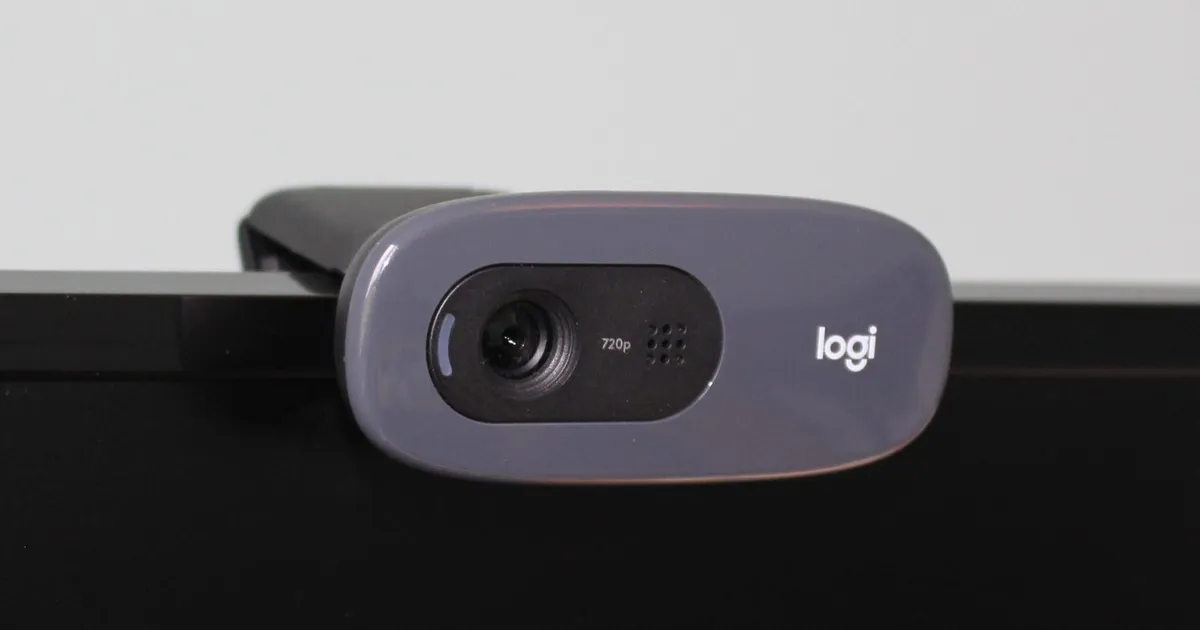
Photo by Peterhcharlton / Wikimedia Commons / CC BY 4.0
Affiliate links.As an Amazon Associate I earn from qualifying purchases. Links below go to Amazon; prices and availability change, so check Amazon for current pricing.Affiliate disclosure
Premium webcams add 4K resolution, larger sensors for better low-light images, and in some cases a motorized gimbal that follows you around the room. They cost several times more than budget webcams, so it’s worth knowing which features you’ll actually use. This guide compares three popular models by design and listed features, not lab testing. We don’t list prices; links go to Amazon’s current listings.
Quick answer
| Webcam | Resolution | Tracking | Best for |
|---|---|---|---|
| Insta360 Link 2 | 4K | AI tracking on a gimbal | Streamers who move around, presenters |
| OBSBOT Tiny 2 | 4K | AI tracking on a gimbal, gesture and voice control | Streamers who want hands-free control |
| Elgato Facecam Pro | 4K60 | None | Seated streamers who want a sharp, fixed shot |
AI tracking: who needs it
AI-tracking webcams sit on a small motorized gimbal that pans and tilts to keep you in frame. Useful when:
- You stand up or move during streams, for example fitness, cooking or demonstrations.
- You switch between desk and whiteboard in tutorials.
- You want automatic framing without adjusting the camera.
If you sit at your desk the whole stream, tracking adds little.
Insta360 Link 2
A 4K webcam on a gimbal with AI tracking, desk view and whiteboard modes.
- What to weigh: the gimbal makes it larger than standard webcams.
OBSBOT Tiny 2
A 4K webcam on a gimbal with AI tracking and gesture and voice controls.
- What to weigh: many features to learn; check the companion software.
Elgato Facecam Pro
A fixed 4K webcam that records at 60 fps, with manual-style controls in Elgato’s software.
- What to weigh: no tracking or gimbal; it’s built for a sharp, steady seated shot.
Do you need 4K?
Most streaming platforms broadcast at 1080p or lower. 4K helps when:
- You crop or zoom the camera image in OBS.
- You record videos for YouTube.
- The larger sensor gives better image quality even at 1080p output.
Lighting still matters
Even premium webcams look better with good lighting. See lighting, webcam and mic setup.
Alternatives
- Budget webcams for seated streams: see budget webcams.
- A phone or mirrorless camera you already own: see using your phone or camera as a webcam.
What to check
- USB bandwidth: 4K webcams need a good USB port; avoid unpowered hubs.
- Software: for tracking, framing and image settings.
- Mounting: gimbal cameras need clearance to move.
- Privacy: a privacy mode or lens cover.
FAQ
Is an AI-tracking webcam worth it for gaming streams? Only if you move around. For seated streams, a fixed webcam is better value.
Does 4K improve my stream? It gives better image quality and cropping flexibility, even if you stream at 1080p.
Bottom line
Choose tracking only if you move during streams; otherwise a fixed 4K camera like the Facecam Pro gives the best seated image. More in how to choose a streaming webcam.
Our picks: Webcams
Shop on Amazon
Affiliate links.As an Amazon Associate I earn from qualifying purchases. Links below go to Amazon; prices and availability change, so check Amazon for current pricing.Affiliate disclosure
Illustrative photos: Photo by WrS.tm.pl / Wikimedia Commons / CC0