Using Your Phone or Camera as a Webcam
How to turn a smartphone or a mirrorless camera into a high-quality webcam, what you need for each, and the common problems to avoid.
How to turn a smartphone or a mirrorless camera into a high-quality webcam, what you need for each, and the common problems to avoid.
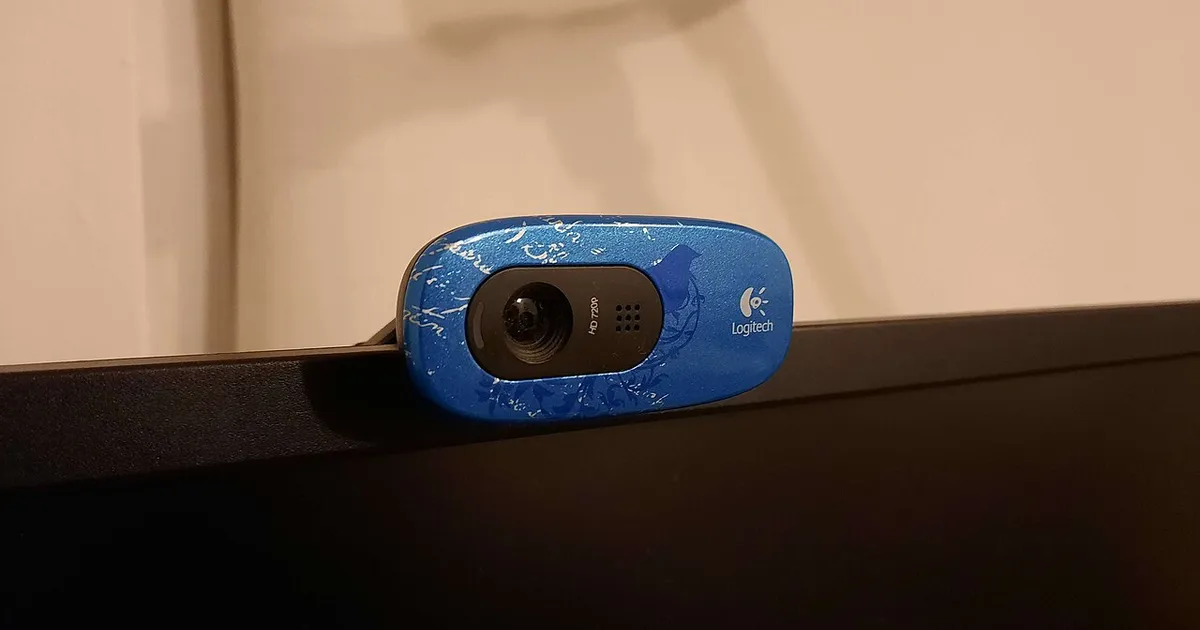
Photo by Peter Placzek / Wikimedia Commons / CC BY-SA 4.0
Affiliate links.As an Amazon Associate I earn from qualifying purchases. Links below go to Amazon; prices and availability change, so check Amazon for current pricing.Affiliate disclosure
Before you buy a webcam, check what you already own. A modern phone has a better camera than most webcams, and a mirrorless or DSLR camera can look far better still. This guide explains how to use either as a webcam for streaming and calls, based on general practice rather than lab testing. Links go to Amazon’s current listings.
Quick answer
| Option | Image quality | Cost if you own the device | Setup |
|---|---|---|---|
| Phone as webcam | Very good | Free or a cheap mount | Easy |
| Mirrorless or DSLR via USB | Good to very good | Free | Easy if supported |
| Mirrorless or DSLR via HDMI + capture | Excellent | Capture device + power | Moderate |
| Budget webcam | Fair | Webcam cost | Easiest |
Using your phone
Built-in options
- iPhone with a Mac: Continuity Camera lets a nearby iPhone act as a webcam.
- Android with Windows 11: recent versions of Windows can use a linked Android phone as a webcam.
- Third-party apps (on both platforms) send the phone’s camera to your PC over USB or Wi-Fi.
Check your phone and computer’s current support, as these features depend on OS versions.
Tips
- Use the rear camera: it’s usually much better than the front one.
- Use USB rather than Wi-Fi for stability and to keep it charged.
- Mount it: a phone mount for monitor or small tripod puts it at eye level.
- Turn on Do Not Disturb so calls and notifications don’t interrupt.
Using a mirrorless or DSLR camera
Via USB
Many camera brands offer free webcam software that streams video over USB. Quality is usually good, though sometimes limited in resolution.
Via HDMI and a capture device
For the best image, connect the camera’s clean HDMI output to a capture device like the Elgato Cam Link 4K.
- Clean HDMI: the camera must output video without on-screen overlays. Check your camera’s specs.
- Power: a camera dummy battery powers it from the wall, so it doesn’t run out mid-stream.
- Overheating: some cameras stop after a time limit or get hot; check reviews for your model.
- Lens: a wide lens at a bright aperture gives a nicely blurred background.
Lighting
Whatever camera you use, good lighting makes the biggest difference. See lighting, webcam and mic setup.
When a dedicated webcam is better
- Convenience: always plugged in and ready.
- No tying up your phone during streams.
- Simplicity: no apps, power or capture devices.
Compare budget webcams and AI-tracking and 4K webcams.
FAQ
Is a phone better than a webcam? Usually in image quality, yes. A webcam is more convenient.
Do I need a capture card for my camera? Only for HDMI connection. Many cameras support USB webcam mode without one.
Bottom line
Try your phone or camera before buying a webcam. A phone mount or a capture device and dummy battery can give you a better image than most webcams. More in how to choose a streaming webcam.
Our picks: Webcams
Shop on Amazon
Affiliate links.As an Amazon Associate I earn from qualifying purchases. Links below go to Amazon; prices and availability change, so check Amazon for current pricing.Affiliate disclosure
Illustrative photos: Photo by WrS.tm.pl / Wikimedia Commons / CC0