Living Room Gaming Setup Ideas: Couch, TV and Console or PC
How to set up comfortable gaming in a shared living room, from controllers and lap desks to audio that doesn't bother the household.
How to set up comfortable gaming in a shared living room, from controllers and lap desks to audio that doesn't bother the household.
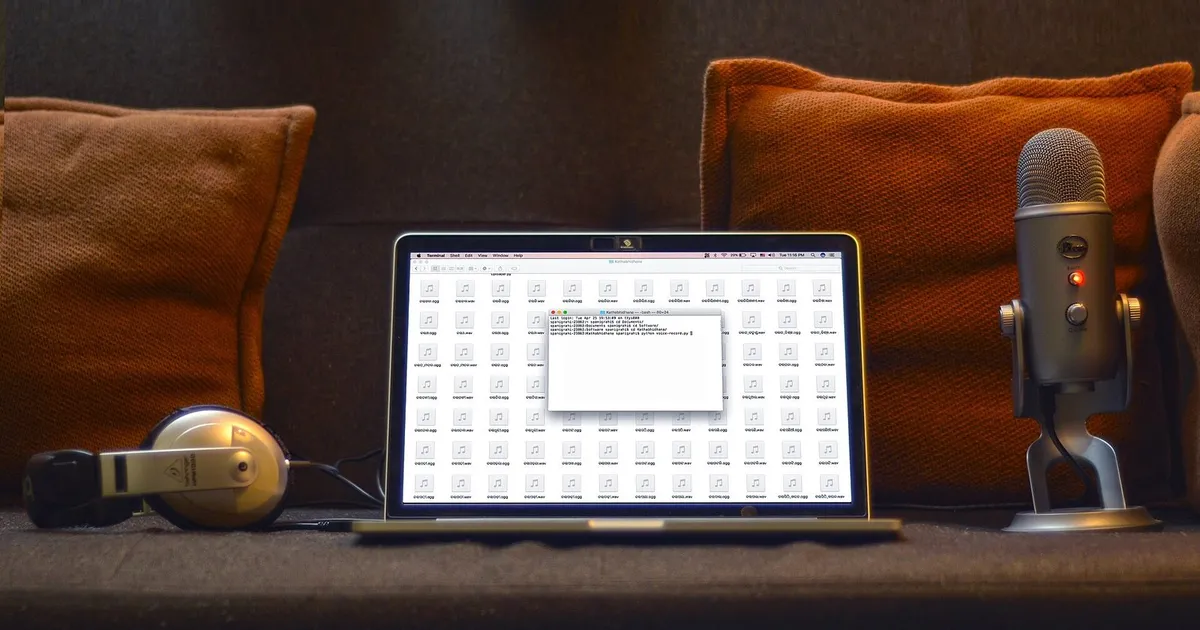
Photo by Subhashish Panigrahi / Wikimedia Commons / CC BY-SA 4.0
Affiliate links.As an Amazon Associate I earn from qualifying purchases. Links below go to Amazon; prices and availability change, so check Amazon for current pricing.Affiliate disclosure
Gaming in the living room means a big TV, a comfortable couch and a setup that has to fit into a shared space. Whether you play on a console or a PC, a few choices make the experience much better. This guide covers ideas and gear, based on general practice rather than lab testing. Links go to Amazon’s current listings.
Quick answer
| Need | Solution |
|---|---|
| 4K at 120Hz on PS5, Xbox or PC | Ultra High Speed HDMI 2.1 cable and a TV with HDMI 2.1 |
| PC games with mouse and keyboard on the couch | Lap desk for keyboard and mouse |
| Late-night audio | A wireless headset like the SteelSeries Arctis Nova 7 Wireless |
| Ambient lighting | LED backlight for TV |
TV settings for gaming
- Game Mode: lowers input lag.
- HDMI 2.1 port: for 4K 120Hz and VRR; often only some ports support it.
- VRR and ALLM: turn on for smoother play and automatic game mode.
- HDR: calibrate with the console’s HDR settings.
Console or PC
- Consoles are the simplest living room option.
- PC: connect directly or stream from another room. See playing PC games on your TV.
- Handhelds docked to the TV are another option. See our handheld comparison.
Audio
- Soundbar or AV receiver for movies and games.
- Wireless headset for late nights; check the platform version. See headset platform versions.
Lap desks
A lap desk with a mouse surface lets you play PC games with keyboard and mouse from the couch. Look for a large mouse area, a wrist rest and a stable base.
Lighting
- TV backlights reduce eye strain in dark rooms and add atmosphere.
- Floor lamps add color without installation. See RGB floor lamps.
Keeping it tidy
- Controller charging stations. See charging stations.
- Cable management behind the TV unit.
- Storage for games and accessories.
Shared spaces
- Wireless headsets let others watch TV or sleep.
- Profiles and parental controls on consoles.
- Compact consoles or PCs fit TV units more easily.
FAQ
What’s the best TV setting for gaming? Game Mode, with VRR and ALLM on if supported.
Can I use a mouse and keyboard on the couch? Yes, with a lap desk designed for it.
Bottom line
Use Game Mode and HDMI 2.1, add a wireless headset and good lighting, and keep controllers charged and cables tidy. More in minimalist gaming setup ideas.
Our picks: Gaming desks & Lighting
Shop on Amazon
Affiliate links.As an Amazon Associate I earn from qualifying purchases. Links below go to Amazon; prices and availability change, so check Amazon for current pricing.Affiliate disclosure



Illustrative photos: Photo by Ssamm T / Wikimedia Commons / CC BY-SA 4.0; Photo by Dmitry G / Wikimedia Commons / CC BY-SA 3.0; Photo by Luke Chesser / Wikimedia Commons / CC0; Photo by Raimond Spekking / Wikimedia Commons / CC BY-SA 4.0