A Minimalist Gaming Setup: Fewer Items, Less Clutter
How to strip a gaming setup down to the essentials, which compact products help, and how to keep cables and accessories out of sight.
How to strip a gaming setup down to the essentials, which compact products help, and how to keep cables and accessories out of sight.
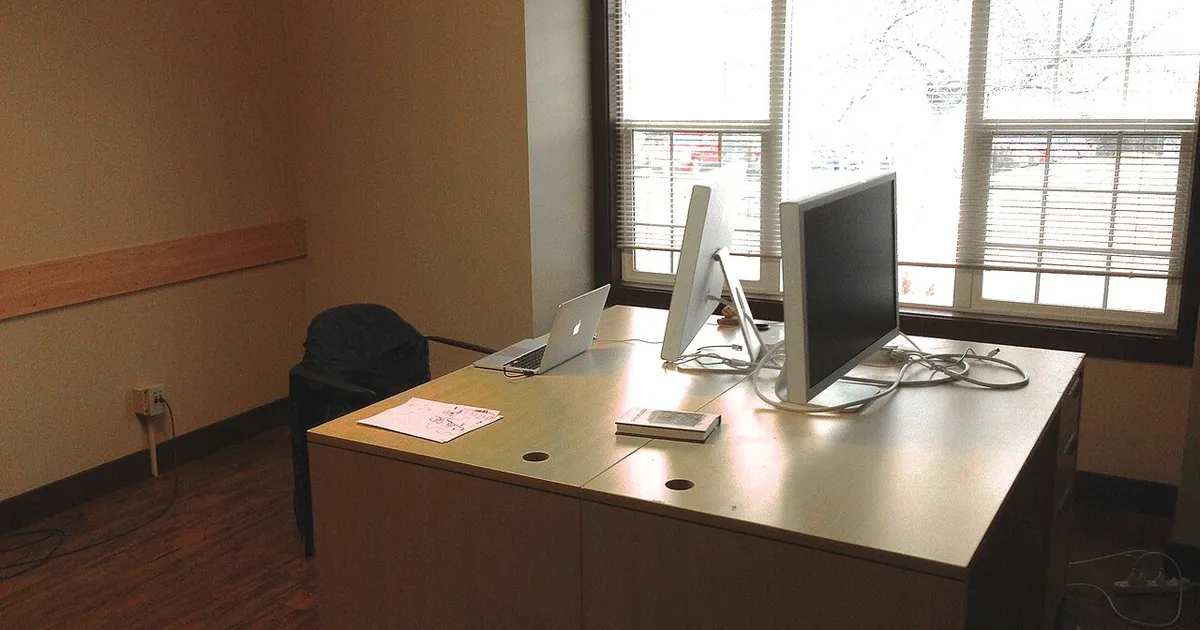
Photo by cogdogblog / Wikimedia Commons / CC BY 2.0
Affiliate links.As an Amazon Associate I earn from qualifying purchases. Links below go to Amazon; prices and availability change, so check Amazon for current pricing.Affiliate disclosure
A minimalist gaming setup keeps only what you use, hides the rest and lets a few good pieces stand out. It’s easier to clean, easier to focus in, and often looks better on camera. This guide covers ideas and gear, based on general practice rather than lab testing. Links go to Amazon’s current listings.
Quick answer
| Idea | Example |
|---|---|
| Compact, wireless keyboard | Keychron K3 |
| Light without a desk lamp | BenQ ScreenBar |
| Hide the cables | Under-desk cable management tray |
| One monitor on an arm | Frees the desk surface |
| Neutral desk mat | One surface for keyboard and mouse |
Principles
- Keep only what you use daily on the desk.
- Hide cables and power under the desk.
- Choose fewer, better items in a consistent color palette.
- Use vertical space for storage, out of sight.
Keyboard and mouse
- Compact keyboards (75% or 65%) take less space. Low-profile boards like the Keychron K3 look especially clean. See low-profile gaming keyboards.
- Wireless mouse and keyboard remove two cables.
Monitor and lighting
- One monitor on an arm frees the space under it. See do you need a monitor arm?
- A monitor light bar replaces a desk lamp. See monitor light bars.
- Subtle lighting: a single color or warm white rather than rainbow effects.
Cables
- Under-desk tray for the power strip.
- Velcro ties and adhesive clips.
- One cable to the wall.
See cable management 101.
Storage
- Under-desk drawer for small items.
- Headset hook under the desk.
- Shelf or riser for a few chosen items. See desk shelves and risers.
Desk and chair
A clean desk surface and a chair that matches your color palette tie the look together. See compact gaming desks.
Audio
A headset instead of speakers, or compact speakers on isolation pads. See desk speaker placement.
FAQ
Can a minimalist setup still be good for gaming? Yes. It’s about removing clutter, not performance.
What’s the first step? Clear the desk, then add back only what you use every day.
Bottom line
Keep only what you use, hide the cables and choose a few good pieces in a consistent style. More ideas in small desk gaming setups.
Our picks: Gaming desks & Lighting
Shop on Amazon
Affiliate links.As an Amazon Associate I earn from qualifying purchases. Links below go to Amazon; prices and availability change, so check Amazon for current pricing.Affiliate disclosure


Illustrative photos: Photo by Ssamm T / Wikimedia Commons / CC BY-SA 4.0; Photo by Dmitry G / Wikimedia Commons / CC BY-SA 3.0; Photo by Luke Chesser / Wikimedia Commons / CC0; Photo by Raimond Spekking / Wikimedia Commons / CC BY-SA 4.0