Valorant Competitive Settings and the Gear That Suits Them
The Valorant video, mouse and audio settings competitive players commonly change, and the monitor, mouse and headset setup that supports them.
Main page for competitive gaming: Esports →
The Valorant video, mouse and audio settings competitive players commonly change, and the monitor, mouse and headset setup that supports them.
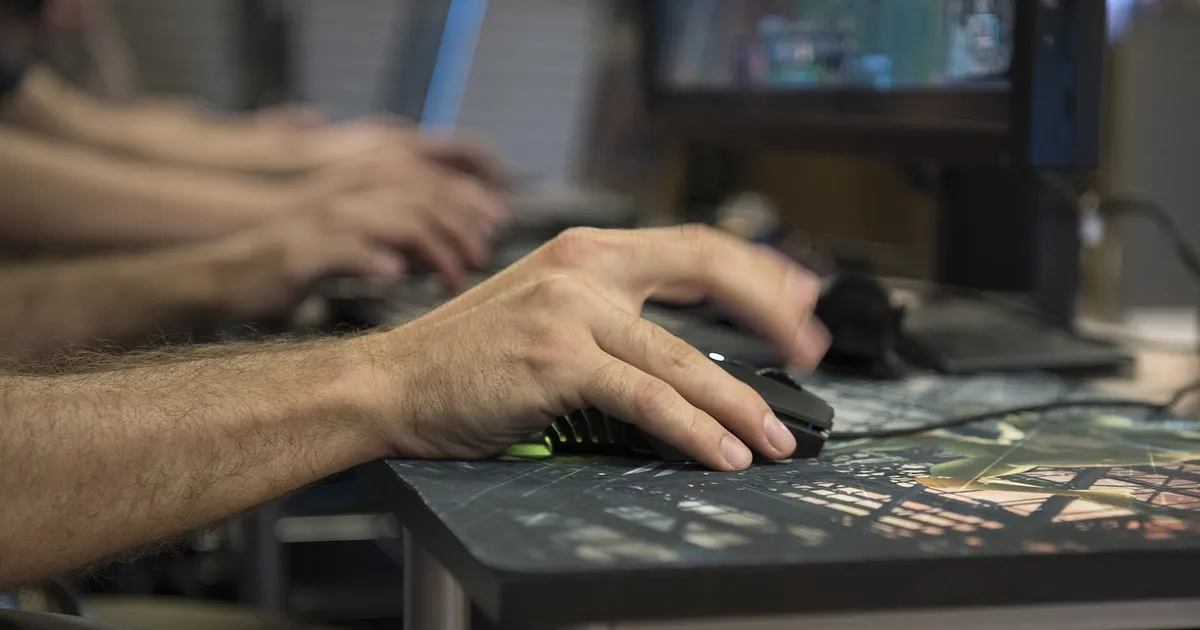
Photo: U.S. Air Force photo by Airman William Tracy / Wikimedia Commons / Public domain
Affiliate links.As an Amazon Associate I earn from qualifying purchases. Links below go to Amazon; prices and availability change, so check Amazon for current pricing.Affiliate disclosure
Valorant is easy to run, so competitive players prioritize clarity and low latency over visuals. This guide covers common competitive settings and gear that suits the game, based on general practice rather than lab testing. Valorant’s menus change with patches, so names may differ. We don’t list prices; links go to Amazon’s current listings.
Quick answer: common settings
| Setting | Common choice |
|---|---|
| Resolution | Native (1080p on 24” monitors is common) |
| Display mode | Fullscreen |
| Graphics quality | Low to medium for clarity and FPS |
| NVIDIA Reflex | On (+ Boost if CPU-limited) |
| Frame rate limit | Off or above your refresh rate |
| Sensitivity | Low to moderate; consistent |
| Enemy highlight color | A color that stands out on maps |
Why low settings
Lower settings raise frame rates and reduce visual clutter. Many pros play at low settings with some clarity options turned on.
Gear that suits Valorant
- Monitor: high refresh, 24-inch. Very high refresh options like the ASUS ROG Swift Pro PG248QP exist for top-level players; 144–240Hz is plenty for most. See 24-inch esports monitors.
- Mouse: light and accurate, like the Razer Viper V3 Pro.
- Keyboard: rapid trigger helps with counter-strafing, e.g. the SteelSeries Apex Pro TKL. See rapid trigger keyboards.
- Headset: clear footsteps and a good mic, like the HyperX Cloud III Wireless.
Audio
- HRTF can help with direction; try it on and off.
- Lower music and voice-over volume to hear footsteps.
PC performance
Valorant is often CPU-limited at high frame rates. See fixing a CPU bottleneck.
Practice
See aim training routines and our Valorant beginner’s guide.
FAQ
What’s a good Valorant sensitivity? Many players use low sensitivity for precision, but consistency matters more than the number.
Do I need a 360Hz monitor for Valorant? No. 144–240Hz is plenty for most players.
Bottom line
Use low settings, Reflex and a consistent sensitivity, and pair them with a high-refresh monitor, light mouse and clear headset. More in tactical shooter esports.
Our picks: Competitive gear
Shop on Amazon
Affiliate links.As an Amazon Associate I earn from qualifying purchases. Links below go to Amazon; prices and availability change, so check Amazon for current pricing.Affiliate disclosure

Illustrative photos: Photo by Jacek Halicki / Wikimedia Commons / CC BY-SA 4.0; Photo by PantheraLeo1359531 / Wikimedia Commons / CC BY 4.0; Photo by Anirban Saha / Wikimedia Commons / CC BY-SA 4.0; Photo by Zephyris at English Wikipedia / Wikimedia Commons / CC BY-SA 3.0