Optimizing Your Network for Online Gaming
How to reduce lag and packet loss in online games, from wired connections and router placement to mesh Wi-Fi and powerline adapters.
How to reduce lag and packet loss in online games, from wired connections and router placement to mesh Wi-Fi and powerline adapters.
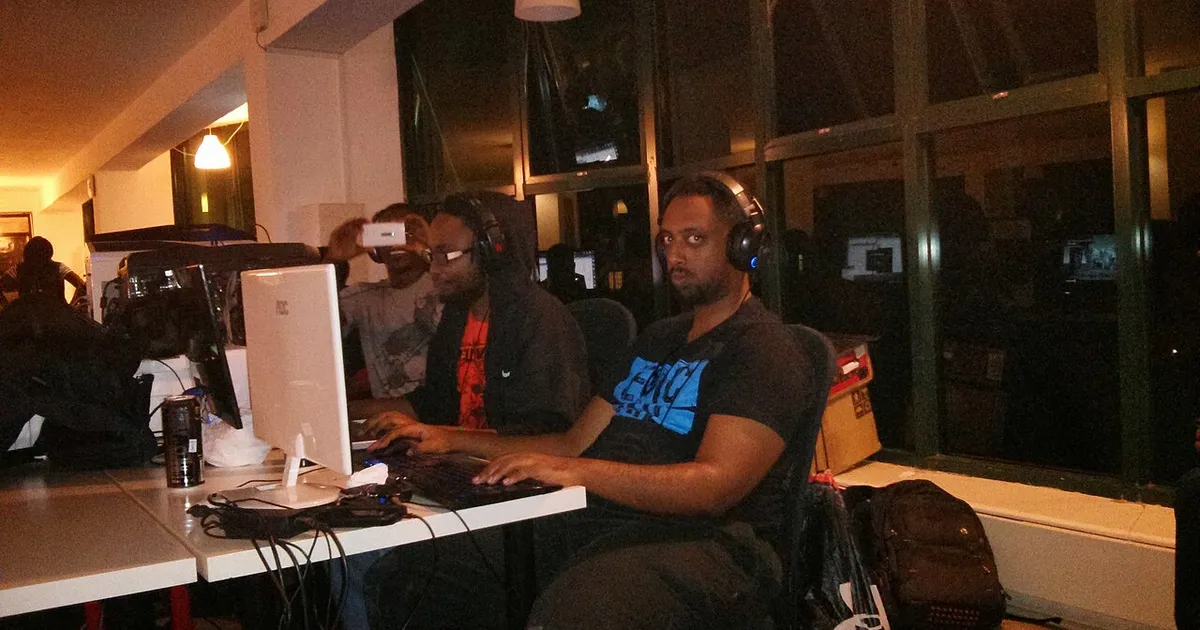
Photo by Hilary Murugu / Wikimedia Commons / CC BY-SA 4.0
Affiliate links.As an Amazon Associate I earn from qualifying purchases. Links below go to Amazon; prices and availability change, so check Amazon for current pricing.Affiliate disclosure
Lag spikes, rubber-banding and disconnects are usually caused by your home network rather than your internet plan’s speed. The biggest improvements come from a stable, low-latency connection. This guide explains what helps, based on general practice rather than lab testing. Links go to Amazon’s current listings.
Quick answer
| Fix | Effect |
|---|---|
| Wired Ethernet (Cat 6 cable) | Biggest improvement in stability |
| Powerline adapters | Wired-like connection without long cables (results vary) |
| Mesh Wi-Fi | Better coverage in larger homes |
| 5GHz or 6GHz Wi-Fi | Less interference than 2.4GHz |
| Pause big downloads | Prevents lag spikes |
Speed vs latency
- Download speed matters for downloads and streaming video.
- Latency (ping) and stability (jitter, packet loss) matter for online games.
A fast plan won’t help if Wi-Fi drops packets.
Use Ethernet
A wired connection is the most consistent. A Cat 6 cable handles any home connection speed.
No cable? Options
- Powerline adapters send network signals through your home’s electrical wiring. Performance depends on your wiring; test before relying on them.
- Mesh Wi-Fi places nodes around the home for better coverage. A wired backhaul between nodes helps most.
- MoCA adapters use coaxial TV cables, if your home has them.
Improve Wi-Fi
- Use 5GHz or 6GHz bands for gaming devices.
- Place the router centrally and in the open.
- Reduce interference: avoid placing it behind TVs or metal.
- Update router firmware.
Manage traffic
- Pause downloads and updates while gaming.
- QoS or gaming modes on some routers prioritize gaming traffic.
- Large uploads (cloud backups, streaming) can cause lag too.
Diagnose problems
- In-game network stats show ping and packet loss.
- Test wired vs wireless to see whether Wi-Fi is the issue.
- Restart the router if problems appear suddenly.
Streaming and cloud gaming
Stable connections matter even more for cloud gaming and Remote Play. See cloud gaming services compared.
FAQ
Does Ethernet reduce ping? It usually reduces jitter and packet loss, which feel like lag, even if average ping changes little.
Are powerline adapters good for gaming? They can be, depending on your home’s wiring.
Bottom line
Use Ethernet where possible, improve Wi-Fi where not, and keep big downloads off while gaming. More in how to troubleshoot common PC gaming problems.
Our picks: SSDs & Memory
Shop on Amazon
Affiliate links.As an Amazon Associate I earn from qualifying purchases. Links below go to Amazon; prices and availability change, so check Amazon for current pricing.Affiliate disclosure
G.Skill Trident Z5 Neo RGB DDR5-6000 32GB
EXPO-tuned kit made for Ryzen, with RGB.
Check price on AmazonKingston FURY Beast DDR5 32GB 6000MHz
Low-profile kit that clears big air coolers.
Check price on Amazon
Illustrative photos: Photo by Dmitry Nosachev / Wikimedia Commons / CC BY-SA 4.0; Photo via Wikimedia Commons / CC BY-SA 3.0; Photo by Victorrocha / Wikimedia Commons / CC BY 3.0