Setup Tour Videos: Separating Sponsorships From Real Advice
How to tell sponsored products from genuine picks in setup tours, and how to use tours for ideas without copying gear lists.
Main page for gaming setups: Setup Inspiration →
How to tell sponsored products from genuine picks in setup tours, and how to use tours for ideas without copying gear lists.
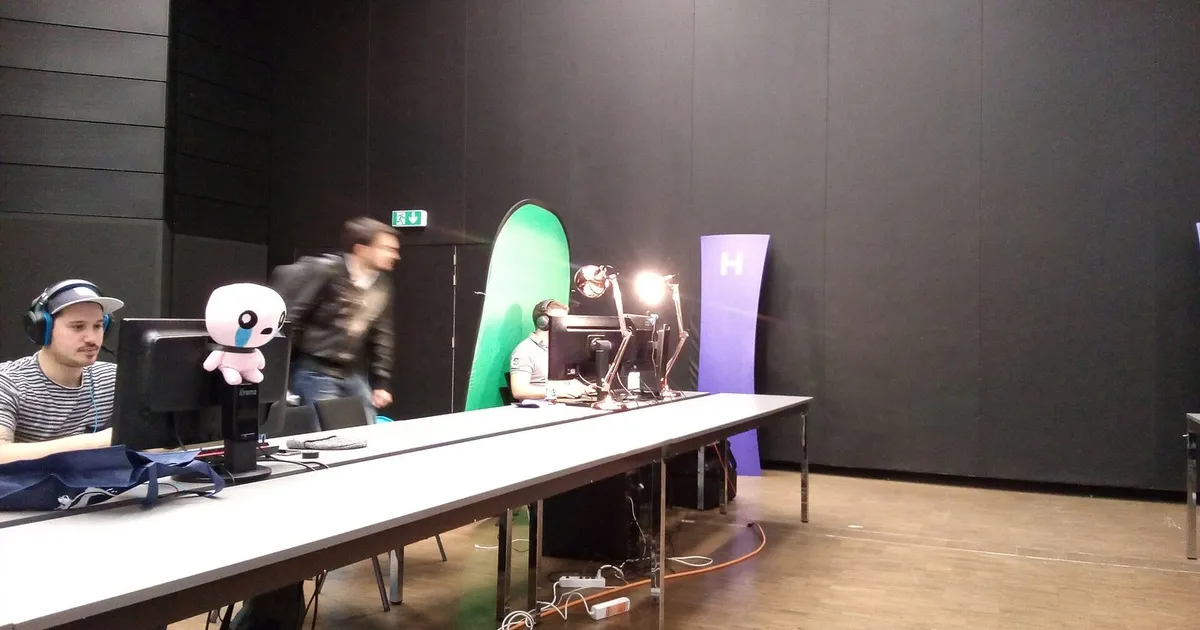
Photo by GastelEtzwane / Wikimedia Commons / CC BY-SA 4.0
Affiliate links.As an Amazon Associate I earn from qualifying purchases. Links below go to Amazon; prices and availability change, so check Amazon for current pricing.Affiliate disclosure
Setup tour videos are fun to watch and full of ideas, but many items in them are sponsored, gifted or provided by brands. That doesn’t make the advice wrong, but it changes how much weight to give it. This guide explains how to separate genuine advice from sponsorship, based on general practice. We don’t list prices; links go to Amazon’s current listings.
Quick answer
| Signal | What it suggests |
|---|---|
| “Sponsored by” or paid promotion label | Brand paid for placement |
| Lots of one brand’s products | Possible partnership |
| Discount codes for featured items | Affiliate or sponsored relationship |
| Specific reasons and drawbacks | More genuine advice |
| Items the creator bought themselves | Stronger endorsement |
| Long-term use mentioned | More reliable |
Disclosure
Creators are generally expected to disclose paid promotions. Look for on-screen labels, spoken mentions and description notes.
Gifted vs paid vs bought
- Paid sponsorship: the brand paid for the feature.
- Gifted product: sent free, may or may not come with expectations.
- Bought: the creator chose and paid for it.
All three can be genuine, but bought items with long-term use are the strongest signal.
Look for reasons
Genuine advice explains why an item fits, like a BenQ ScreenBar Halo reducing glare in a dark room, or a Stream Deck MK.2 speeding up scene changes, and mentions trade-offs.
Aesthetics vs function
Setup tours prioritize looks: hidden cables, matching colors, dramatic lighting. Some choices are for camera, not comfort. Check ergonomics separately. See ergonomics 101.
Cost reality
Tours often feature premium gear. Look for budget alternatives. See minimalist gaming setup ideas.
Use tours for ideas
Tours are great for layout, cable management and lighting ideas. See monitor light bars and cable management 101.
Cross-check
Compare featured products with independent reviews. See evaluating best setup lists.
FAQ
Are setup tours trustworthy? For ideas, yes. For buying decisions, cross-check with independent reviews.
Is sponsored content bad? Not necessarily, if disclosed. Weigh it accordingly.
Bottom line
Enjoy setup tours for ideas, check disclosures, favor items the creator bought and used long-term, and cross-check before buying. More in spotting sponsored gaming chair reviews.
Our picks: Gaming desks & Lighting
Shop on Amazon
Affiliate links.As an Amazon Associate I earn from qualifying purchases. Links below go to Amazon; prices and availability change, so check Amazon for current pricing.Affiliate disclosure
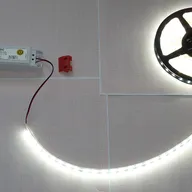


Illustrative photos: Photo by Ssamm T / Wikimedia Commons / CC BY-SA 4.0; Photo by Dmitry G / Wikimedia Commons / CC BY-SA 3.0; Photo by Luke Chesser / Wikimedia Commons / CC0; Photo by Raimond Spekking / Wikimedia Commons / CC BY-SA 4.0