How to Read Prebuilt Gaming PC Reviews
What prebuilt PC reviews should test, from part quality and thermals to bloatware and upgradeability.
Main page for gaming setups: Setup Inspiration →
What prebuilt PC reviews should test, from part quality and thermals to bloatware and upgradeability.
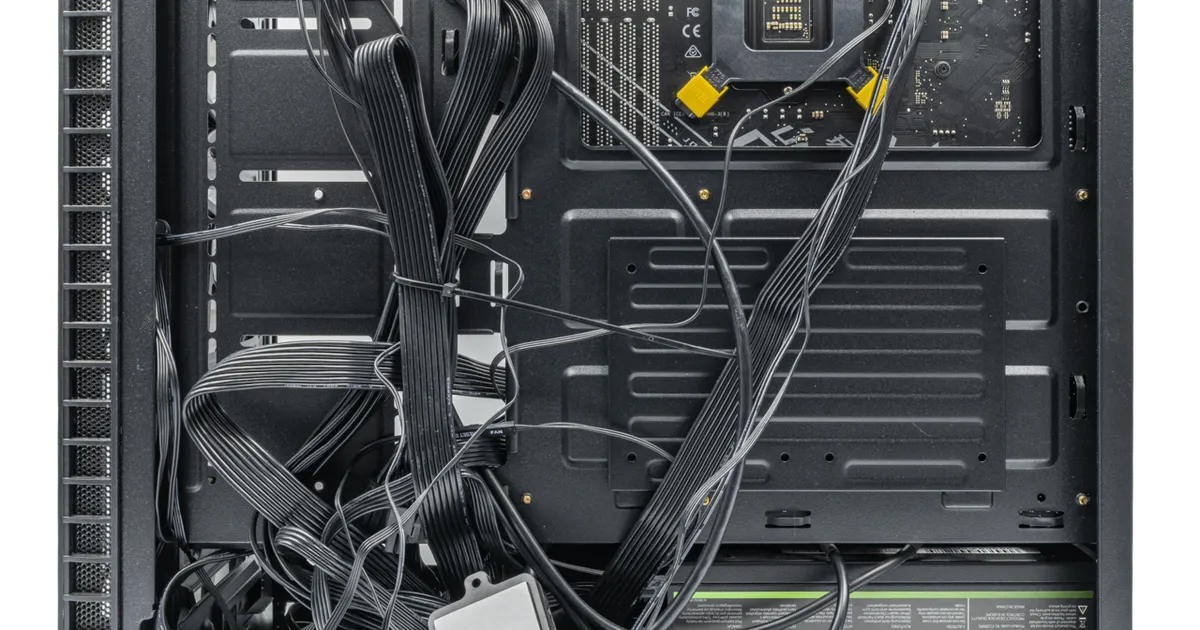
Photo by PantheraLeo1359531 / Wikimedia Commons / CC BY 4.0
Affiliate links.As an Amazon Associate I earn from qualifying purchases. Links below go to Amazon; prices and availability change, so check Amazon for current pricing.Affiliate disclosure
Prebuilt gaming PC reviews often test one specific configuration, while the same model is sold in many. Knowing what to check helps you apply a review to the version you’re buying. This guide explains how, based on general reviewing practice. We don’t list prices; links go to Amazon’s current listings.
Quick answer
| Review detail | Why it matters |
|---|---|
| Exact configuration tested | Your version may have different parts |
| Thermals and noise under load | Prebuilts vary a lot here |
| Parts quality (PSU, motherboard, RAM) | Corner cuts aren’t always visible in benchmarks |
| Upgradeability | Standard vs proprietary parts |
| Bloatware and setup | First-boot experience |
| Warranty and support | Long-term value |
Commonly reviewed: Skytech RTX 5070 gaming PCs and Alienware Aurora.
Match the configuration
Check the reviewed CPU, GPU, RAM (amount and number of sticks), storage and PSU against the listing you’re considering. Gaming performance mostly follows the CPU and GPU, but cooling and RAM configuration can change results.
Thermals and noise
Prebuilts sometimes use limited fans or cases with restricted airflow. Reviews that measure temperatures and noise under load are especially useful.
Parts quality
Look for comments on the power supply brand, motherboard quality and RAM configuration. See what to check in a prebuilt spec sheet.
Upgradeability
Proprietary motherboards, power supplies or cases limit future upgrades. See upgrading a prebuilt.
Software
Note any preinstalled software and how easy it is to remove.
Value
Reviews may compare the price with building the same PC. Use current prices. See prebuilt deal spec check.
User reviews
Customer reviews reveal shipping damage, support experiences and long-term reliability, but check whether they refer to the same configuration.
FAQ
Can I trust a review of a different configuration? For build quality, cooling and support, partly. For performance, compare the CPU and GPU.
What’s the biggest red flag? Poor thermals and an unbranded PSU.
Bottom line
Match the reviewed configuration, focus on thermals, parts quality and upgradeability, and use current prices for value. More on our Black Friday gaming deals hub.
Our picks: Gaming desks & Lighting
Shop on Amazon
Affiliate links.As an Amazon Associate I earn from qualifying purchases. Links below go to Amazon; prices and availability change, so check Amazon for current pricing.Affiliate disclosure




Illustrative photos: Photo by Ssamm T / Wikimedia Commons / CC BY-SA 4.0; Photo by Dmitry G / Wikimedia Commons / CC BY-SA 3.0; Photo by Luke Chesser / Wikimedia Commons / CC0; Photo by Raimond Spekking / Wikimedia Commons / CC BY-SA 4.0