Intel Core Ultra 200S vs. 14th Gen Core: Which Intel Platform?
How Intel's Core Ultra 200S chips on LGA 1851 compare with 14th gen Core chips on LGA 1700, and when each makes sense.
Main page for cpus: CPUs →
How Intel's Core Ultra 200S chips on LGA 1851 compare with 14th gen Core chips on LGA 1700, and when each makes sense.
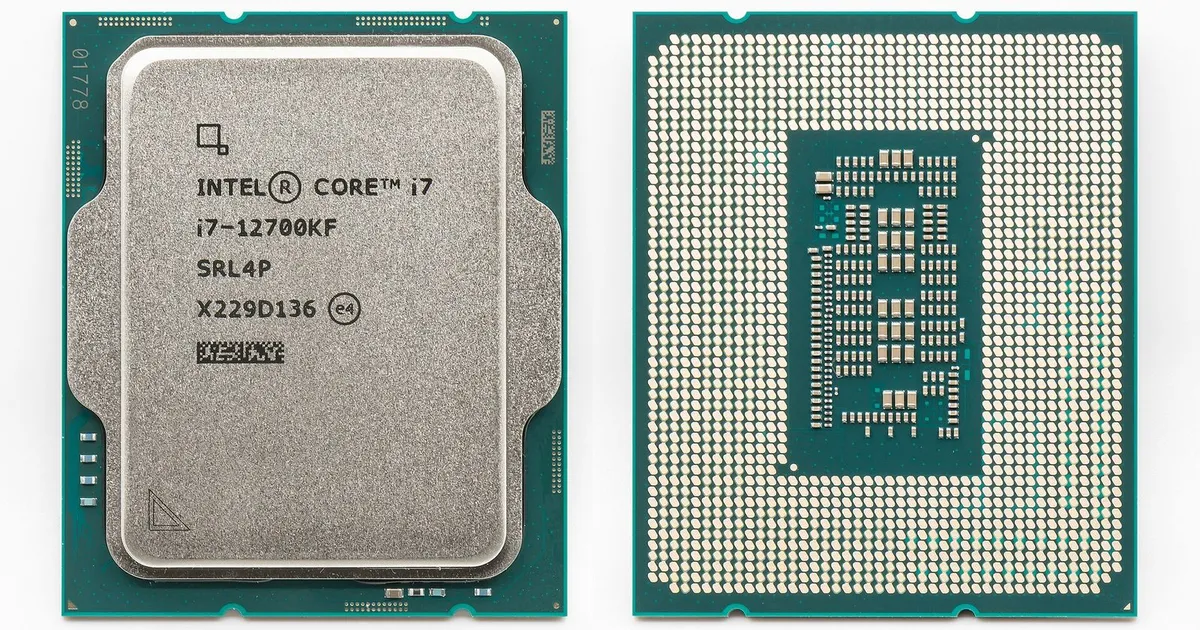
Photo by Jacek Halicki / Wikimedia Commons / CC BY-SA 4.0
Affiliate links.As an Amazon Associate I earn from qualifying purchases. Links below go to Amazon; prices and availability change, so check Amazon for current pricing.Affiliate disclosure
Intel currently sells two desktop platforms: the newer Core Ultra 200S (LGA 1851) and the older 12th to 14th gen Core (LGA 1700). Both are discounted on Black Friday. This guide compares them by design and listed specs, not lab testing. We don’t list prices; links go to Amazon’s current listings.
Quick answer
| Core Ultra 200S (LGA 1851) | 14th gen Core (LGA 1700) | |
|---|---|---|
| Examples | Core Ultra 9 285K, Core Ultra 5 245K | Core i9-14900K, Core i5-14600K |
| Memory | DDR5 only | DDR5 or DDR4 (depending on board) |
| Power and heat | Lower | Higher |
| Gaming | Similar to or below 14th gen in some games | Strong |
| NPU for AI tasks | Yes | No |
| Future CPUs on the socket | Check Intel’s plans | None |
Core Ultra 200S strengths
- Efficiency: lower power and heat.
- Modern platform features on Z890 and B860 boards.
- Strong multi-threaded performance.
14th gen strengths
- Strong gaming performance, often at discounted prices.
- DDR4 support on some boards, so you can reuse memory.
- Mature platform.
14th gen stability
Intel released microcode updates to address instability on some 13th and 14th gen chips. If you buy 14th gen, update the motherboard BIOS to the latest version.
Which to choose
- Upgrading an existing LGA 1700 PC: a 14th gen chip is a simple drop-in. See upgrading an LGA 1700 Intel PC.
- New build, efficiency-focused: Core Ultra 200S.
- New build, gaming-focused: compare with AMD’s X3D chips. See AMD vs Intel for gaming.
Total platform cost
New Core Ultra builds need a new motherboard and DDR5. Compare the full cost with alternatives. See CPU and motherboard bundle deals.
Cooling
High-end 14th gen chips run hot and need strong cooling. Core Ultra chips are easier to cool. See 240mm and 280mm AIO coolers.
FAQ
Is Core Ultra faster than 14th gen for gaming? Not always; in some games 14th gen is faster. Core Ultra is more efficient.
Can I put a Core Ultra chip in my 14th gen motherboard? No. They use different sockets.
Bottom line
14th gen for upgrading an existing LGA 1700 PC, Core Ultra 200S for an efficient new Intel build, and compare both with AMD before buying. More in our CPU sales guide.
Our picks: Processors
Shop on Amazon
Affiliate links.As an Amazon Associate I earn from qualifying purchases. Links below go to Amazon; prices and availability change, so check Amazon for current pricing.Affiliate disclosure
Illustrative photos: Photo by Myself User:ZyMOS / Wikimedia Commons / CC BY-SA 4.0; Photo by Jacek Halicki / Wikimedia Commons / CC BY-SA 4.0; Photo by Ondřej Martin Mach / Wikimedia Commons / CC BY-SA 3.0