240mm and 280mm AIO Liquid Coolers: ARCTIC Liquid Freezer III, Corsair NAUTILUS RS, NZXT Kraken and Lian Li Galahad II
When a 240mm or 280mm all-in-one cooler makes sense, how to mount the radiator correctly, and four models to compare.
When a 240mm or 280mm all-in-one cooler makes sense, how to mount the radiator correctly, and four models to compare.
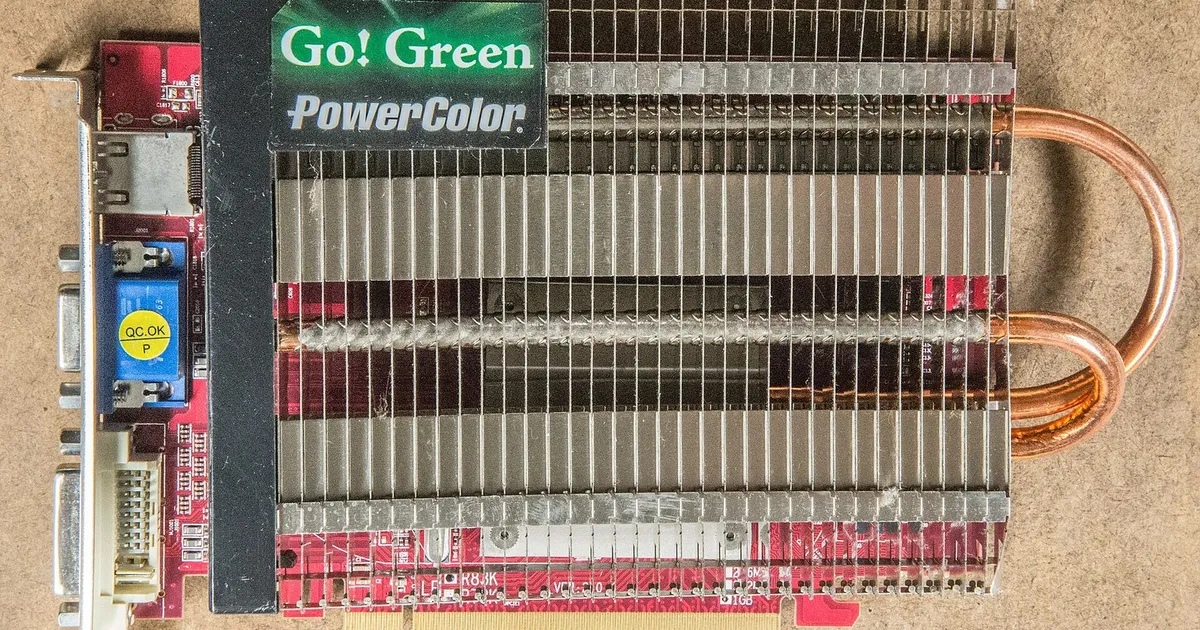
Photo by Hannes Grobe / Wikimedia Commons / CC BY-SA 4.0
Affiliate links.As an Amazon Associate I earn from qualifying purchases. Links below go to Amazon; prices and availability change, so check Amazon for current pricing.Affiliate disclosure
A 240mm or 280mm all-in-one (AIO) liquid cooler keeps most gaming CPUs cool and quiet, and looks clean in a windowed case. AIOs are also common Black Friday deals. This guide compares four popular models by design and listed features, not lab testing. We don’t list prices; links go to Amazon’s current listings.
Quick answer
| Cooler | Radiator | Standout | Best for |
|---|---|---|---|
| ARCTIC Liquid Freezer III 280 | 280mm, thick | Strong cooling for the price, VRM fan | Value and performance |
| Corsair NAUTILUS 240 RS | 240mm | Simple, no software required | A budget, set-and-forget AIO |
| NZXT Kraken 240 | 240mm | LCD screen on the pump | Showcase builds |
| Lian Li Galahad II Trinity 240 | 240mm | Lighting and Lian Li ecosystem | RGB-focused builds |
Do you need an AIO?
Not always. A good dual-tower air cooler matches many 240mm AIOs, costs less and has no pump to fail. Read air cooling vs liquid cooling and budget CPU air coolers.
An AIO makes sense when:
- Your case can’t fit a tall air cooler.
- You want a clean look around the CPU, or space for RAM with tall heatsinks.
- You run a hot CPU and have room for a 280mm or larger radiator.
240mm or 280mm?
- 240mm (two 120mm fans) fits most cases.
- 280mm (two 140mm fans) cools better and quieter, if your case supports it.
Check your case’s radiator support at the top and front, including thickness. The Liquid Freezer III’s radiator is thicker than most.
The coolers
ARCTIC Liquid Freezer III 280: a thick radiator and a small fan that cools the motherboard’s power delivery. Known for strong performance for the price.
Corsair NAUTILUS 240 RS: a straightforward AIO that runs from the motherboard’s fan headers, without needing Corsair’s software.
NZXT Kraken 240: adds an LCD screen on the pump that can show temperatures or images. Uses NZXT CAM software.
Lian Li Galahad II Trinity 240: a lighting-focused AIO that pairs well with other Lian Li fans and controllers.
Installation tips
- Check socket support (AM5, LGA 1851, LGA 1700).
- Mount the radiator at the top or front; keep the pump below the top of the radiator so air collects away from the pump.
- Tubes down at the front are fine if the radiator’s top is above the pump.
- Connect the pump to the AIO_PUMP or CPU_FAN header at full speed.
More in how to install and maintain a CPU cooler.
FAQ
How long do AIOs last? Typically several years. Check the warranty length.
Is an AIO quieter than air? Not necessarily. Pump noise and fan speed matter; a large air cooler can be quieter.
Bottom line
An AIO is worth it for case fit, looks or hot CPUs with room for a larger radiator. The Liquid Freezer III 280 is the value pick. More on our Black Friday PC upgrades guide.
Our picks: CPU coolers
Shop on Amazon
Affiliate links.As an Amazon Associate I earn from qualifying purchases. Links below go to Amazon; prices and availability change, so check Amazon for current pricing.Affiliate disclosure
Thermalright Peerless Assassin 120 SE
Dual-tower air cooler that beats coolers twice its price.
Check price on Amazon
Illustrative photos: Photo by smial (talk) / Wikimedia Commons / FAL; Photo by Blackcat / Wikimedia Commons / CC BY-SA 4.0