Upgrading an Intel 12th to 14th Gen PC: CPU, GPU and Memory Options
How to get more from an LGA 1700 Intel gaming PC, from a CPU upgrade within the platform to GPU and memory upgrades.
Main page for gaming pcs: Gaming PCs →
How to get more from an LGA 1700 Intel gaming PC, from a CPU upgrade within the platform to GPU and memory upgrades.
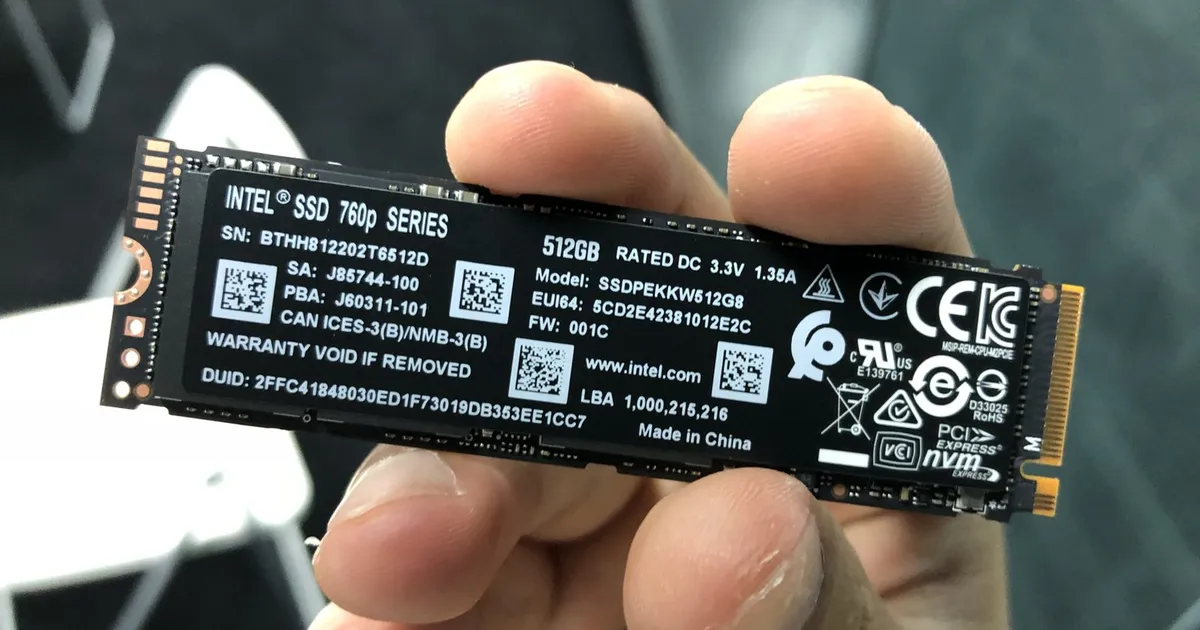
Photo by David290 / Wikimedia Commons / CC BY-SA 4.0
Affiliate links.As an Amazon Associate I earn from qualifying purchases. Links below go to Amazon; prices and availability change, so check Amazon for current pricing.Affiliate disclosure
If you have an Intel 12th, 13th or 14th gen PC (LGA 1700), you can upgrade the CPU, GPU and memory without changing the platform. This guide explains the options, based on listed specs and general practice rather than lab testing. We don’t list prices; links go to Amazon’s current listings.
Quick answer
| Your CPU | Upgrade option |
|---|---|
| Core i3 / i5 12th gen | A 14th gen i5 or i7, like the Core i5-14600K or Core i7-14700K |
| Core i5 13th/14th gen | Often the GPU is the better upgrade |
| Any, with 16GB RAM | 32GB RAM |
| Any, with low FPS at high GPU usage | A GPU upgrade |
Before upgrading the CPU
- Update the BIOS. 12th gen boards need a BIOS update for 13th and 14th gen chips, and the latest BIOS includes Intel’s stability microcode.
- Check the board’s power delivery: budget boards may limit high-end chips like the i7 and i9.
- Check cooling: 14th gen K chips run hot and need a strong cooler.
Is a CPU upgrade worth it?
LGA 1700 has no newer CPUs coming, so 14th gen is the last upgrade. It’s worthwhile if:
- You have a 12th gen i3 or i5 and play CPU-heavy games.
- You want more cores for streaming or editing.
If you already have a 13th or 14th gen i5, a GPU upgrade usually brings bigger gains. See GPU vs CPU upgrade priority.
Memory
LGA 1700 boards support DDR4 or DDR5, depending on the board, not both. Upgrade within the same type, ideally to 32GB in two sticks. See DDR4 RAM for older builds.
GPU upgrade
A GPU upgrade is often the biggest gain. Check your power supply wattage and connectors. See fixing a GPU bottleneck.
When to change platforms
If you need a big CPU jump, compare a new platform: Intel Core Ultra 200S vs 14th gen and AMD vs Intel for gaming.
FAQ
Can I put a 14th gen CPU in a 12th gen motherboard? Usually yes, after a BIOS update. Check your board’s CPU support list.
Do I need a new cooler? For high-end 14th gen K chips, often yes.
Bottom line
Update the BIOS first, upgrade the CPU only if it’s clearly the bottleneck, and otherwise put the money into the GPU and RAM. More in prioritizing PC upgrades on a budget.
Our picks: Graphics cards & SSDs
Shop on Amazon
Affiliate links.As an Amazon Associate I earn from qualifying purchases. Links below go to Amazon; prices and availability change, so check Amazon for current pricing.Affiliate disclosure
NVIDIA GeForce RTX 5070 Ti
16GB card that handles high-refresh 1440p and entry 4K.
Check price on Amazon


Illustrative photos: Photo by Timothy Borkowski / Wikimedia Commons / CC BY-SA 3.0; Photo by Dmitry Nosachev / Wikimedia Commons / CC BY-SA 4.0; Photo by Advanced Micro Devices, Inc. (AMD) / Wikimedia Commons / Attribution