Buying Windows 11 for a New Gaming PC: Retail, OEM and "Cheap Key" Sites
The difference between retail and OEM Windows licenses, why very cheap keys are risky, and how to install Windows on a new build.
The difference between retail and OEM Windows licenses, why very cheap keys are risky, and how to install Windows on a new build.
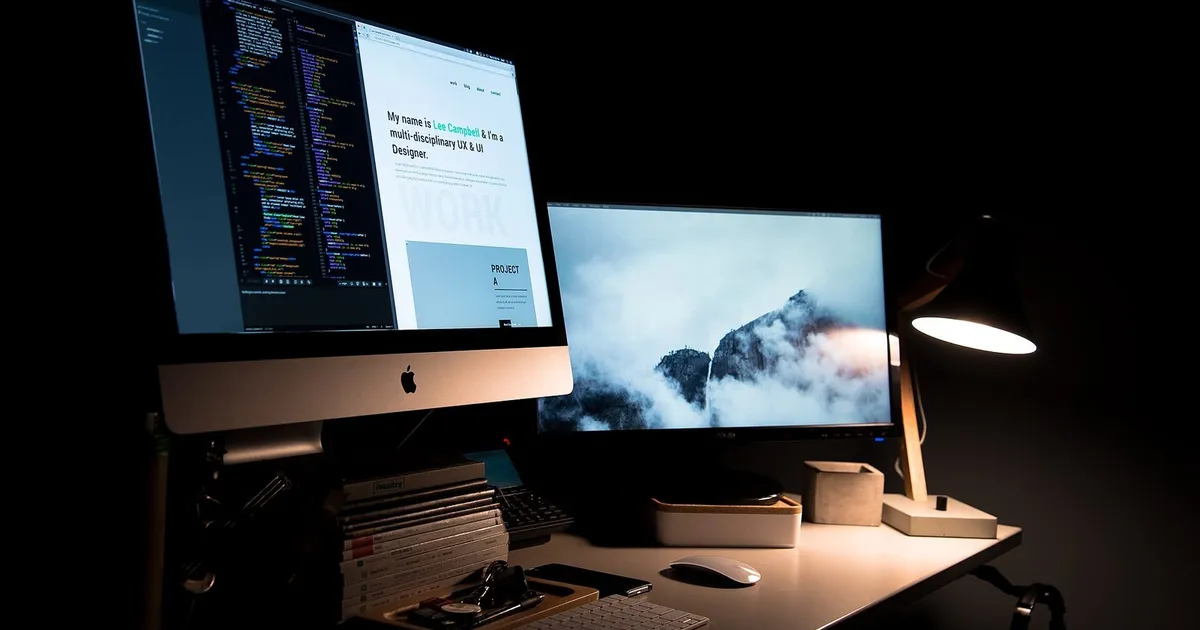
Photo: Lee Campbell leecampbell / Wikimedia Commons / CC0
Affiliate links.As an Amazon Associate I earn from qualifying purchases. Links below go to Amazon; prices and availability change, so check Amazon for current pricing.Affiliate disclosure
If you’re building a gaming PC with Black Friday parts, you’ll need a Windows 11 licence. Prebuilts include one; a custom build doesn’t. Prices range from full retail to suspiciously cheap keys on gray-market sites. This guide explains the licence types and how to install Windows, based on how Microsoft licensing generally works. Check Microsoft’s current terms for details.
Quick answer
| Licence type | Transferable to a new PC? | Where to buy | Risk |
|---|---|---|---|
| Retail | Yes | Microsoft, major retailers | None |
| OEM (system builder) | Generally tied to the first PC | Retailers | Low, but not transferable |
| Pre-installed (prebuilt PC) | Tied to that PC | Comes with the PC | None |
| Very cheap “key” sites | Unclear | Gray-market sites | Keys can be deactivated |
Retail licences
A retail licence, sold as a Windows 11 Home USB or digital download from Microsoft or a major retailer, can generally be moved to a new PC when you rebuild. If you upgrade your PC often, retail is worth it.
OEM licences
OEM (system builder) licences are cheaper and are meant for a PC being built for sale. They’re generally tied to the first PC they’re activated on, specifically its motherboard. Replacing the motherboard can mean buying a new licence.
Home or Pro?
- Home covers everything most gamers need.
- Pro adds features like BitLocker device encryption management, Remote Desktop hosting and Hyper-V. Useful for some, not needed for gaming.
The problem with very cheap keys
Gray-market sites sell keys for a fraction of retail price. Many are volume or OEM keys resold against Microsoft’s terms, or bought with stolen payment details. Risks:
- Deactivation later, sometimes months after purchase.
- No support from Microsoft.
- Supporting fraud in some cases.
If the price looks too good, it probably is.
Installing Windows on a new build
- Create install media: use Microsoft’s Media Creation Tool on another PC to make a bootable USB drive (8GB or larger).
- Boot from the USB on your new PC.
- Enter your key, or choose “I don’t have a product key” to activate later.
- Install chipset and GPU drivers after setup.
- Run Windows Update fully.
Windows 11 needs TPM 2.0 and Secure Boot, which modern motherboards support. They may need enabling in the BIOS (often called fTPM or PTT).
Running without activation
You can install Windows 11 and use it without activating, with a watermark and some personalization settings locked. It’s useful while waiting for a licence, but you should activate for long-term use.
Linking your licence to your Microsoft account
Signing in with a Microsoft account links a digital licence to it, which makes reactivation easier after hardware changes, especially for retail licences.
Budgeting for a build
Include the Windows licence when comparing a custom build with a prebuilt. Prebuilts often include Windows, which narrows the price gap. See our prebuilt spec check and prebuilt vs custom gaming PCs.
FAQ
Can I move my Windows licence to a new PC? Retail licences generally yes; OEM and pre-installed licences generally no.
Do I need Windows 11 Pro for gaming? No. Home covers gaming.
Are cheap Windows keys legal? Many are sold against Microsoft’s terms and can be deactivated. Buy from Microsoft or major retailers.
Bottom line
Buy retail if you rebuild often, OEM for a one-time build, and avoid suspiciously cheap keys. Include the licence in your build budget. More build planning in what to upgrade first.
Our picks: Game credit & memberships & Streaming gear
Shop on Amazon
Affiliate links.As an Amazon Associate I earn from qualifying purchases. Links below go to Amazon; prices and availability change, so check Amazon for current pricing.Affiliate disclosure
Illustrative photos: Photo by Bryan Ochalla / Wikimedia Commons / CC BY-SA 2.0; Photo by Alexis Fam from Madison, United States / Wikimedia Commons / CC BY 2.0; Photo by TaurusEmerald / Wikimedia Commons / CC BY-SA 4.0; Photo by Peter Placzek / Wikimedia Commons / CC BY-SA 4.0