Streaming Starter Bundles vs. Buying Separately
How streaming bundles of mic, camera and lighting compare with choosing each item yourself, and which items are safest to buy in a bundle.
How streaming bundles of mic, camera and lighting compare with choosing each item yourself, and which items are safest to buy in a bundle.
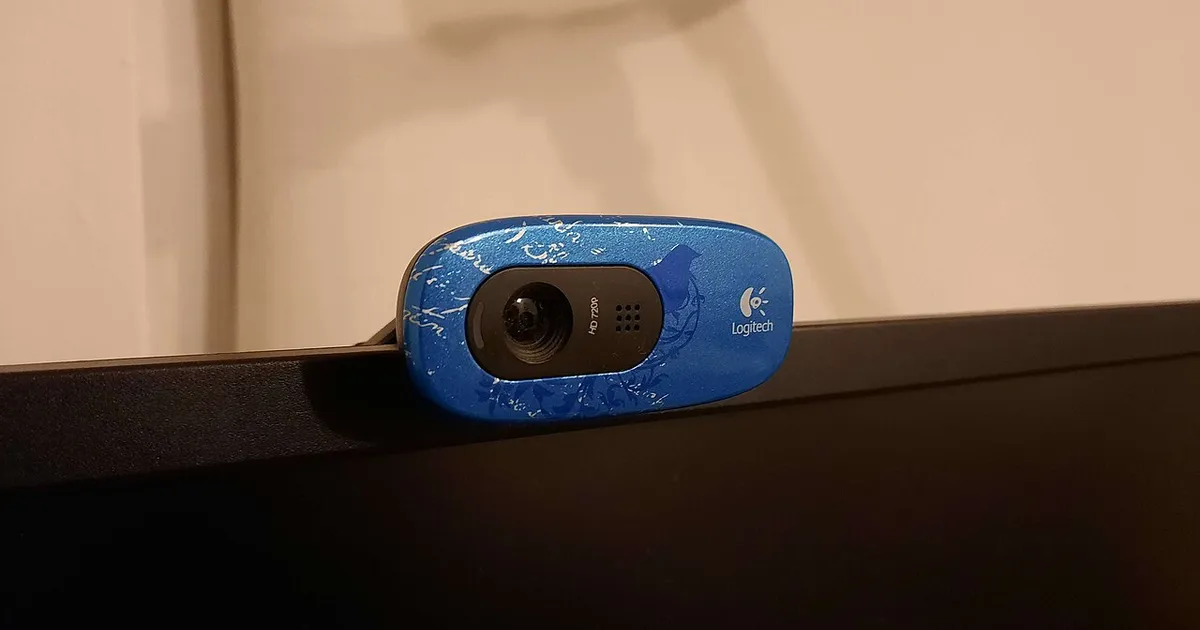
Photo by Peter Placzek / Wikimedia Commons / CC BY-SA 4.0
Affiliate links.As an Amazon Associate I earn from qualifying purchases. Links below go to Amazon; prices and availability change, so check Amazon for current pricing.Affiliate disclosure
Streaming starter bundles combine a mic, webcam, lighting and sometimes a capture card or Stream Deck. They’re convenient, but the value depends on whether each item is one you’d choose anyway. This guide explains how to judge them, comparing by design and listed contents rather than lab testing. We don’t list prices; links go to Amazon’s current listings.
Quick answer
| Item | Bundle-friendly? | Example to compare |
|---|---|---|
| USB microphone | Often, if it’s a known model | HyperX QuadCast S |
| Webcam | Sometimes | Logitech C920 HD Pro |
| Key light | Sometimes | Elgato Key Light |
| Capture card | Only if you stream consoles | Elgato HD60 X |
Priorities for a first stream
- Audio: viewers forgive poor video more than poor audio.
- Lighting: makes any webcam look better.
- Webcam: a basic 1080p webcam is enough at first.
- Extras: Stream Deck, green screen, second monitor.
See lighting, webcam and mic setup.
How to judge a bundle
- Identify each item and look up its reviews.
- Add up separate prices.
- Check the weakest item: a great mic with a poor webcam may still be worth it if you’d keep both.
- Check compatibility: USB ports, PC vs console streaming, OS.
When to buy separately
- You already own a good webcam or mic.
- You stream from a console and need a capture card first. See streaming console games.
- You want a dynamic mic for a noisy room. See budget USB microphones.
Software is free
OBS Studio is free; you don’t need paid software. See free vs paid streaming software.
A sensible starter kit
- A USB mic on a boom arm.
- A key light or LED panel.
- A 1080p webcam.
- OBS.
More in our starter streaming kit guide.
FAQ
Are streaming bundles worth it? When every item is one you’d buy anyway, yes. Otherwise, buy separately.
What should I upgrade first? The microphone, then lighting.
Bottom line
Prioritize audio and lighting, check each bundled item, and buy separately when the bundle includes things you don’t need. More in streaming beginner’s setup checklist.
Our picks: Game credit & memberships
Shop on Amazon
Affiliate links.As an Amazon Associate I earn from qualifying purchases. Links below go to Amazon; prices and availability change, so check Amazon for current pricing.Affiliate disclosure
Illustrative photos: Photo by Bryan Ochalla / Wikimedia Commons / CC BY-SA 2.0