Low-Profile CPU Coolers for Small Builds: Noctua NH-L9a-AM5, NH-L12S, Thermalright AXP90-X47 and ID-COOLING IS-55
Coolers for slim and Mini-ITX cases, how much CPU they can realistically cool, and how to check clearance for height, RAM and the motherboard.
Coolers for slim and Mini-ITX cases, how much CPU they can realistically cool, and how to check clearance for height, RAM and the motherboard.
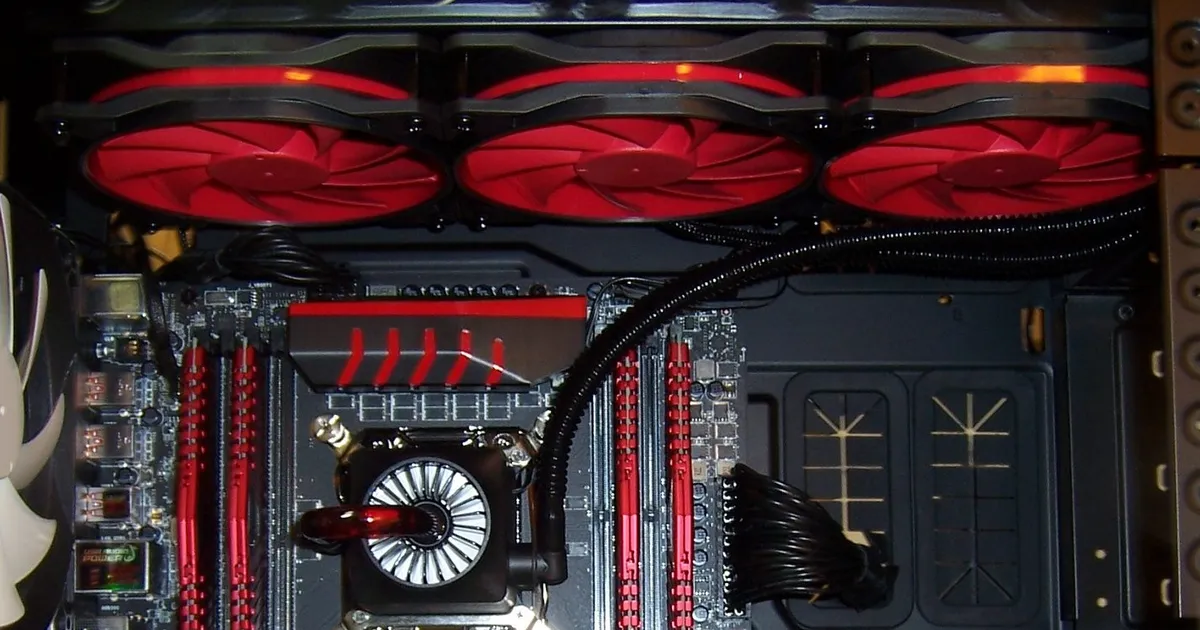
Photo by DrNegative / Wikimedia Commons / CC BY-SA 4.0
Affiliate links.As an Amazon Associate I earn from qualifying purchases. Links below go to Amazon; prices and availability change, so check Amazon for current pricing.Affiliate disclosure
Small form factor cases often limit CPU cooler height, so a standard tower cooler won’t fit. Low-profile coolers are designed for those cases, with trade-offs in cooling capacity. This guide compares four popular options by design and listed specs, not lab testing. We don’t list prices; links go to Amazon’s current listings.
Quick answer
| Cooler | Height class | Best for |
|---|---|---|
| Noctua NH-L9a-AM5 | Very low | Tiny cases, efficient CPUs on AM5 |
| Thermalright AXP90-X47 | Very low | Budget slim builds |
| ID-COOLING IS-55 | Low | More cooling where a little height is available |
| Noctua NH-L12S | Low to medium | Larger SFF cases, hotter CPUs |
Check each cooler’s exact height against your case’s maximum cooler height.
Check your case first
- Maximum CPU cooler height: listed in the case specs.
- RAM clearance: low-profile coolers can overhang RAM slots; tall RGB RAM may not fit.
- Socket support: AM5, LGA 1851 or LGA 1700. Some coolers are socket-specific.
- Fan direction: some SFF cases work best with the cooler fan pulling air in through a side panel.
Match the cooler to the CPU
Low-profile coolers have less heatsink area than towers.
- Efficient CPUs (non-X Ryzen, Ryzen 8000G, Intel non-K) pair well with very low-profile coolers.
- Hot CPUs (high-end X3D, Intel K) may run loud or throttle with the smallest coolers; choose a larger low-profile model or an AIO if the case supports it.
- Power limits: setting a lower power limit or Eco Mode keeps temperatures in check with little gaming performance loss.
The coolers
Noctua NH-L9a-AM5: a very slim cooler designed for AM5, with a quiet Noctua fan.
Thermalright AXP90-X47: a slim, budget-friendly option with copper heatpipes.
ID-COOLING IS-55: a slightly taller low-profile cooler for more cooling capacity.
Noctua NH-L12S: a larger low-profile cooler for SFF cases with more height.
Installation tips
- Install the cooler before the motherboard goes in the case if access is tight.
- Check RAM clearance before tightening.
- Apply thermal paste if the cooler doesn’t have it pre-applied. See how to install a CPU cooler.
Pair with an SFF case
See small form factor cases and mini-ITX AM5 motherboards.
FAQ
Can a low-profile cooler handle a gaming CPU? Yes, for efficient CPUs. For hot CPUs, choose a larger low-profile model or lower the power limit.
Do low-profile coolers fit over RAM? Some overhang the slots; check RAM height clearance.
Bottom line
Measure your case, match the cooler to your CPU’s heat output, and check RAM clearance. More cooler options in budget CPU air coolers.
Our picks: CPU coolers
Shop on Amazon
Affiliate links.As an Amazon Associate I earn from qualifying purchases. Links below go to Amazon; prices and availability change, so check Amazon for current pricing.Affiliate disclosure
Thermalright Peerless Assassin 120 SE
Dual-tower air cooler that beats coolers twice its price.
Check price on Amazon
Illustrative photos: Photo by smial (talk) / Wikimedia Commons / FAL; Photo by Blackcat / Wikimedia Commons / CC BY-SA 4.0