Radiator Fans and Static Pressure: Phanteks T30, ARCTIC P12 Max and be quiet! Silent Wings Pro 4
What static pressure means, why radiators and dense filters need it, and three fans built for pushing air through resistance.
What static pressure means, why radiators and dense filters need it, and three fans built for pushing air through resistance.
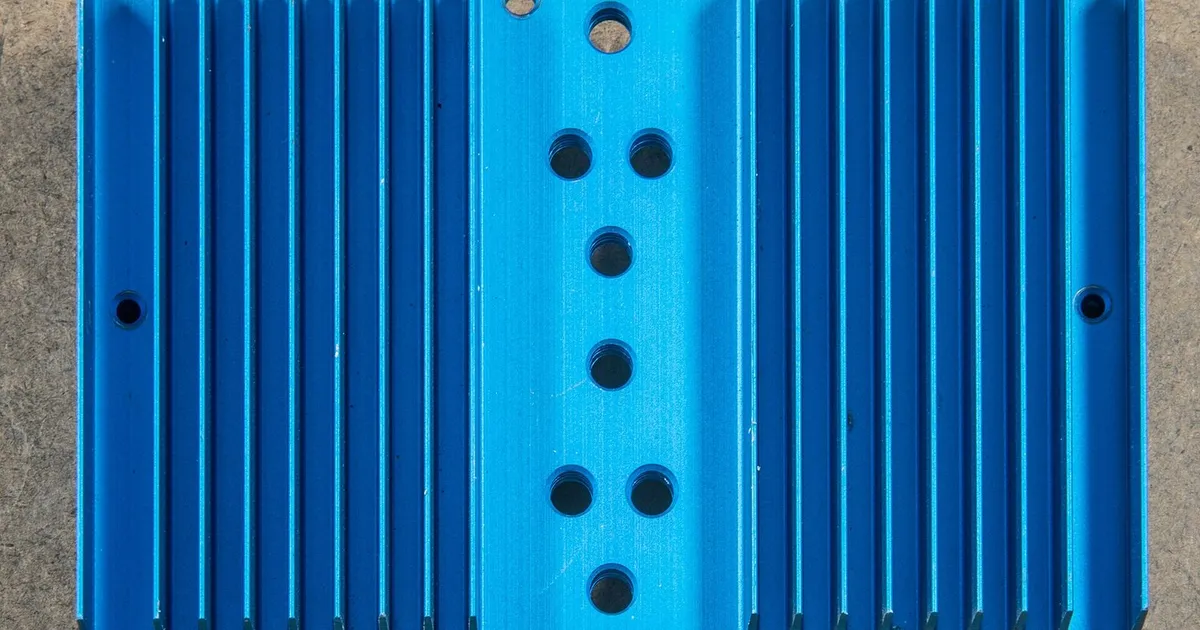
Photo by Hannes Grobe / Wikimedia Commons / CC BY-SA 4.0
Affiliate links.As an Amazon Associate I earn from qualifying purchases. Links below go to Amazon; prices and availability change, so check Amazon for current pricing.Affiliate disclosure
Fans on a radiator or dense heatsink have to push air through tightly packed fins, which takes static pressure rather than just airflow. Choosing the right fans can make an AIO or air cooler run cooler and quieter. This guide compares three popular performance fans by design and listed specs, not lab testing. We don’t list prices; links go to Amazon’s current listings.
Quick answer
| Fan | Size | Standout | Best for |
|---|---|---|---|
| Phanteks T30-120 | 120mm, 30mm thick | Thicker fan for higher pressure at lower noise | Radiators where space allows |
| ARCTIC P12 Max | 120mm | Wide speed range, value | Budget radiator and case fans |
| be quiet! Silent Wings Pro 4 | 120mm or 140mm | Quiet operation, speed switch | Quiet builds |
Static pressure vs airflow
- Airflow is how much air a fan moves with nothing in the way.
- Static pressure is how well it pushes air against resistance, like a radiator or filter.
Radiators, heatsinks and filtered intakes favor fans with good static pressure. Open exhaust spots favor airflow. Many modern fans balance both.
The fans
Phanteks T30-120: a 30mm-thick fan (standard is 25mm) that delivers strong pressure at moderate speeds. Check radiator and case clearance for the extra thickness.
ARCTIC P12 Max: a high-speed version of ARCTIC’s popular P12, with a wide speed range. Strong value.
be quiet! Silent Wings Pro 4: focused on low noise, with a switch to set the speed range.
Push, pull or push-pull
- Push: fans blow air into the radiator. Easiest to clean.
- Pull: fans pull air through the radiator.
- Push-pull: fans on both sides; small gains, more noise sources and cost.
Fan curves
Set radiator fans to follow liquid temperature or CPU temperature with a gentle curve. Sudden spikes in fan speed are more noticeable than a constant moderate speed. See PC fan hubs and controllers.
Do you need to replace stock fans?
AIO stock fans are often fine. Replacing them helps when:
- They’re noisy at the speeds you need.
- You want lower temperatures at the same noise.
- You want a matching look across the build.
What to check
- Size: 120mm or 140mm to match your radiator.
- Thickness: 25mm standard; 30mm needs clearance.
- Connector: 4-pin PWM.
- RGB or not: RGB fans need lighting headers.
More in 240mm and 280mm AIO coolers.
FAQ
Are radiator fans different from case fans? They’re tuned for static pressure, but many modern fans do both well.
Does fan quality affect noise? Yes, especially motor and bearing noise at low speeds.
Bottom line
Use static-pressure-focused fans on radiators and heatsinks, set gentle curves, and check thickness clearance. More on our Black Friday PC upgrades guide.
Our picks: Case fans
Shop on Amazon
Affiliate links.As an Amazon Associate I earn from qualifying purchases. Links below go to Amazon; prices and availability change, so check Amazon for current pricing.Affiliate disclosure
Illustrative photos: Photo by Mkhan4793 / Wikimedia Commons / CC BY-SA 3.0