PC Fan Hubs and Controllers: ARCTIC Case Fan Hub, Corsair Commander Core XT and Noctua NA-FH1
How to connect more fans than your motherboard has headers for, the difference between hubs, splitters and controllers, and power limits to watch.
How to connect more fans than your motherboard has headers for, the difference between hubs, splitters and controllers, and power limits to watch.
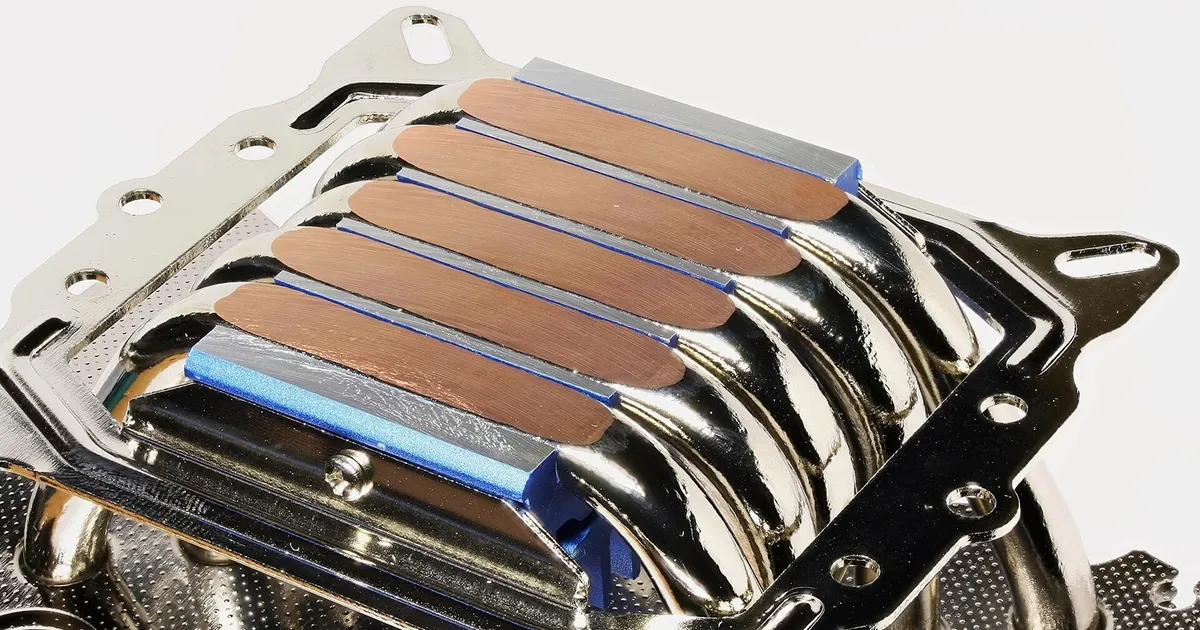
Photo by D-Kuru / Wikimedia Commons / CC BY-SA 3.0 at
Affiliate links.As an Amazon Associate I earn from qualifying purchases. Links below go to Amazon; prices and availability change, so check Amazon for current pricing.Affiliate disclosure
Most motherboards have only a few fan headers, but modern cases can hold six to ten fans. A fan hub or controller lets you connect them all and control their speed together. This guide compares the main options by design and listed features, not lab testing. Links go to Amazon’s current listings.
Quick answer
| Product | Type | Best for |
|---|---|---|
| PWM fan splitter cable | Splitter | Two or three fans on one header |
| ARCTIC Case Fan Hub | Powered PWM hub | Many fans controlled by one header, on a budget |
| Noctua NA-FH1 | Powered PWM hub | Quiet builds with Noctua fans |
| Corsair iCUE Commander Core XT | Software controller with RGB | Corsair fans and lighting control |
Splitters vs hubs vs controllers
- Splitters connect two or three fans to one motherboard header. Simple, but limited by the header’s current.
- Powered hubs draw power from the PSU (SATA) and take the speed signal from one motherboard header. All connected fans run at the same speed.
- Software controllers have their own fan channels and lighting, controlled by an app.
Check header current
Each motherboard fan header has a current limit (often about 1A). Splitting many high-speed fans onto one header can exceed it. A powered hub avoids this.
PWM vs DC fans
- PWM (4-pin) fans adjust speed with a control signal. Best for hubs.
- DC (3-pin) fans adjust speed by voltage. Many hubs only control PWM fans properly.
Setting fan curves
Use the BIOS or your motherboard’s software to set a curve based on CPU or, better, GPU or system temperature. A gentler curve keeps the PC quieter at idle.
Organizing fans
- Group intakes and exhausts on separate headers if you want different curves.
- Radiator fans can follow the CPU or liquid temperature. See radiator fans and static pressure.
- Daisy-chain fans (some brands) reduce cable clutter.
RGB control
If your fans have ARGB lighting, you’ll need ARGB headers or a lighting controller too. Mixing brands’ RGB ecosystems can mean multiple apps; see peripheral software and onboard memory.
Builds that need a hub
Dual-chamber and showcase cases often hold many fans. See dual-chamber showcase cases.
FAQ
Can I plug all my fans into one header? Only with a powered hub, or a splitter for a few low-power fans.
Do I need software for a fan hub? Not for powered PWM hubs; they follow the motherboard header’s curve.
Bottom line
Use a splitter for a couple of fans, a powered PWM hub for many, and a software controller if you want separate channels and RGB. More on our Black Friday PC upgrades guide.
Our picks: Case fans
Shop on Amazon
Affiliate links.As an Amazon Associate I earn from qualifying purchases. Links below go to Amazon; prices and availability change, so check Amazon for current pricing.Affiliate disclosure
Illustrative photos: Photo by Mkhan4793 / Wikimedia Commons / CC BY-SA 3.0